Step 1: Go to any webpage
e.g. https://docs.microsoft.com/en-us/azure/cloud-adoption-framework/strategy/business-outcomes/okr
Step 2: Select Text with images.
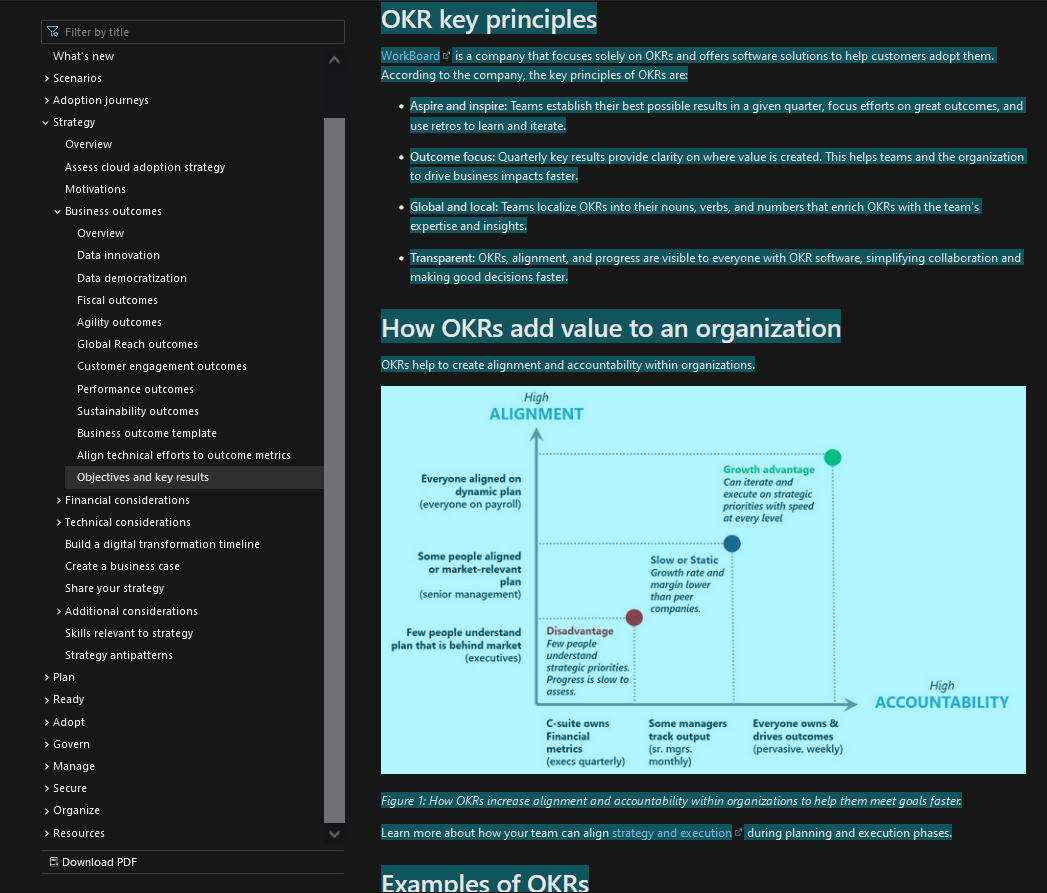
Step 3: Copy the text using either Ctrl+C or Right-Click Menu.
Step 4: Paste into the Confluence Page
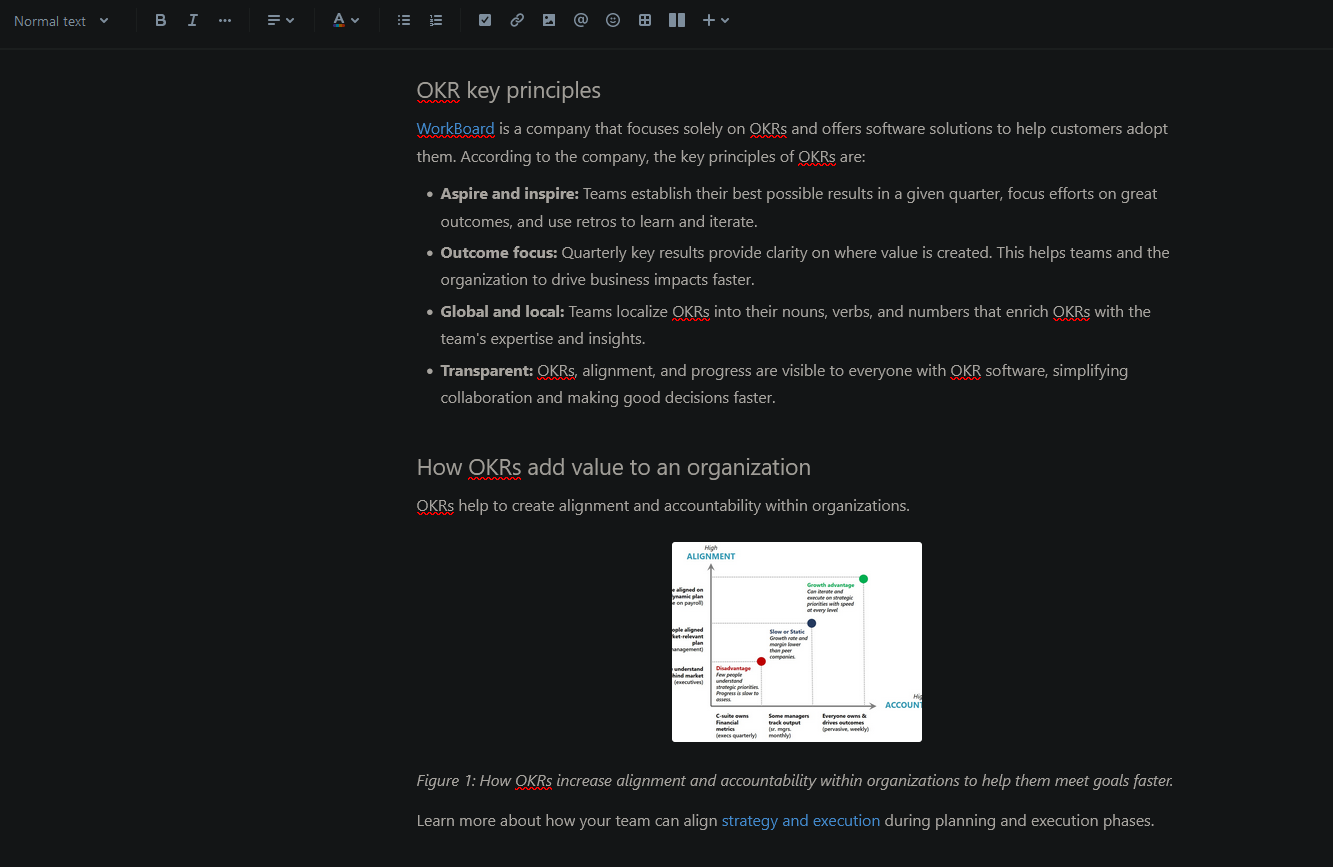
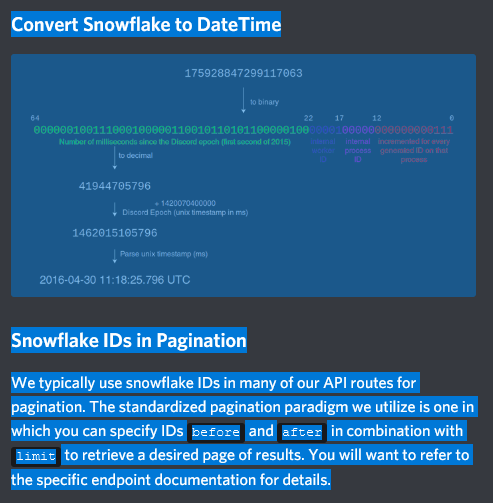
Step 5: Similar for html documentation with images from the Discord documentation website. https://discord.com/developers/docs/reference
The image preview doesn't come up properly.
Observed Outcome: The image is cropped or not previewed properly.
Expected Outcome: The image should retain its full content and not be cropped.
Also observed: Copying the image individually and pasting retains the proper image without any cropping. Works properly if done this way but cumbersome if the page contains many images.
Issue occurs in both Chrome & Firefox Browser with Windows 10
Please Help!


