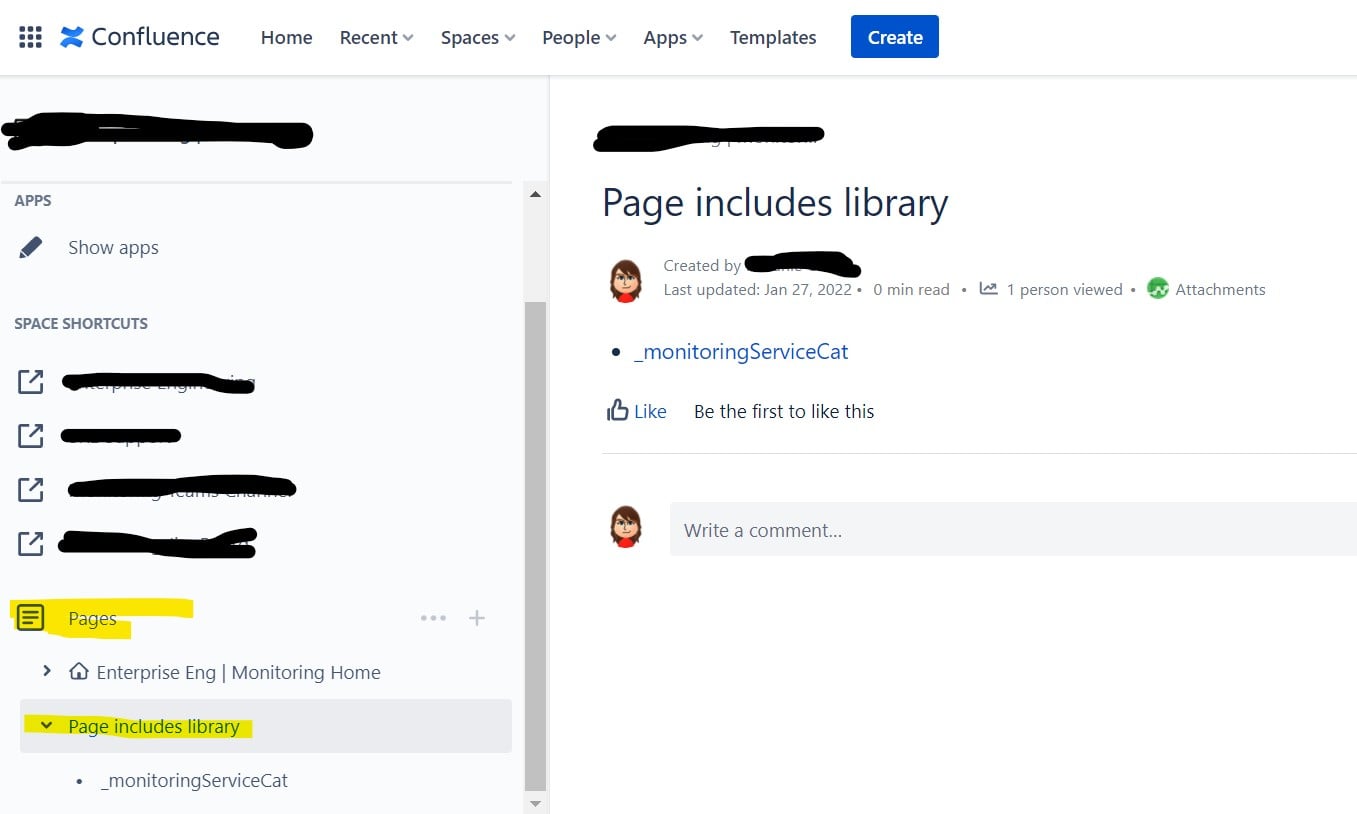
On this page, the docs say under "Hide pages" that you can move a doc to the same level as the Home page in a space to hide it/remove it from the page tree in the left nav bar.
https://support.atlassian.com/confluence-cloud/docs/move-copy-and-hide-pages/
I've done this move and yet the page still shows up in the left navigation.
Help? Hoping this isn't a deprecated/broken feature. I am building out a library of excerpts to be used as includes all over the space and want to stash it out of sight.
---
Edit: the answers just reiterated the instructions. My problem was I was getting different results than the instructions. I figured it out, though.
When you are viewing the hidden page, it *does* appear in the "Pages" left navigation bar. So it appears not to be hidden. Once you navigate away from the hidden page, it no longer shows in the left nav.
See pic of what you see when you are viewing a hidden page at the home level. Page includes library and child page is visible. That was unexpected.