We're a B2B software company, and I'm just beginning to set up our Jira Service Management environment —
Due to the nature of our product and clientele, I want to have two separate service projects, so that we can separate IT-oriented and customer-related issues. I have already created two service projects using the two relevant templates provided, ITSM and Customer Service mgmt (see below).
It was easy to find and customize the Help Center for the service project generated with the Customer Service template. But I can't figure out how to add the portal for my other (ITSM-templated) service project to the same Help Center. So it's currently a help center with only one service project's portal:
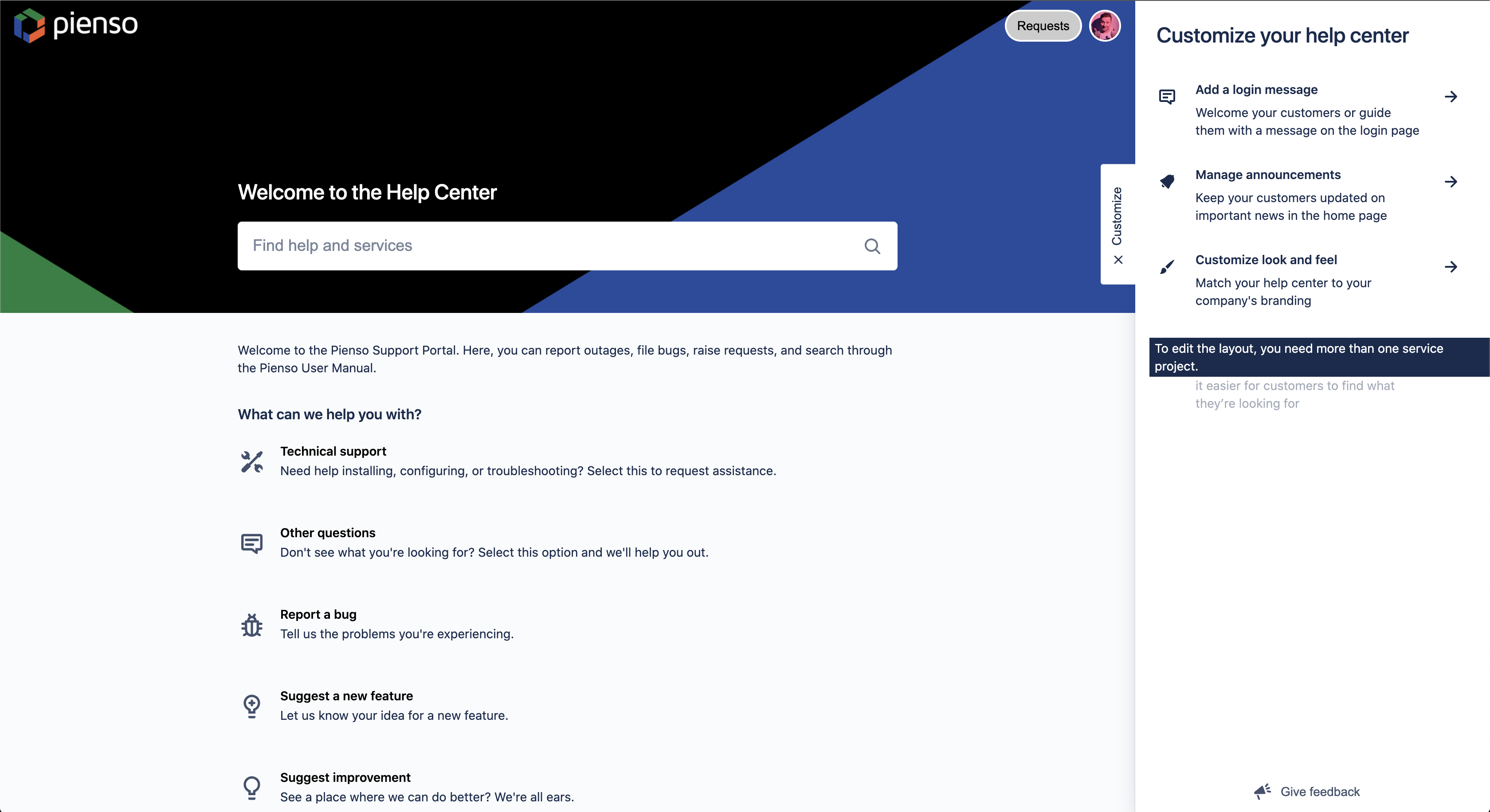
How can I add my other service project's portal so that it is accessible as a separate tile on the same Help Center? There are a number of support articles that indicate this is possible (plus the configuration of the Banc.ly example help center from, screenshotted below), but I can't find any explicit instructions on how to achieve this. 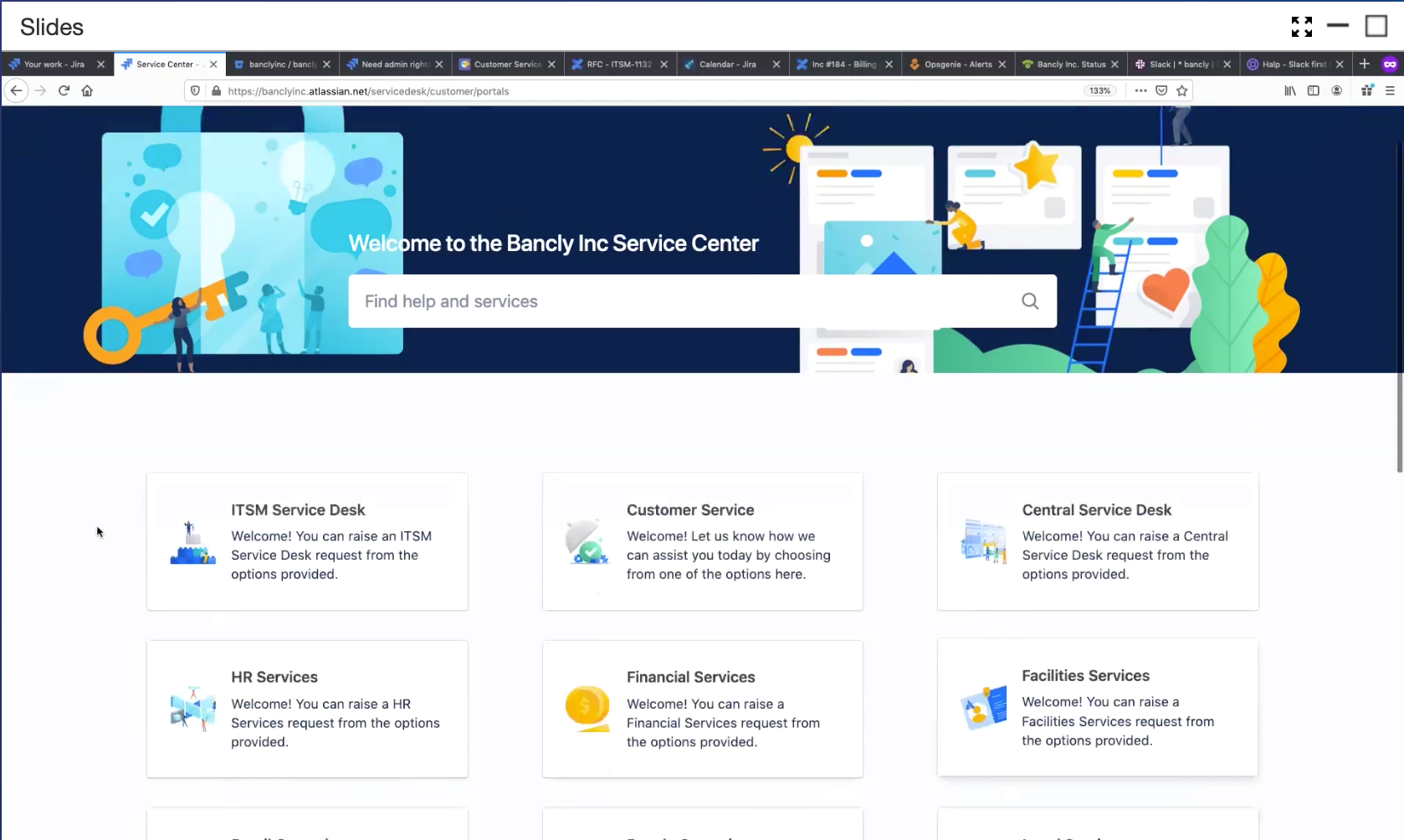
Perhaps I'm missing something fundamental here. As I write this question, I realize that I can't even tell how users are supposed to submit requests to an ITSM-templated service project — since there's no 'Channels' section in its settings, like there is for Customer Service-templated service projects.
Thanks in advance for your help!


