Our team is trying to take advantage of advanced roadmaps and capacity planning using the "Teams" field.
We have 6 teams, all of which operate from a board that has issue sources like:
project = SANDBOX AND "Team[Team]" = 1 ORDER BY Rank ASC
This works to display all of the tickets that were set using the drop down in the issue screen
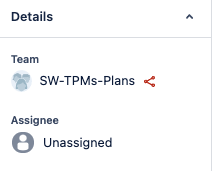
HOWEVER
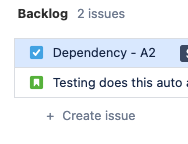
When trying to create a task from the backlog screen or in a sprint using the create issue button the task disappears. I would have expected it to create a new issue with "Team[Team]" = 1 already set so that it shows up on the board because that is the behavior for labels, components, or custom fields ( Confirmed after trial and error)
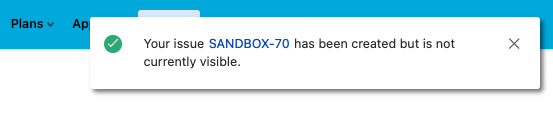
How can I create a new task from my board and have it automatically add the team? We have many teams in one project so I can't just create a rule to automatically add team to all new issues in that project.
