We connected the domain and entered the SPF and DKIM settings as per https://support.atlassian.com/jira-cloud-administration/docs/configure-jira-cloud-to-send-emails-on-behalf-of-your-domain/
The domain in jira has been verified.
Using this tool the email configuration has been setup.
https://domain-check.atlassian.com/
Verify Email Domain Configuration
Success, domain properly set up!
When Jira sends customer notifications from the custom email, they land in the customers spam folder and not their inbox? How do i resolve this?
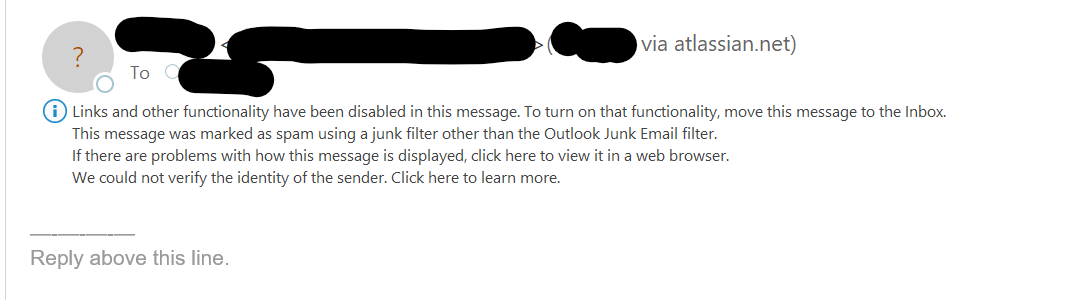
We use office 365.
Update: For clarity. We are the agents, the customers are our customers. The jira notifications being sent to our customers are landing in their spam/junk folder.
This only started to happen to we connected our domain and used our custom support email address for incoming and outgoing email requests.
I believe Jira is not sending emails using our microsoft email servers, but instead using jira mail servers to send outgoing emails to our customers "AS our email address" This is trigging an email spoofing protection mechnicisms in customers inbox as the actual sending being a jira email server does not match the email address it is masking as, being our support email address.
I believe the SPF records and DKIM records were added to preventing the trigging of the anti spam/phising protection but it is not working.


