Hi.
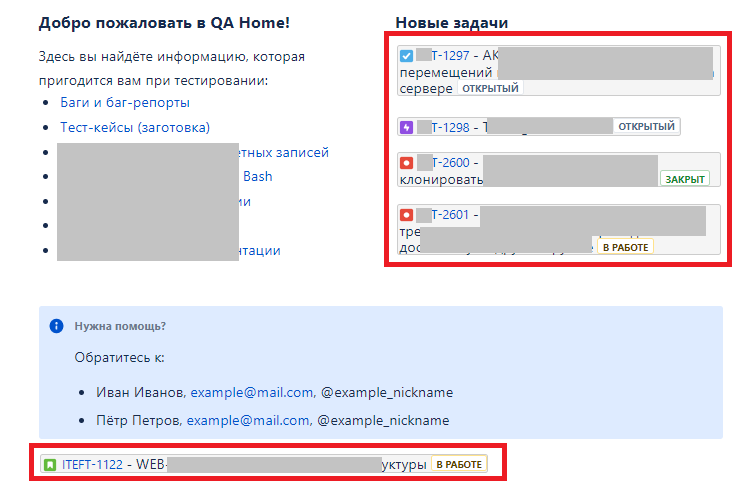
Me and my colleague test Jira (server, v.7.9.2) and Confluence (cloud) integration at the moment, so I added Jira tasks on the congluence page. They were added and displayed correctly (see the red square):
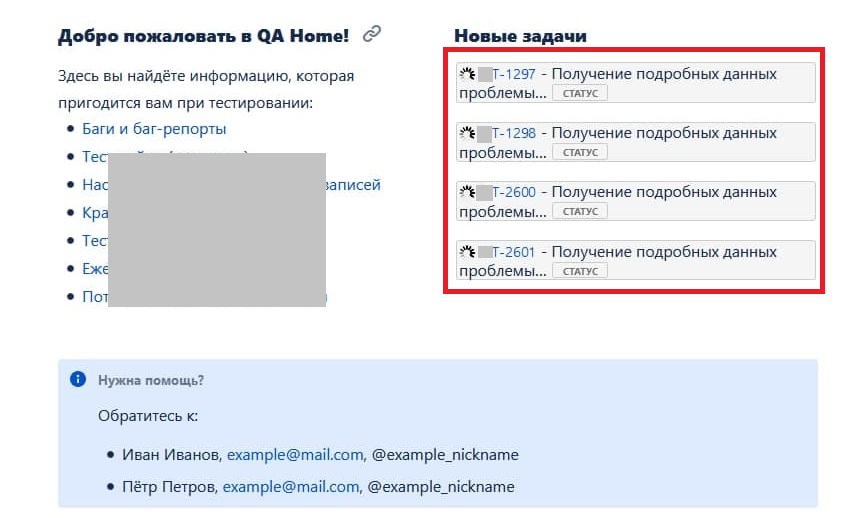
But, when my collegue tries to enter the same page, the tasks can't load correctly:
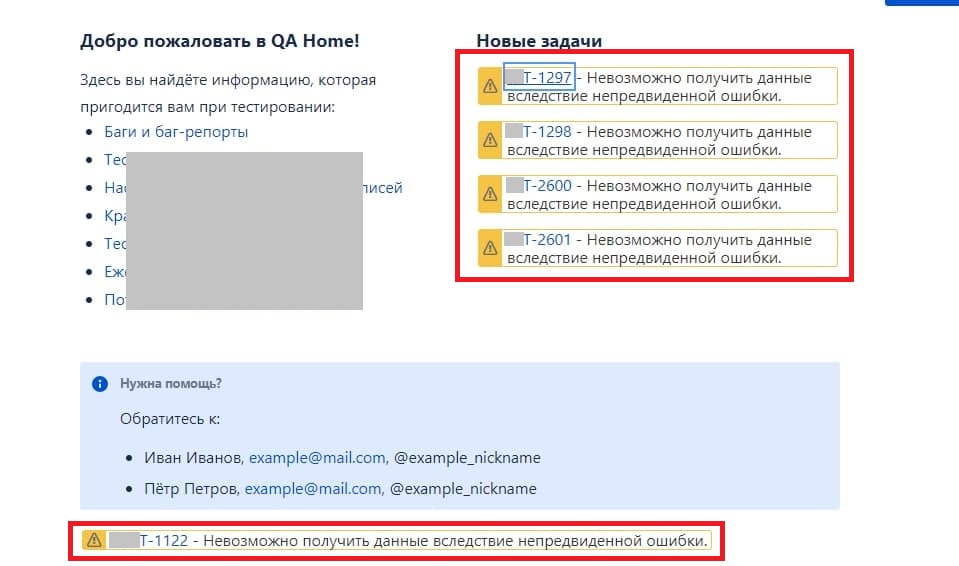
And then - "unexpected error":
Preconditions:
- We use identical browsers (Chrome v.89.0.4389.90) and the same network with identical security settings.
- We both stay logged in our Jira and in our new Confluence.
- We both confirmed the Jira-Confluence connection in the browser when it was suggested automatically.
- He has full admin rights in the Confluence as me (but I am the site creator).
- When my colleague tries to add the Jira task on the Confluence page himself, he sees the same error.
How can I make my colleague see Jira tasks correctly?

