I am trying to integrate Jira with Python using Rest API.
I am using the below mentioned code to create an issue in JIRA using Python. However I am encountering an error mentioned below.
from jira import JIRA
jira = JIRA(basic_auth=('Username,'API Token'), options={"server": "https://ProjectName.atlassian.net/"})
options={"server": "https://ProjectName.atlassian.net/"}
jira=JIRA(options)
test_case_data= {
"project": {"id": "10000"},
"summary": "test summary",
"description": "test description",
"issuetype": {'name': 'Task'},
}
jira.create_issue(fields=test_case_data)
JIRAError: JiraError HTTP 400 url: https://ProjectName.atlassian.net/rest/api/2/issue
	text: Field 'summary' cannot be set. It is not on the appropriate screen, or unknown., Field 'description' cannot be set. It is not on the appropriate screen, or unknown.
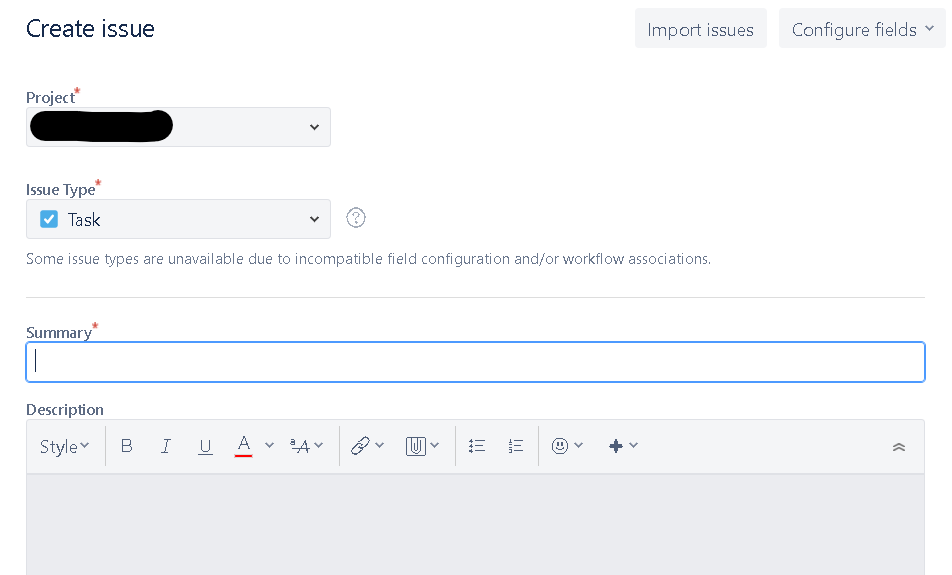
However, while checking the create issue screen by clicking on create I see all these fields visible. Please help in resolving this. I have read on other posts that this could be some authentication issue and the error might be misleading, But not aware to resolve this.