
Hi Atlassian Community,
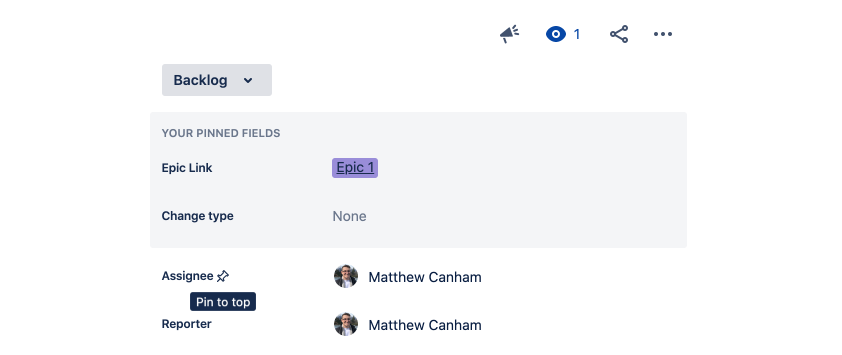
My name is Matt, I'm a product manager on the Jira Cloud team. Today we are excited to announce the arrival of Pinned Fields to the new issue view in Jira Cloud. Pinned Fields allows users of the new issue view to choose fields to “pin” above others. Even fields that an admin has configured to sit below the “Show more” dropdown can be pinned.
To pin a field to the top of your issue view simply click on the 📌 icon next to any field’s label. The order of the pinned fields is determined by the order you pin them in.
End-users and admins have told us that they need more power to layout the new issue view in a way that it right for them and their teams. We’re working hard to address these problems and Pinned Fields is the first in a series of releases that is going to make the new issue view flexible enough to work for every team.
If you have any feedback on Pinned Fields or want to send some 💙 to the team, please leave a comment below; we’d love to hear from you.


