Hello,
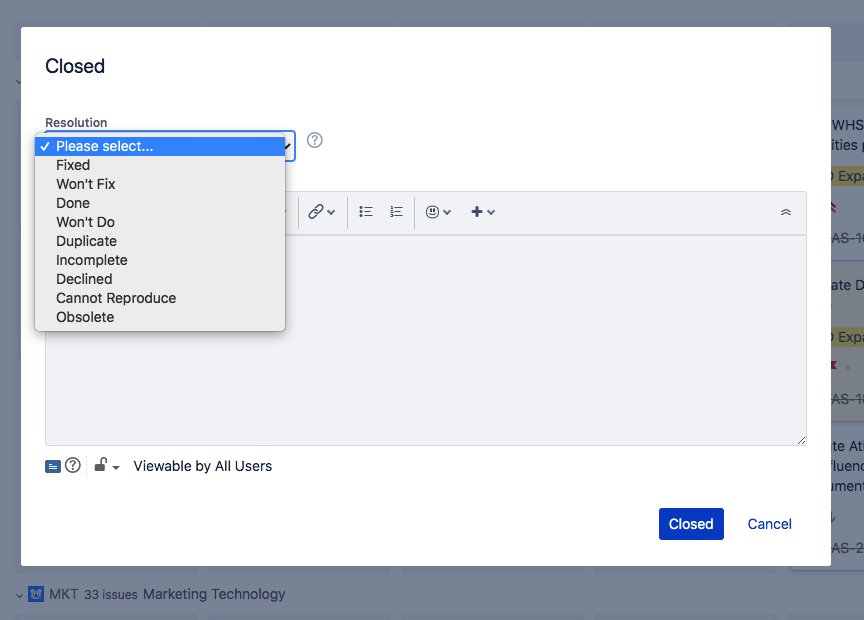
On our Kanban board when we move an issue to the 'Done' column we have this screen appear where you select the resolution.
I'm not sure where I go to see how this screen was set up. I went to the 'screens' area of the project but I don't believe that is where it is set. If I set the 'Resolution' for the issue and go to the issue I can't see this 'Resolution' field.
Anyone have an idea where the screen below was set?
Thanks!