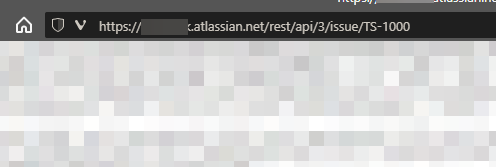
I've read just about ever bit of documentation I can find however I'm unable to get this to work. I'm using powershell to attempt a REST-API GET method;
# Create username / API key pair, then encode it
$baseString = "first.last@mydomain.com:<myAPIKey>"
$baseBytes = [System.Text.Encoding]::Unicode.GetBytes($baseString)
$base64 = [System.Convert]::ToBase64String($baseBytes)

# Build headers
$authHeaders = New-Object "System.Collections.Generic.Dictionary[[String],[String]]"
$authHeaders.Add('Basic', ('Basic {0}' -f $base64))
$authHeaders.Add('Accept', 'application/json')

# Call Rest API
Invoke-RestMethod -Uri "https://mydomain.atlassian.net/rest/api/3/issue/TS-1000" -Method Get -Headers $authHeaders
Each time I'm getting a "Invoke-RestMethod : The remote server returned an error: (404) Not Found." error.
URL works without issue or a 404 error in a browser as seen: