I suspect I've run into a Jira bug, but I'm hoping I haven't and someone can tell me what I'm doing wrong.
I am set up as an admin on our Jira Cloud. I created a new Screen, but I mistyped its name and I want to change it. When I open what should be the Screen list, there's nothing there.
I've tried accessing the list from various places, but the most direct way is to go to Settings --> Jira Settings --> Issues and then choose Screens from the menu on the left bar. I get a page labeled View Screens at the top, (path is /secure/admin/ViewFieldScreens.jspa) but there are no screens listed.
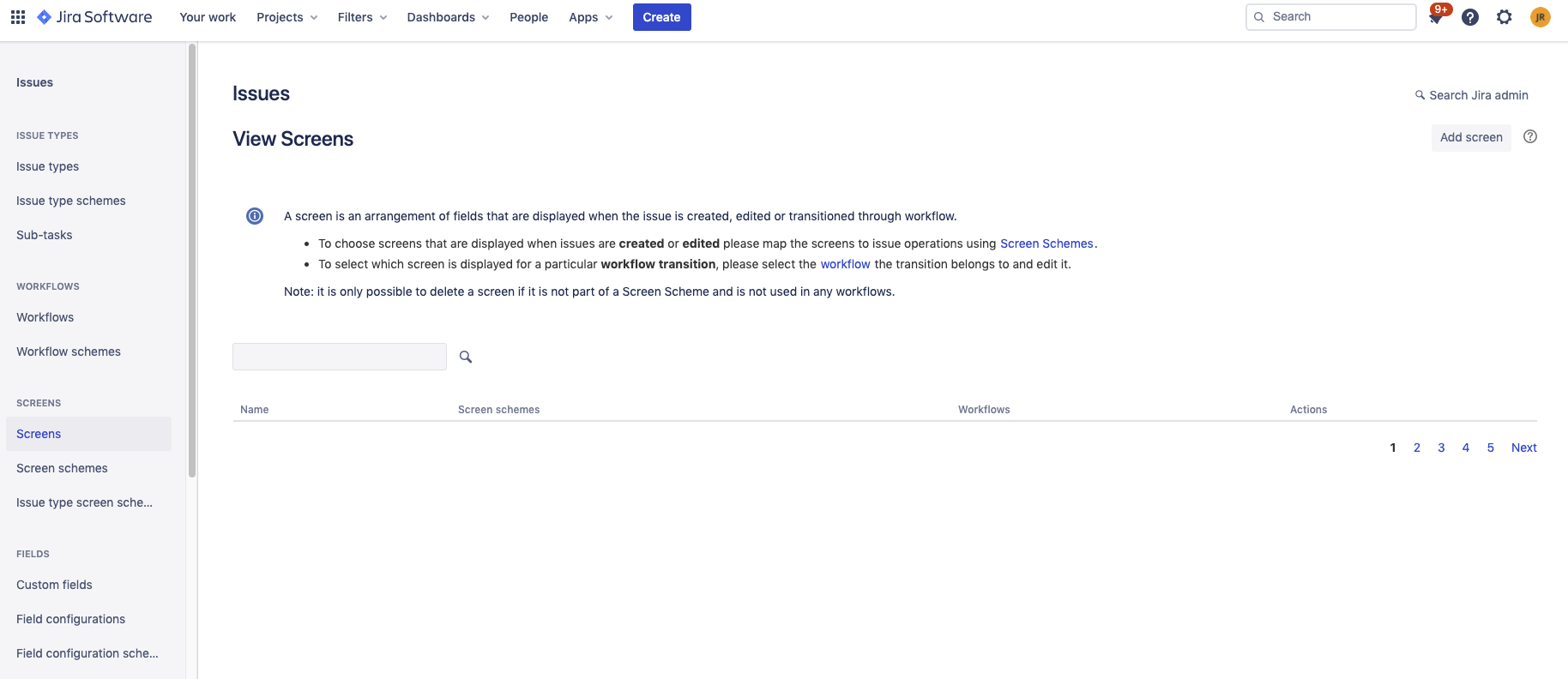
Notice that the lower right seems to indicate there are 5 pages of screens defined, but none of them are displayed.
I would suspect a permissions issue, but I had permission to define a new screen, and if I can get to them, I have permission to edit other screens, so it seems bizarre that I wouldn't be able to see the list of them.
I'd like to know how to make this list display, but I'd also be happy with a workaround that gave me a way to get to the screen itself in a way that bypasses this page so that I can edit it.

