Create Test of Zephyr add on feature is not responding in Jira Cloud.
I have installed Zephyr for Jira - Test Management – Started with free trial
Below are the steps followed for 30 days free trial installation
- Log into your Jira instance as an admin.
- Click the admin dropdown and choose Add-ons. The Find new appsor Find new add-ons screen loads.
- Locate Zephyr for Jira - Test Management.
- Click Free trialto download and install your app.
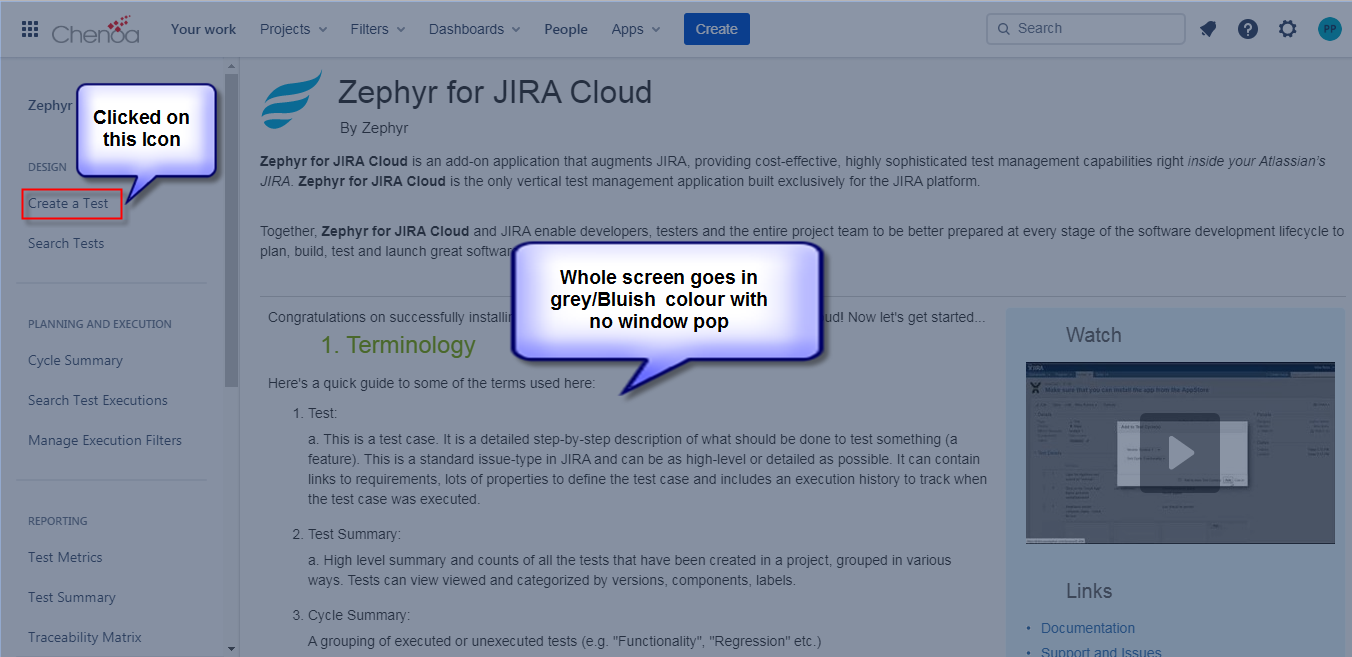
Issue : Zephyr feature is added in to the Jira but when on clicking "create a test", the screen goes in grey color with no window pop up appearing to create a test
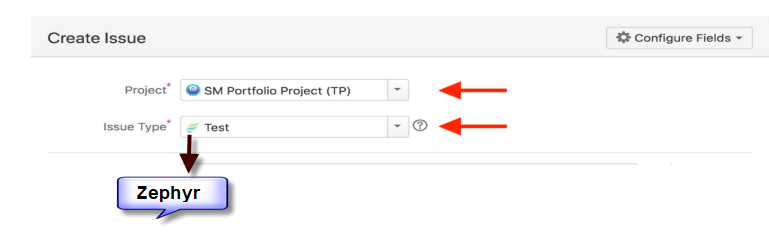
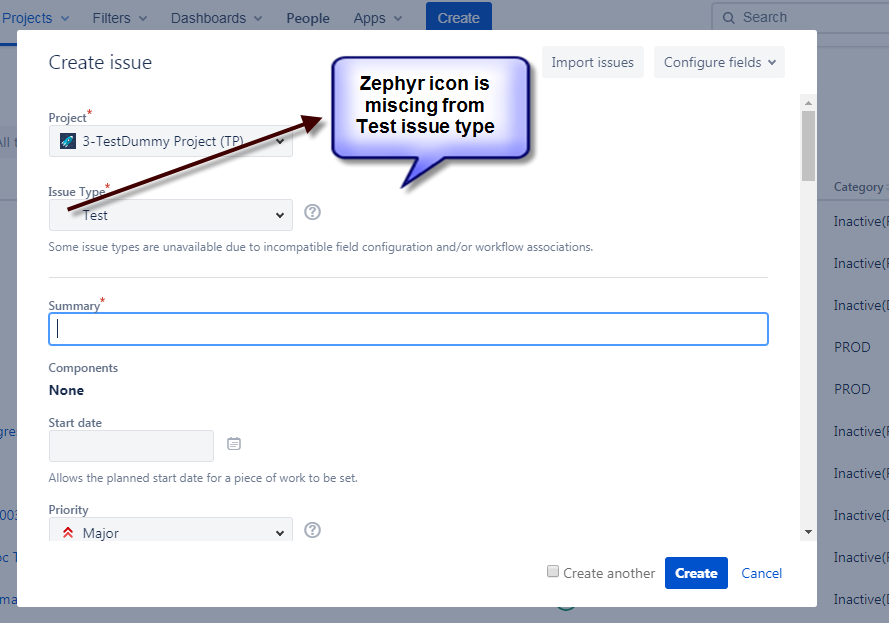
Also, when issue type "Test" is selected, the Zephyr icon is missing from Test issue type
Please fine the attachments for more details.
As per Installation : Attachment contain the symbol of zephyr which is missing in our issue when we are creating as Test.