Hello everybody,
Just had a query from a user about creating a link to an attached file in a page. It turned out he was using the new page editor, which has removed the old mechanism, and I'm not sure how to do this any more.
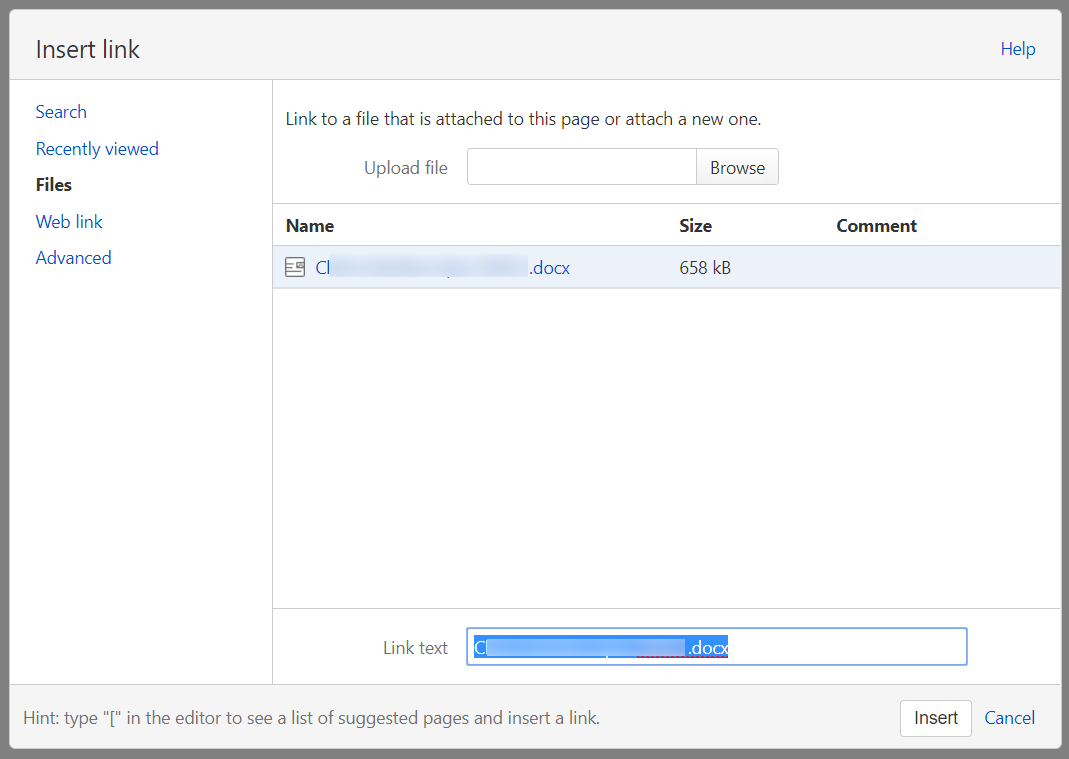
In the old / legacy editor, you could click the "Insert Link" button in the toolbar at the top, select the Files tab from the dialog, select the attachment and enter some link text. It created a link on the page that opened the attached document:
In the new editor, the same button only shows a list of pages in your instance of Confluence:
 I can't find a way to reproduce the old link style. I tried creating a link, opening the attachment in a different tab and pasting the URL but when clicked, that only opens the attachment page not the attachment itself. How do you do this now?
I wondered if the functionality had just been removed, but the comparison page suggests it still exists:
https://confluence.atlassian.com/confcloud/convert-pages-to-the-new-editor-993930226.html

Or does that just mean that if you have a link like this in your page already, it will still work, but you can't create new ones?
Thanks,
Richard

