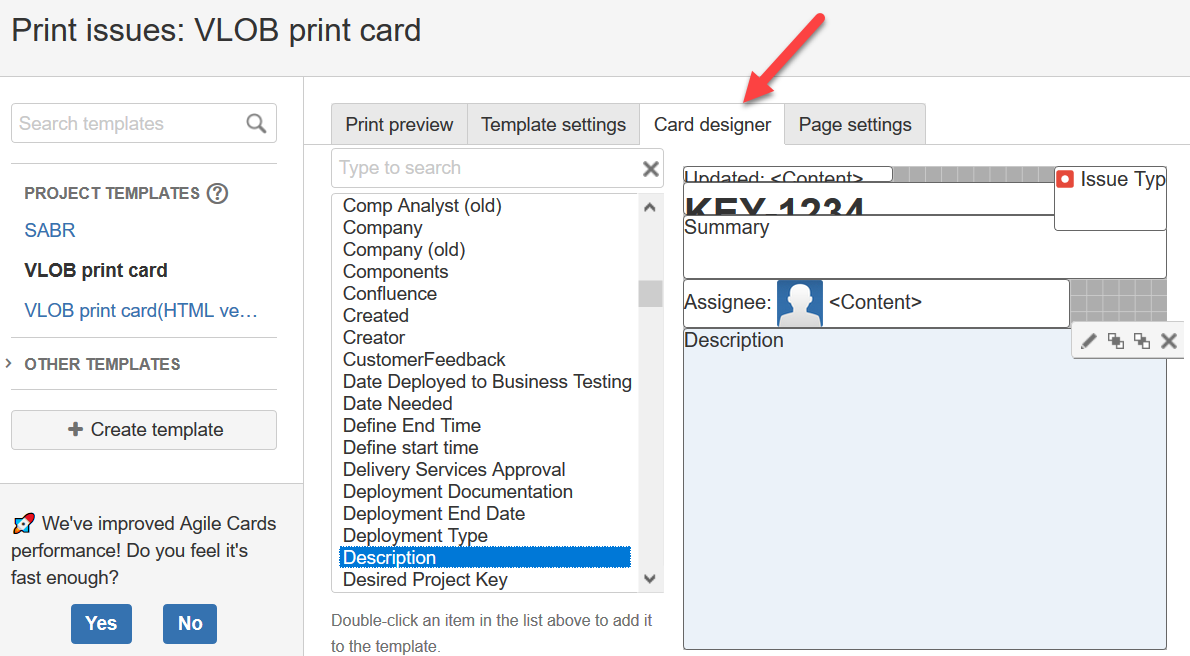
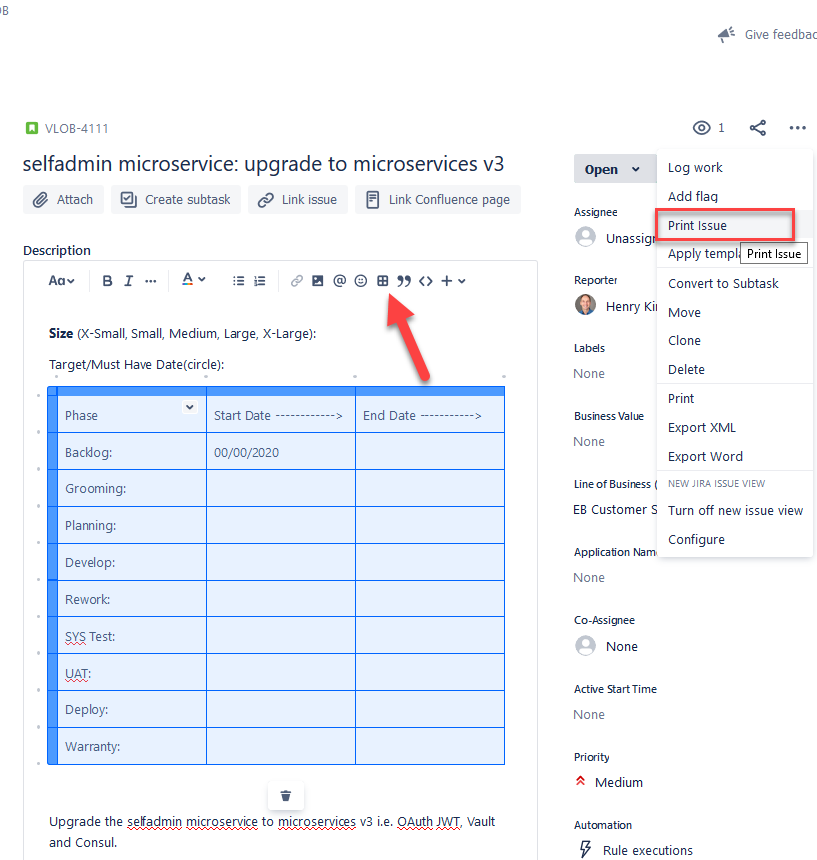
In all of our stories, we have a table inserted at the top of the description field as so:
===============
===================
One negative is that I can't adjust the column widths as I would expect to in any word processor, or spreadsheet. But, I have found that if I just add some text such as "--------->" jira will auto adjust the columns somewhat.
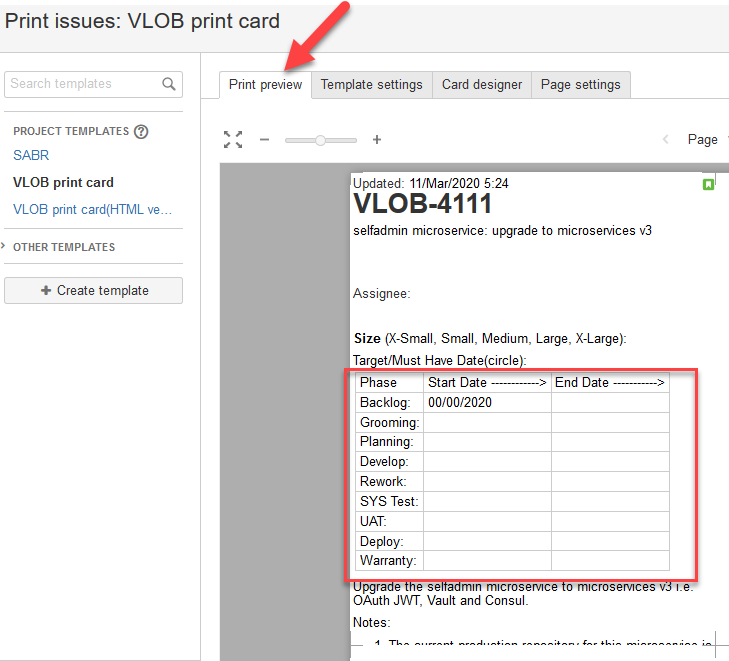
My problem comes into play when I want to print a card for our physical Kanban board. I right click the 3 dots upper right of page, choose "print issue", I design a card in the card designer, then make sure it looks good in the "Print Preview" tab. But when I print the card, the text that I saw aligned the way I wanted in "Print Preview" is now wrapped in the cell. In other words "Print Preview" rarely matches what actually gets printed on a physical sheet of paper. "Start Date ---------->" prints out as 2 lines as so:
Start Date
---------->
instead of how it displays in the "Print Preview"
Can these bugs be fixed in jira?