Hi guys,
I've spent way too many hours cracking my head around this and can figure it out so time to ask for help 
OBJECTIVE
Grant clients access to their Confluence Space and Jira projects only so they can contribute, document and sign off on requirements and tickets.
STEPS TAKEN
- Created a new 'clients' group on Administration and assigned the user to this and ONLY this group.
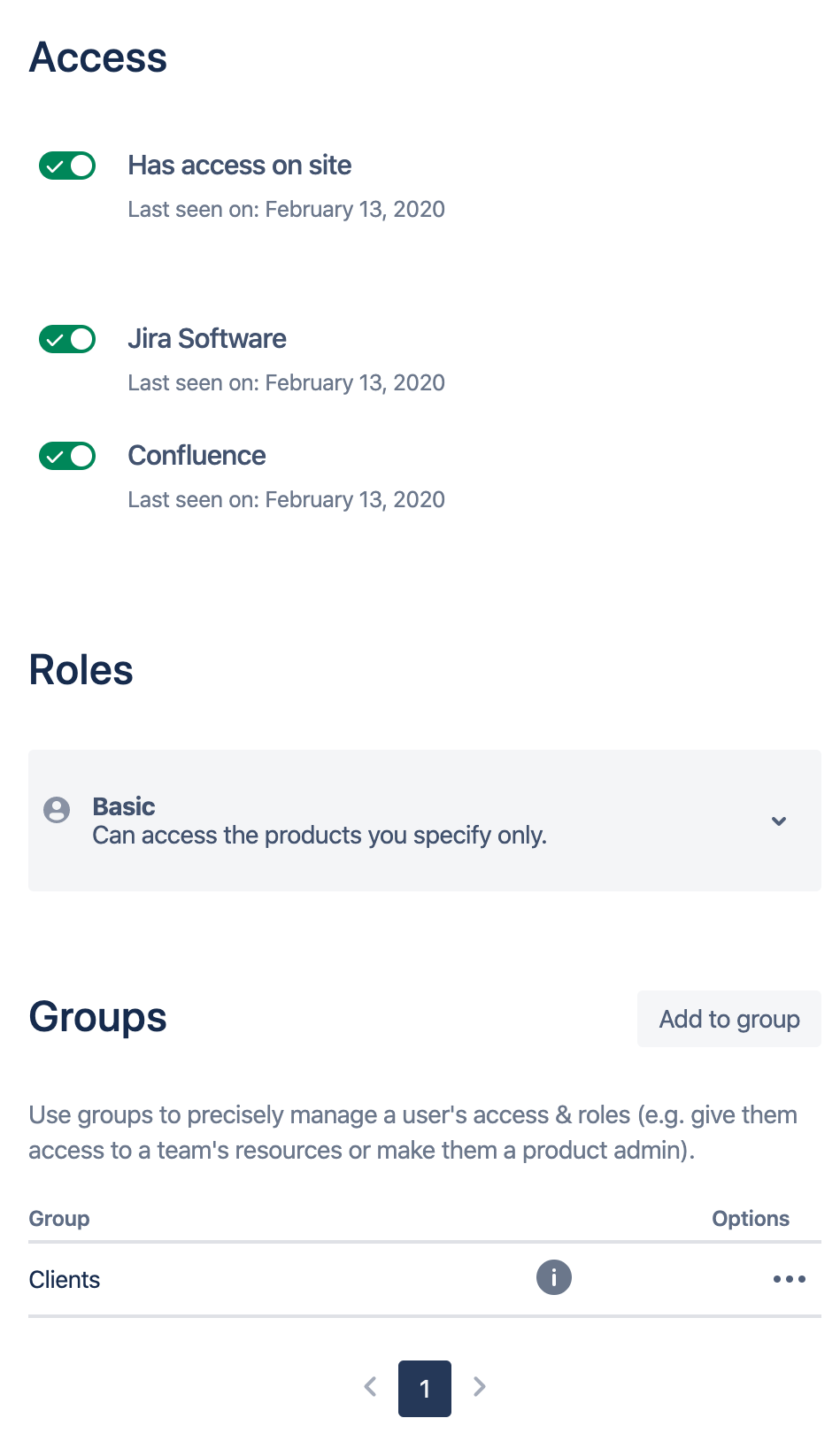
- Created a Jira 'Client' Project Role and assigned user to this role in specific projects only.
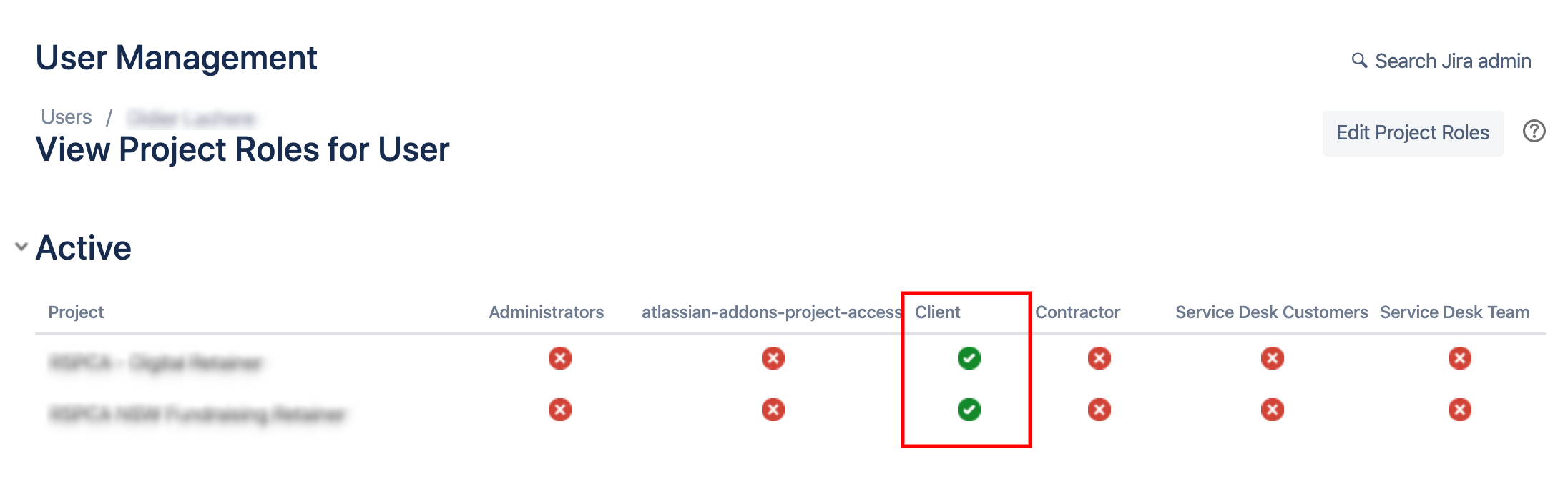
- Changed Jira permissions to add/remove all required groups and roles (including Browse Project).

PROBLEM
When I log in to Jira as that user the Projects List display projects where user is not assigned to in any way.
Now, I know what you may be thinking "The user may be getting access to these projects through another groups or role or whatever"... but here is the strangest things:
- If I remove the Project Role permission for clients to Browse projects then I do not see ANY project.
- If I grant to permission to Browse Projects to just that user then they see ALL projects in our instance.
- Some of the project displayed to this user under current setup do not even have a Project Role assigned to them:
If I go to the "View Usage for Project Role: Client" on Jira Settings is where I think the issues is:
- I can see projects listed there with a number higher than 0 (view). However when I click on view there is no Project Roles assigned to them!!
Is this a bug? and if so why just in some random projects? How to resolve?

