I have a new Software Project in Confluence that I linked to a new Next Gen project in Jira. Both are Jira Cloud based. When I attempt to add a roadmap to the dashboard using the roadmap macro it doesn't work. I've followed the guides that say the follwoing
- Select Macro from dropdown or type roadmap macro
- or just paste URL for roadmap and confluence with just figure it our
When I paste the URL the only URL I can find for the roadmap is the link with the format https://<our instance>/secure/Roadmap.jspa?projectKey=TED&rapidView=94 which is the link to the roadmap in the Jira project.
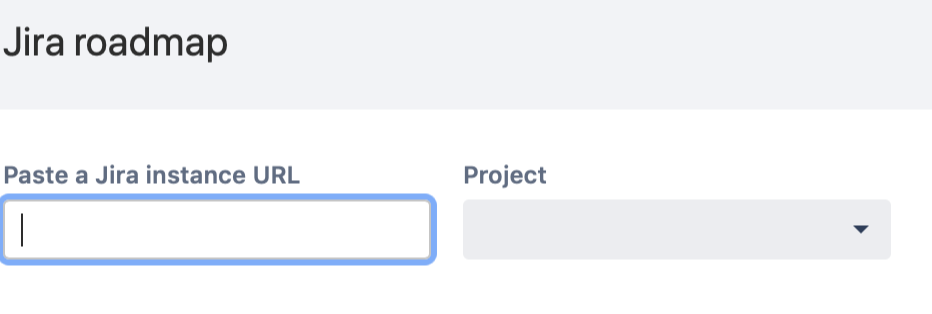
When following the macro workflow I go to a screen that prompts for an instance URL. I would assume this is https://<our instance>/. This doesn't throw an error, but it doesn't populate the Project list. This means that I am not able to select the project roadmap.
If I paste the full URL to the roadmap it gets trimmed to the instance URL an red text is displayed below the Text Box that says "This doesn't look like a URL of Jira roadmap." This leaves the Project empty so I can't finish what I think is the intended workflow.
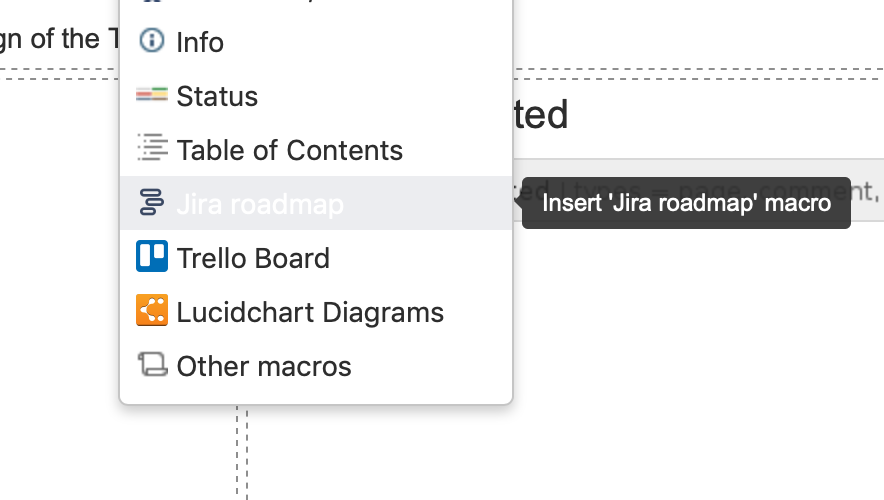
This is the item I am trying to insert:
This is the form I see after I select that menu item.