Dear Jira (Service Desk) gurus,
I'm currently trying to get rid of some of the dummy portals that are linked in our customer portal before we go live next week. Obviously we don't want any dummy projects and portals to show up on our new service desk. Trying to figure out how to get rid of these has already been a lot of fun (...), but I've discovered now that I need to change the portal settings.
The projects that these portals are linked to had been archived using a permission scheme. I keep getting the same error message when I try to edit the customer permissions/portal settings/etc. for these projects.
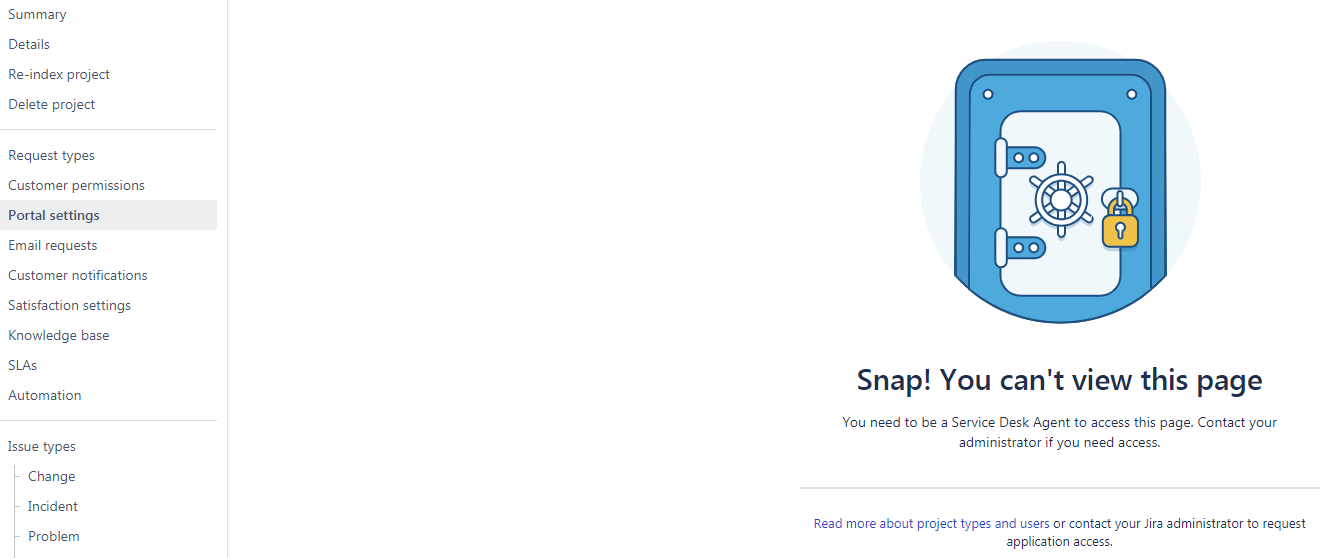
This message doesn't make sense because:
- I am a Service Desk Agent;
- I am (system) administrator.
I have tried everything and nothing seems to work to give me access to these pages:
- I have taken a second look at the group and project role permissions, nothing seems out of the ordinary and permissions are granted/assigned where they are needed;
- We have a separate "Admin" account which is the administrator of this particular project. I have signed in using that account and see the exact same screen;
- I just tried changing the permission scheme to the same as that of a project where I can access the portal settings. I still see the same @%$&#! message, which leads me to believe it has nothing to do with project permissions or roles...
What am I missing here? This is driving me absolutely crazy...
Please relieve me of my frustration!
Thanks in advance,
Jennifer
