We have added a number of fields to our Epic screen. We've noticed some odd behavior, and I don't know if it's a bug or if I've done something wrong.
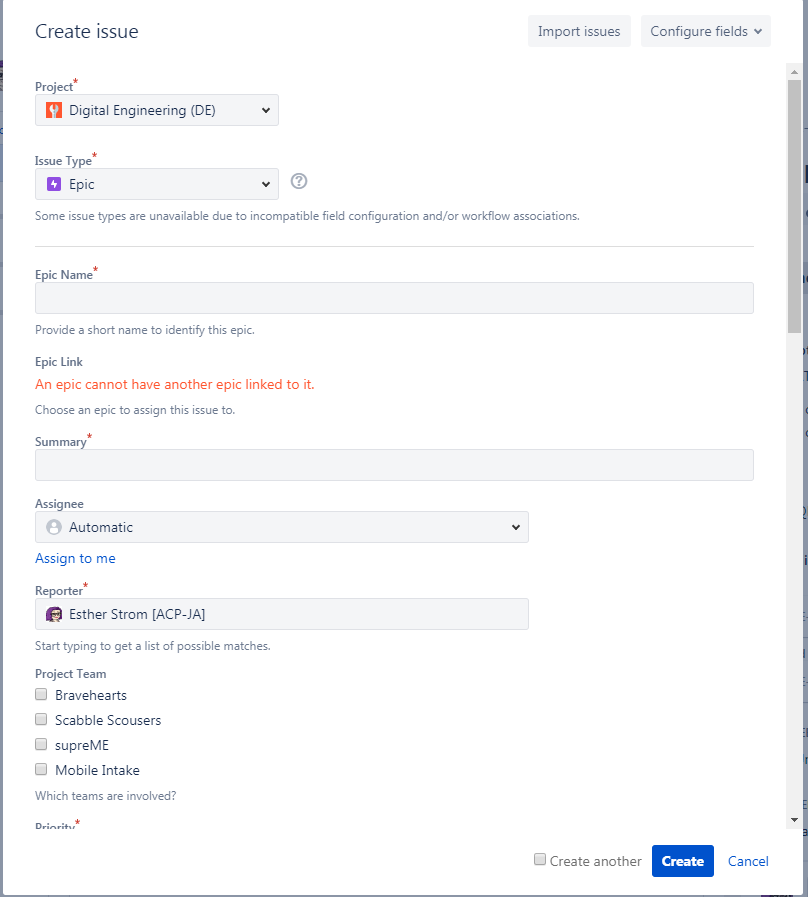
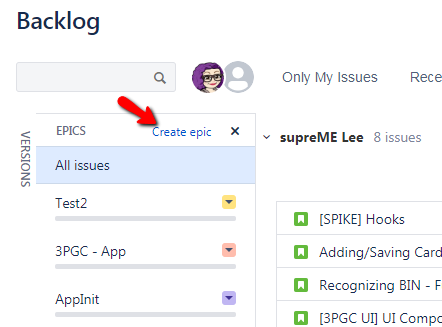
When a user (any user, including me as admin; this isn't limited to specific users) creates an Epic using the + icon in the left navbar, all fields are displayed in the form. But when they use the Epic panel in a board backlog to create an epic, only a few fields display, and even if they click the Customize Fields button and select All, it doesn't remember the selection the next time.
This is the Epic creation screen when done from the + icon:
This is what we see if we use the Epic panel in a backlog:
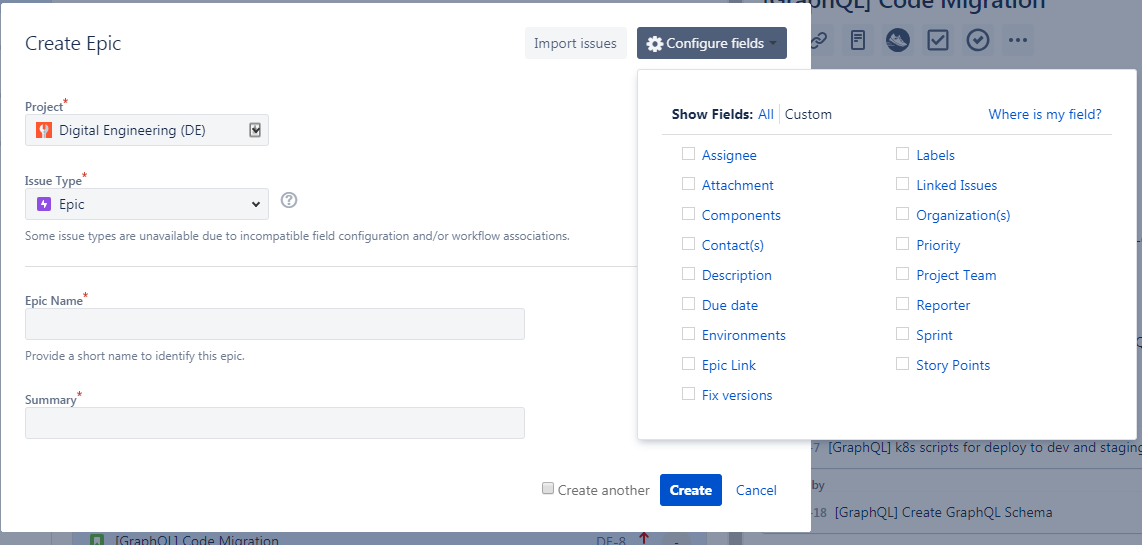
Is there any way to make the screen that displays there show all of the fields? I've checked both the screen (in admin mode) and the issue layout via Project Settings, and many of the fields that are not displaying are listed in the Primary Fields section of the layout, so I don't think it has anything to do with that.

