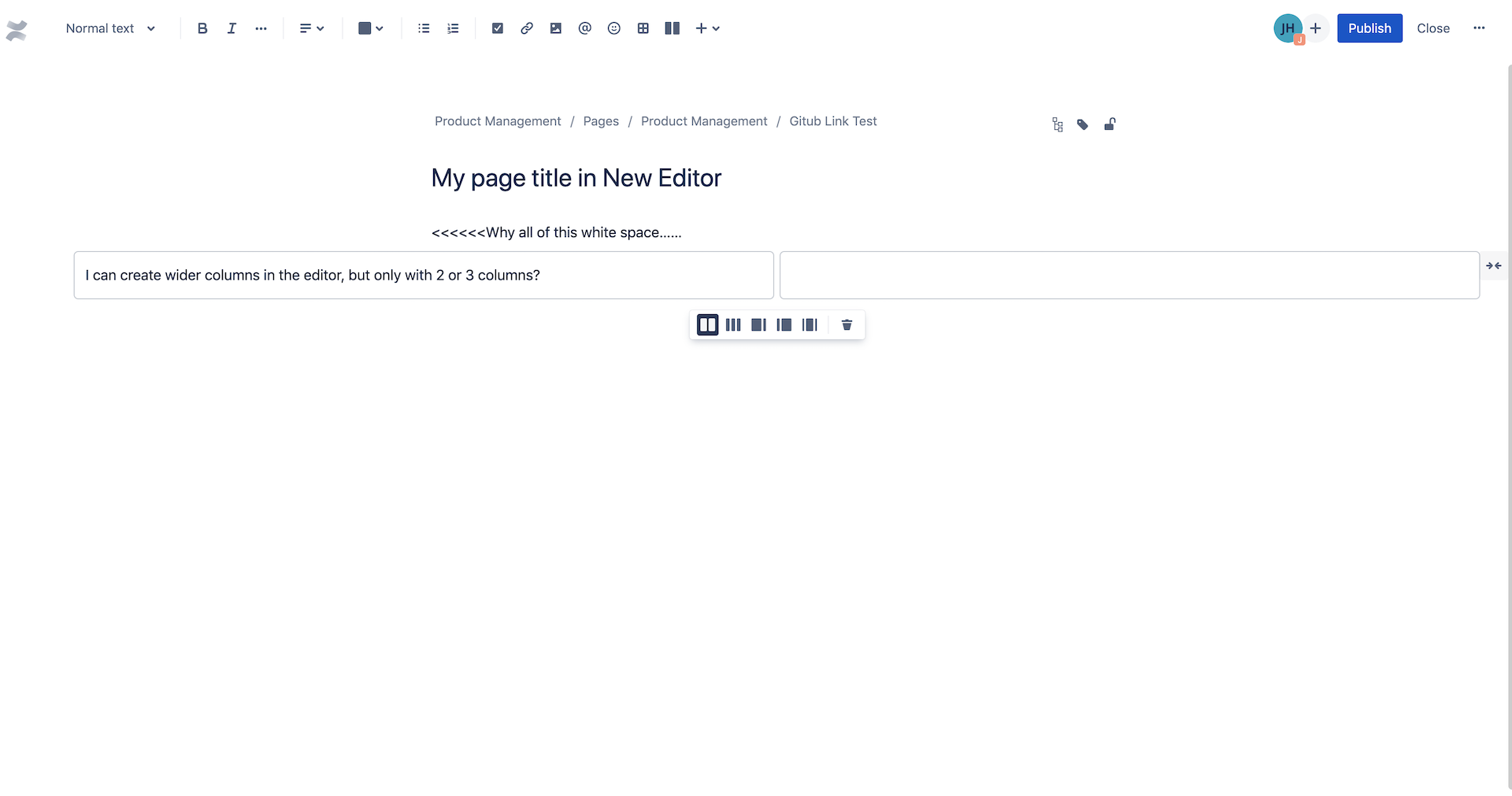
As a new subscriber, i'm being asked to automatically use the new page editor.
When I create a page, it forces me into center justified, portrait mode creation.
The page title is indented to a 1/3 of the page width along with the creation of the first set of text data.
This results in a page with a tremendous amount of white space in the left column.
I think this was done for page resizing or for mobile? it only left justifies when you shrink to mobile
Compare to the old editor, which was 'tuned' to left justification and landscape mode, the resulting pages do not render well on desktop and look odd.
In the new editor , is there any way to 1) left justify the page title? 2) Start with a single, left justified block of text? OR 3) go back to the old editor (that I was just using 2 weeks ago that worked fine)
thanks
Jeff
screen shot.....