I've ended up going down a rabbit-hole of trying to manage my company's labels on Confluence (absolute nightmare!), and I've got to a point where I can restrict my users' label creation abilities with plugins in every aspect of Confluence except for the screens that appear when creating a new how-to or troubleshooting article.
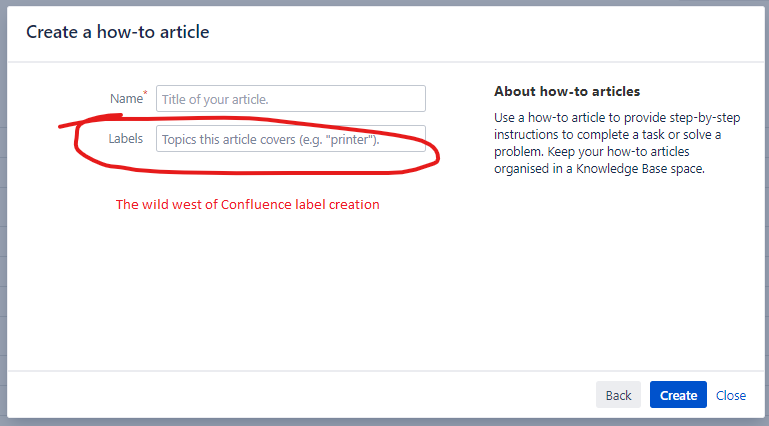
I can't find a place to customise or remove these screens anywhere in the admin functions; they don't seem to be a blueprint or anything like that. I tried circumventing them by changing my users' "Create" buttons to link directly to blank templates for the necessary article types, but unlike blank pages and blog posts, how-to and troubleshooting articles seem to have a unique draft ID by the time they reach the edit page.
Does anybody know of a way I can remove, or at least customise these screens? Happy to try custom HTML, plugins, anything you can recommend.
Thanks in advance!
UPDATE: After doing a little digging, this appears to be the "dialog wizard" module. I can't find a way to edit a dialog wizard short of coding a template from scratch, so again, I'm open to any suggestions. Thanks!

