Repositioning Swanly in a new Atlassian world
We’re excited to announce the release of our latest version, Swanly v.3, after months of hard work. And with Atlassian’s decision to discontinue server products, Swanly v.3 comes as a real example of cloud extendibility potential. This is quite the upgrade so stick around for a quick intro!
Developing products that people want
You’re probably familiar with the lean startup method, and how it advocates developing products that customers have already shown they want, so that there’s a market already out there for when the product is launched.
Swanly came from experience
So, when Swanly was first built, it came as a solution to understanding and digesting release information in Jira. It was born out of our own experience working with Jira, but that’s not all; it also took into consideration the feedback of many consultants, project and portfolio managers, product managers, and so on.
From release roadmap to all-in roadmap
At first, Swanly was a simple, plug&play release management tool you can get up and running within minutes; with a dashboard that compartmentalizes access to information. Based on feedback from many customers, Swanly has now evolved to offer centralized access to all work in Jira, as opposed to releases only, with the ability to create useful reports on-the-go! It’s nonetheless, super simple and straightforward mind you.
Swanly features our customers want
We’ve improved on existing features and developed new ones based on many requests from our amazing customers:
- The app is now super fast to load and work with!
- Yearly, quarterly, monthly and weekly zoom views are now available.
- Roadmap has been redesigned, adding work-duration and drill-down phases for issues and releases.
- New report panels are more informative, with more useful data to analyze.
- The new toolbar offers more functionality for navigating the roadmap.
- Release and issue stage templates have also gotten an upgrade.
- Releases and issues can now be tracked in one place.
- How many Jira apps do you know have dark mode?!
We’ll go over some of the features quickly here, but here's a Swanly v.3 article for more on the new features.
Performance is now way better
Swanly performance got a major upgrade in terms of loading and interactions, and it can now service any agile team managing anything from small releases or waterfall projects, to projects with long-term activities.
The roadmap has gotten a major upgrade
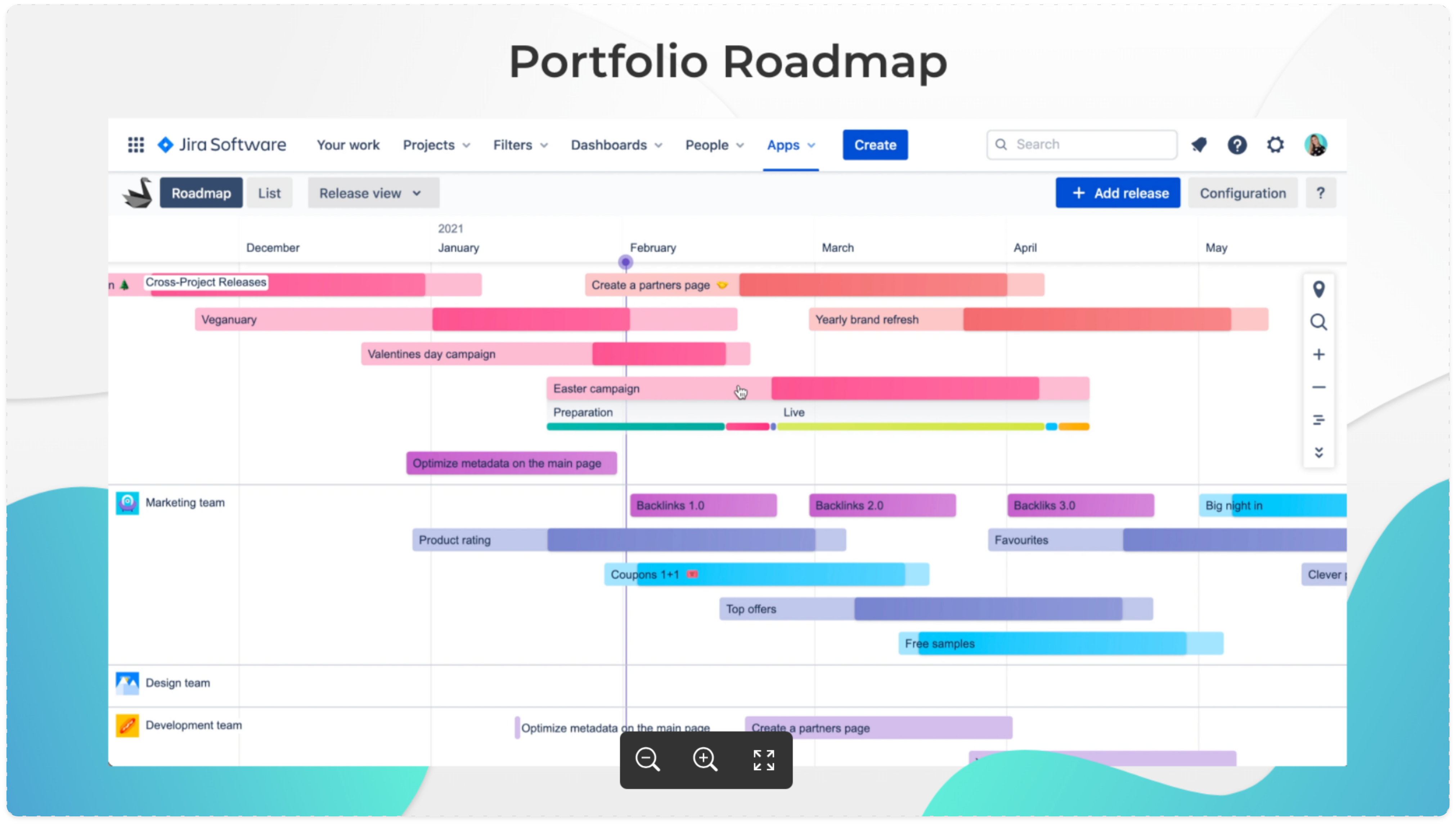
The Swanly roadmap has developed to include all Jira work, with the merging of the issue and release timelines into one window as opposed to having to alternate between pages. All teams can now plan, manage and deliver issues such as epics, stories or even initiatives, as well as releases across Jira projects straight into one roadmap.
Also, the roadmap toolbar got a makeover.
Access deliverable stages with a dropdown
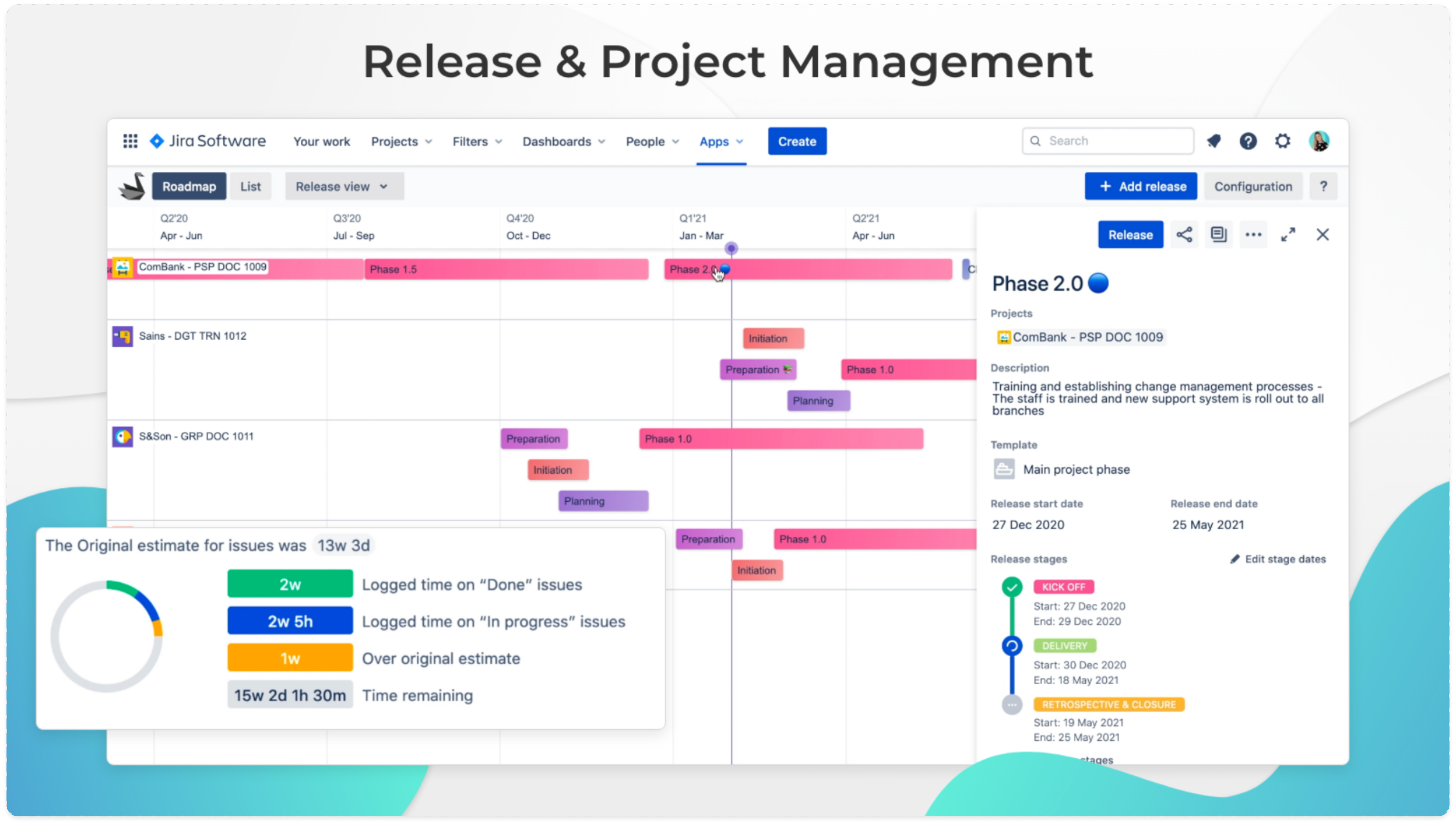
Previous versions of Swanly presented stages as the primary objects on the timeline; but this version showcases releases and issues as primary. And so instead of stages appearing automatically, you can now choose to visualize them as a dropdown under each release or issue, which is useful when tracking larger length deliverables and helps further develop our top-down approach.
You now have options for zoom view
As per feedback, we realized that zooming is key to our users which is why the new toolbar features a zoom view that can spread out yearly (up to 4 years), quarterly, weekly, or daily. We’ve also developed our animations for a better experience zooming in and out, and ensuring that no matter where you are on the timeline, you can easily get back to the center.
New report panels are more informative
Users want to be able to quickly scan, analyze, compare, filter, and manage information so they get the right insights and act upon them. Major changes have been made to the aggregated information tabs in Swanly v.3’s report panels.
Also, the report panel is now accessible as a slide to ensure ongoing access to the roadmap.
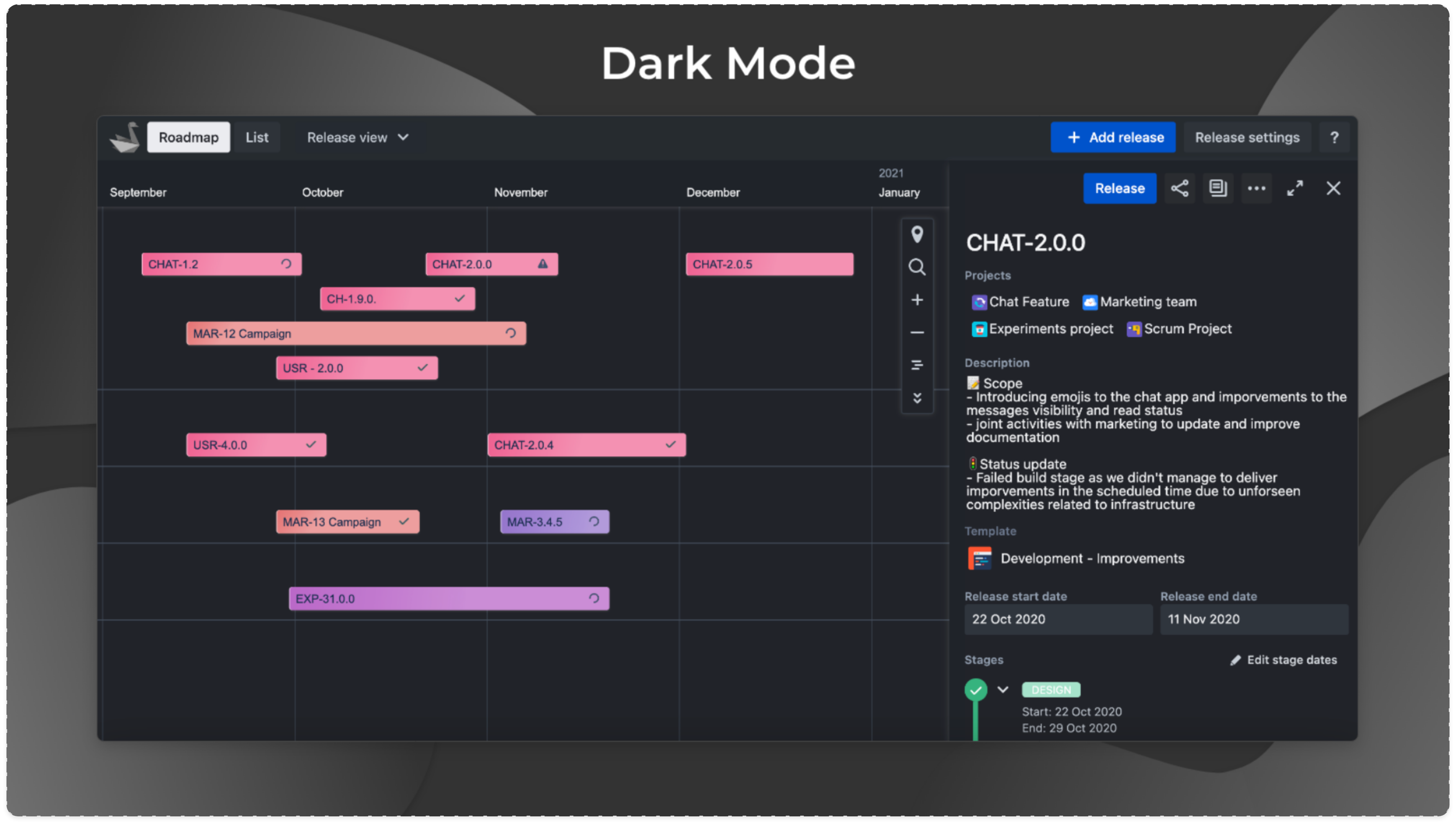
Dark mode is here
That’s what people want, and that’s what they get  When it comes to user interface, dark mode is probably one of the most popular features; graphs and dashboards look so much better in dark mode, let's be honest!
Swanly use cases
To get an idea of the possibilities of working with Swanly, check out our use cases:
Run marketing campaigns
Manage product development
Deliver change programs
We've worked hard on redefining project planning and tracking in Jira Cloud, and we hope our latest improvements to a Jira portfolio project management roadmapping tool for epics, issues and release management impress you!
Take me to Swanly


