Hi Team,
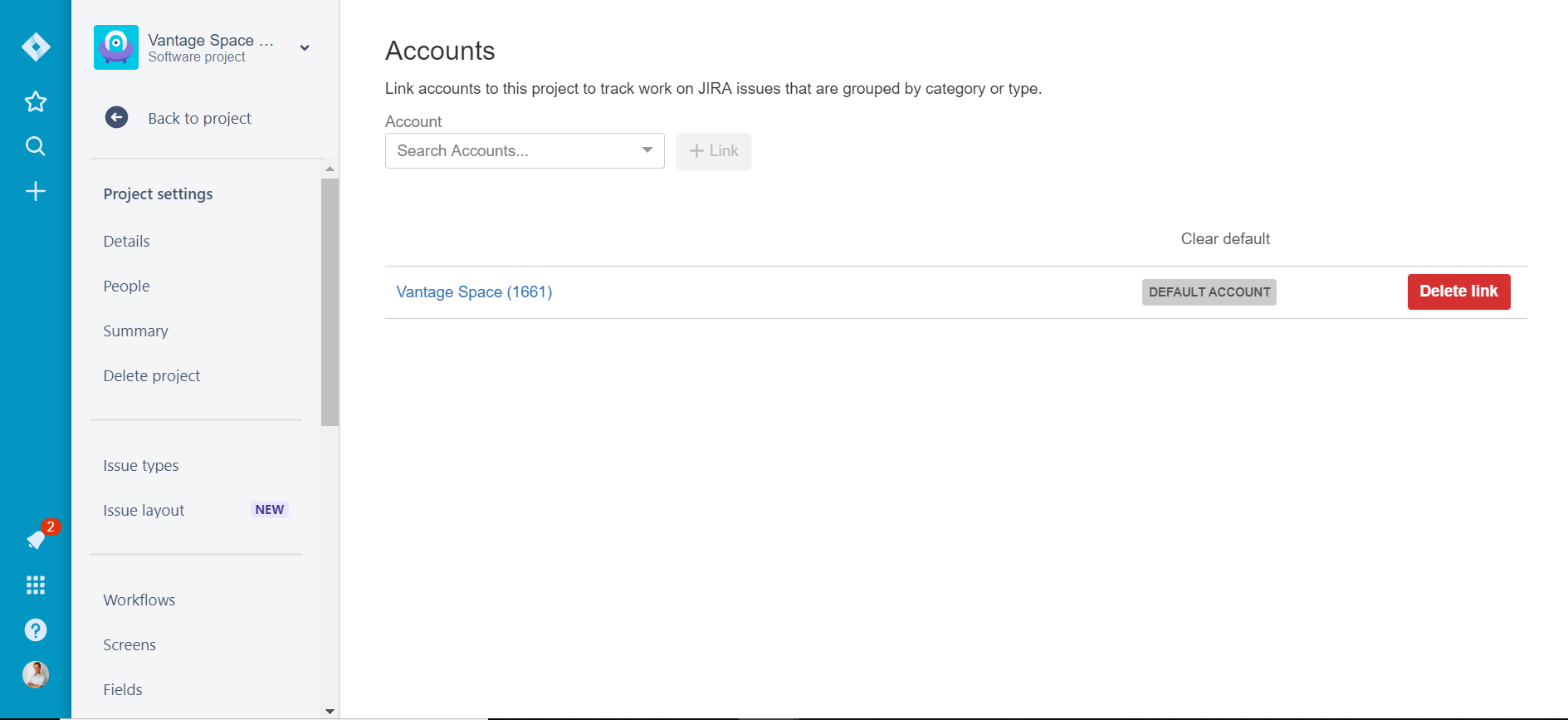
I created a new project from an existing one and linked the new project to the same account in Tempo (Screen 1). The Project shows up correctly in Tempo as a Linked Project to the right Account.
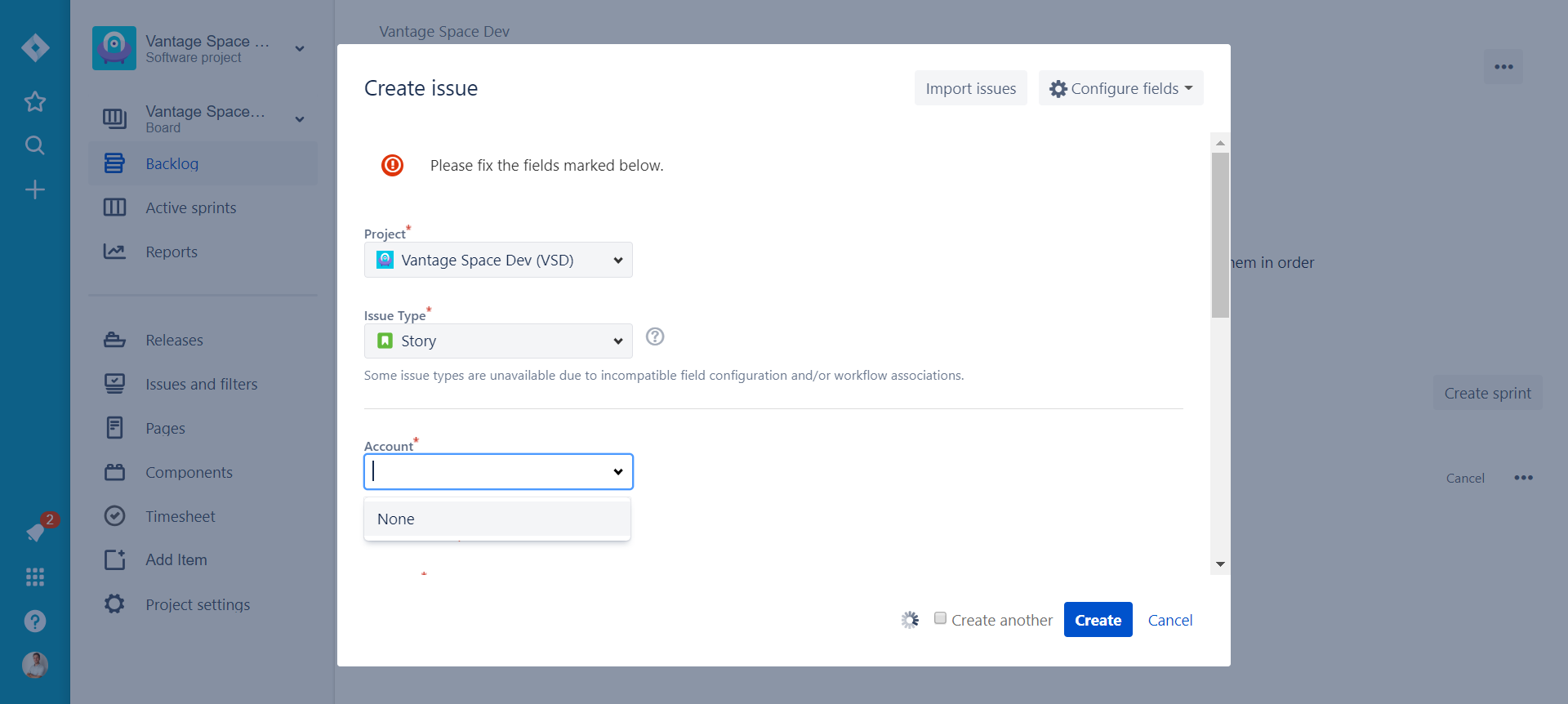
Everything looks & works exactly as with the old project with the exception that when I try to create an issue it tells me that an "Account is required" (regarding the Tempo account custom field). I see the Account field but it doesn't show the linked account. Typing the name of the account here doesn't help either.
Any ideas what I'm missing?
Thanks,
Sebastian
P.S.: Also tried creating another new test project from scratch and linked it to the account in Tempo but run into the same problem.
Screen 1:
Screen 2:
**********************
Update:
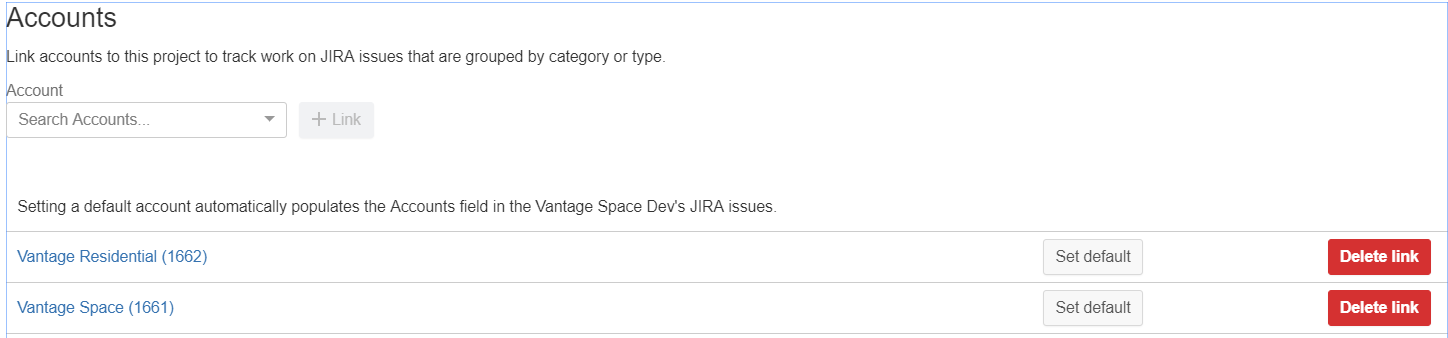
I linked the same project to a second account. This second account now shows up in the account field but still not the first account. Any idea why the first account doesn't work? It's a mystery to me.
Linked Accounts:
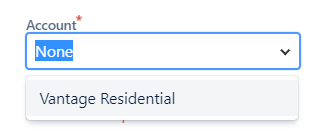
Available values in Tempo accounts custom field during issue creation: