If you use Jira Software Cloud, check out this article to learn about creating a next-gen Scrum or Kanban project.
Next-gen projects is agile as you know it, and aims to combine the power of Jira with the simplicity you expect. It enables teams to start clean, with a simple un-opinionated way of working, and is poised to progressively add more structure to the way your team works, as and when you need it.
The way we’re approaching the new next-gen experience mirrors this philosophy - we started with a clean slate and we are rebuilding Jira front to back, and progressively disclosing the power to you.
Next-gen will eventually satisfy all the needs that classic projects satisfy today, and more.
If you haven't signed up for Jira Software Cloud yet, start your free trial here.
Create a next-gen project
Click the Jira home icon in the top left corner ( or
or ).
).
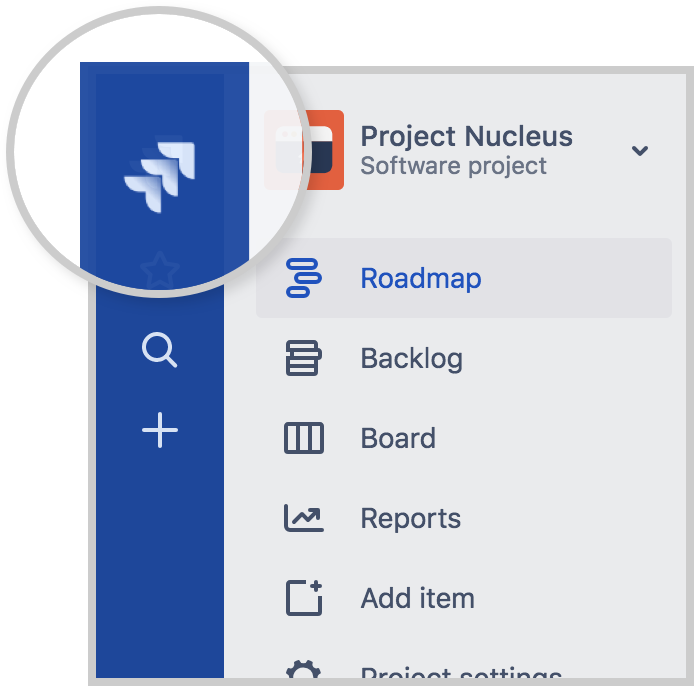
Select Projects
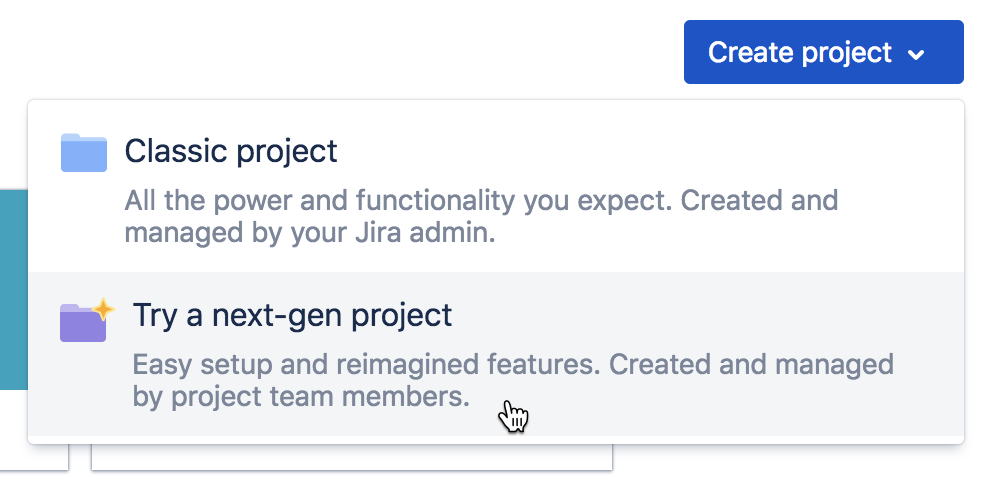
In the top-right corner, select Create project > Try a next-gen project.
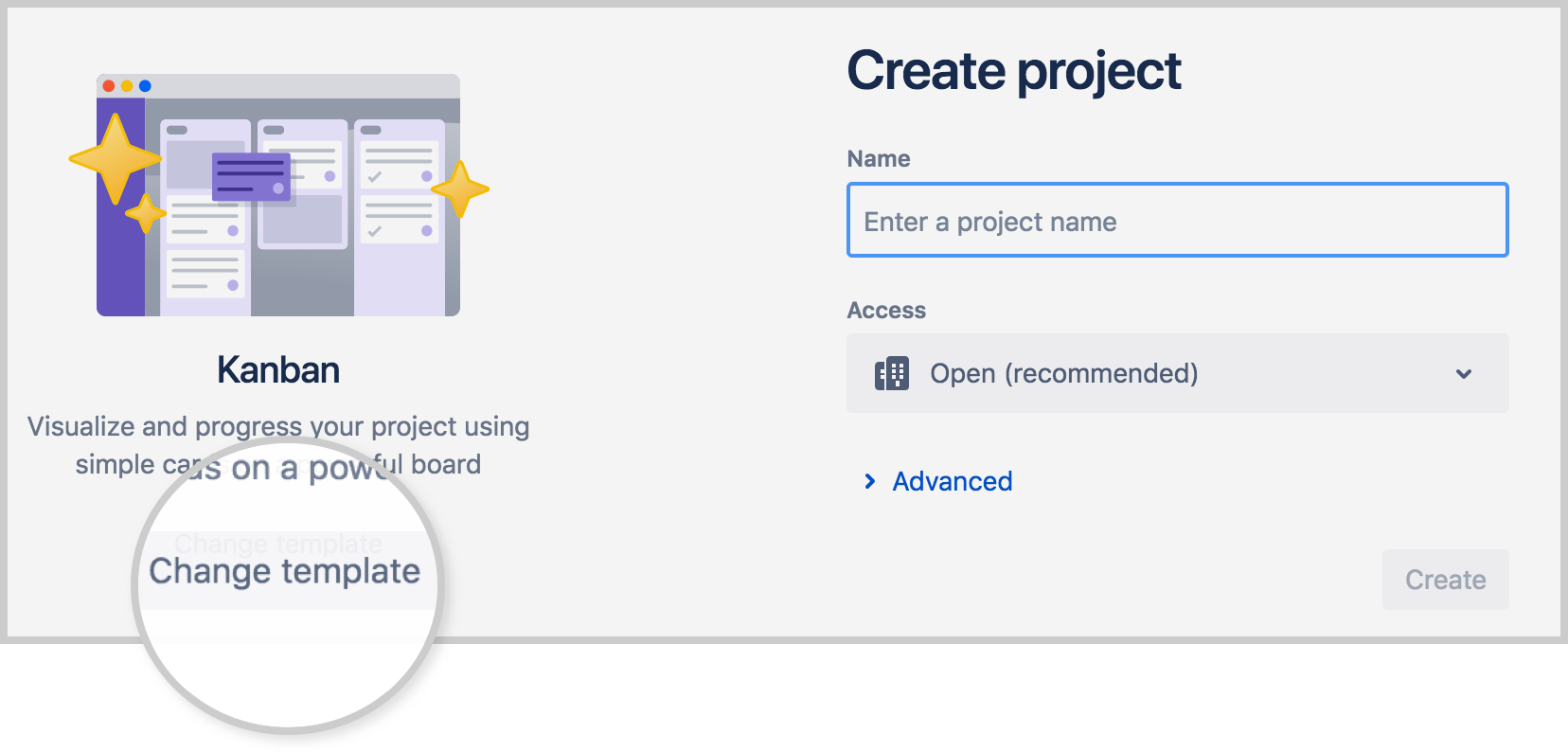
Either Scrum or Kanban will already be selected. If you want, select Change template to see the full list of next-gen project templates.
On the next-gen templates screen, select either Scrum or Kanban. Don’t worry, you won’t be locked into your choice because you can easily customize your project later.
Get to know your new project
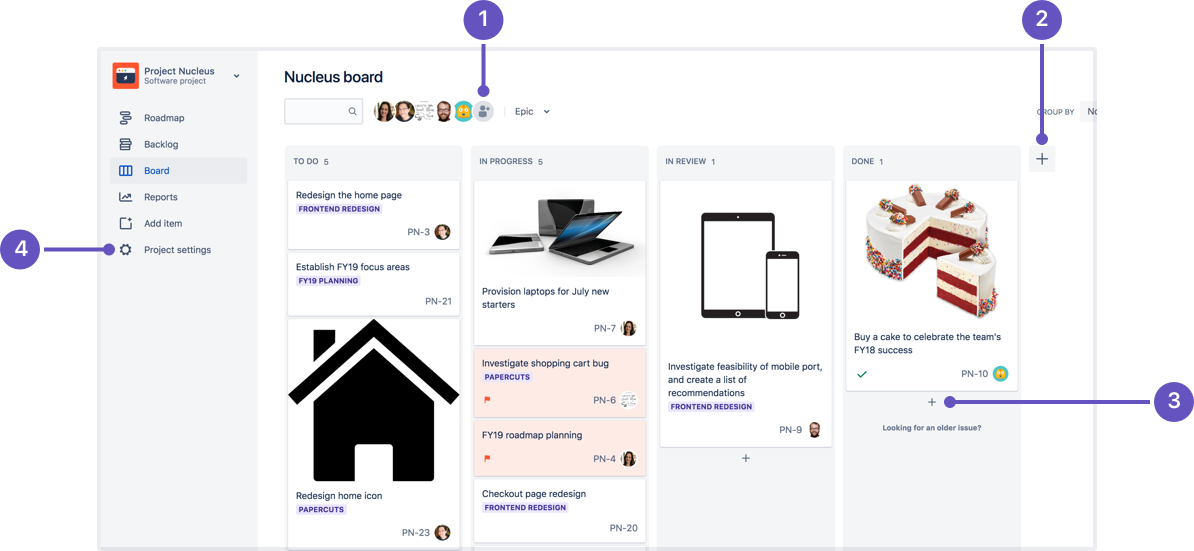
Add people: Add team members to your project at the click of a button, so you can quickly start collaborating.
Add columns: Configure your board by creating and rearranging columns with just a few clicks.
Create issues: Add issues to any column without ever leaving your board.
Project settings: Configure issue types, fields, and enable and disable features.
Enable and disable features
The best part about next-gen Jira Software projects is the ability to enable and disable features, allowing you to scale your project as your team grows, and tailor your project to your team’s changing needs. For example, if you’re a small team that only needs a board, you can turn off Sprints and Backlog. Or if you’re a growing team that needs more power, you can turn on Estimations and Reports.
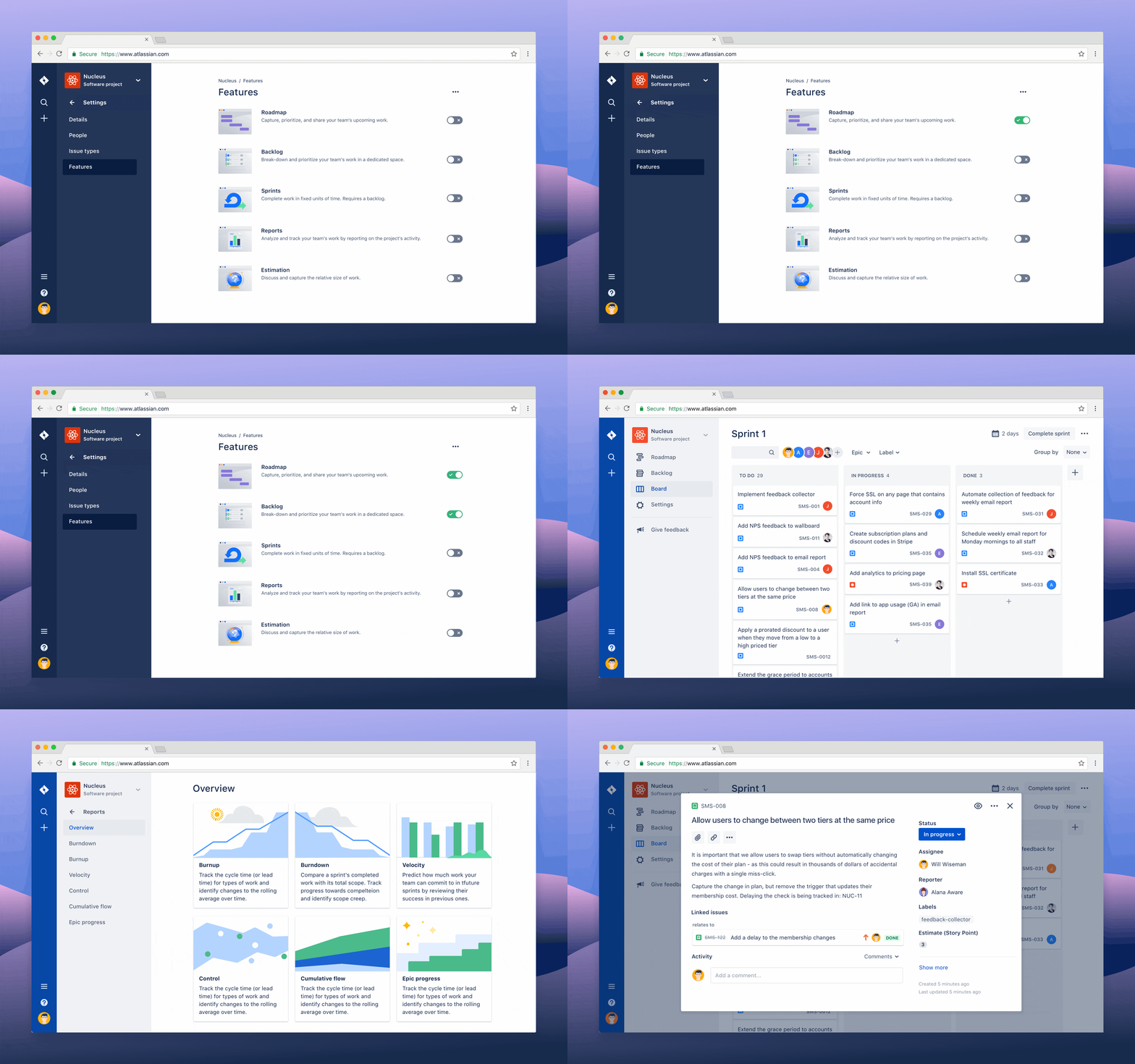
To enable and disable features:
Navigate to your next-gen project.
Select Project settings in the project menu on the left.

Select Features.
We’ll be adding more features in the future, so keep an eye out!
Learn more
Like what you see? Dive into more advanced features available in next-gen projects:


