I write to ask for help after reviewing the official documentation and the posts of other users to integrate Apache Web Server (Proxy) with Jira. It's about the following:
When a user clicks the button to solve the request, an error appears in the network and the window to solve the request does not load.
But when checking in the browser console there is an error because a request is being made on http although the Jira base URL is correctly configured to use https, as is the tomcat connector (server.xml) that has the proxy parameters (proxyName = "jira.pensemos.com" proxyPort = "443"). The request that can be seen on screen has the following url:
http://jira.pensemos.com/secure/CommentAssignIssue!default.jspa?decorator=dialog&inline=true&id=15824&atl_token=BXJ0-5JBF-WHYW-J836_84afd56495351461545247670149d18b72766441_lin&_=1538168030479&action=761
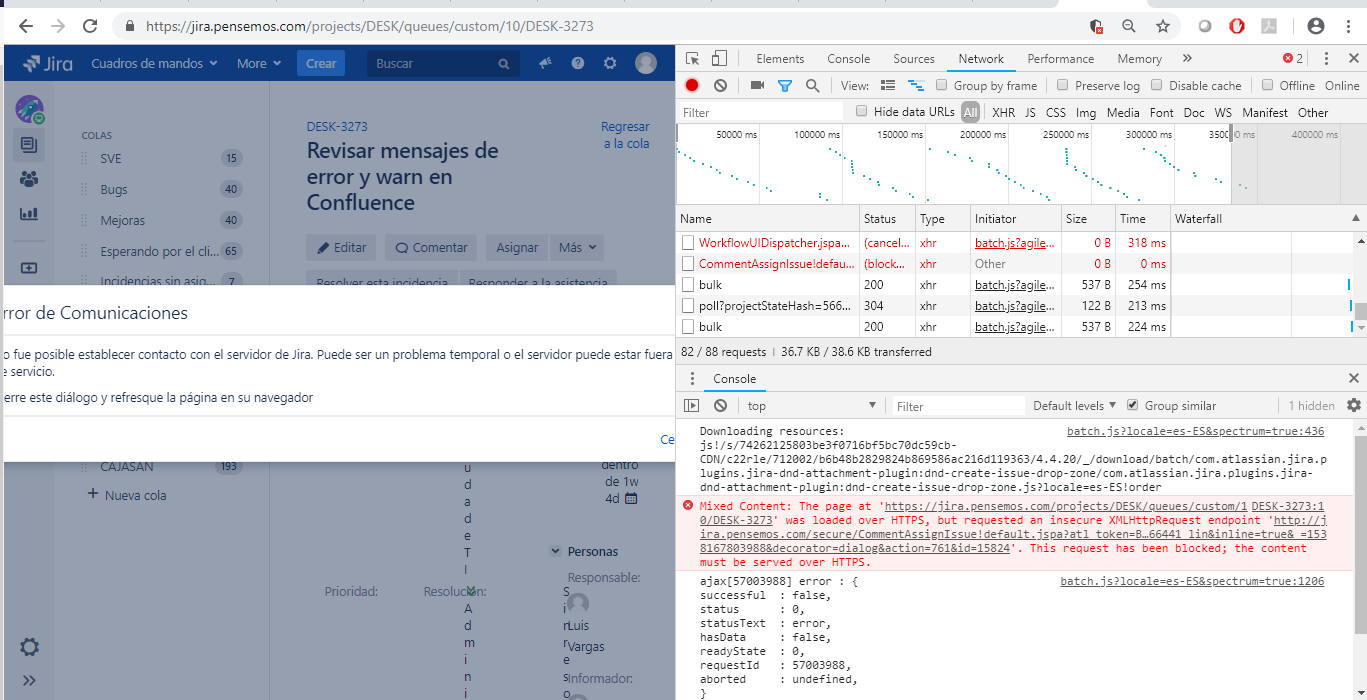
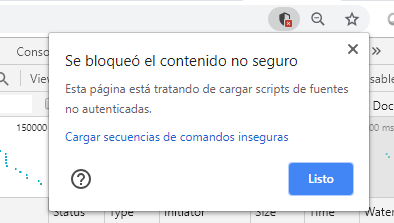
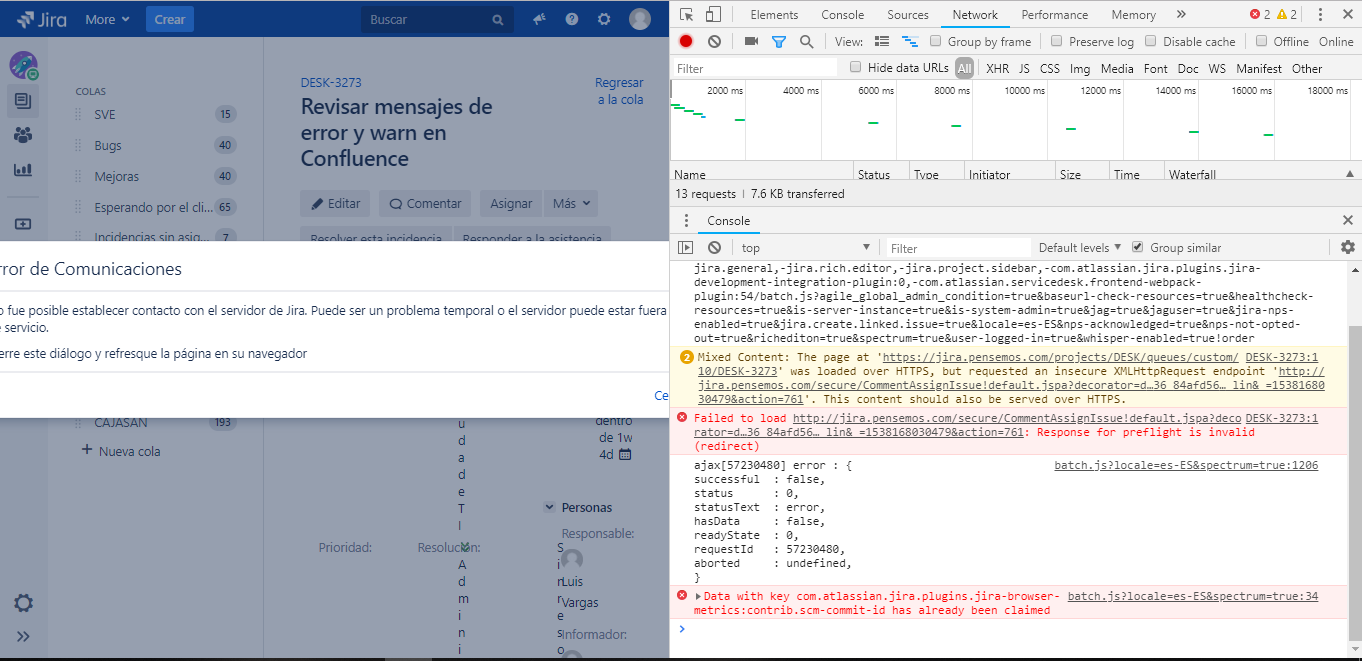
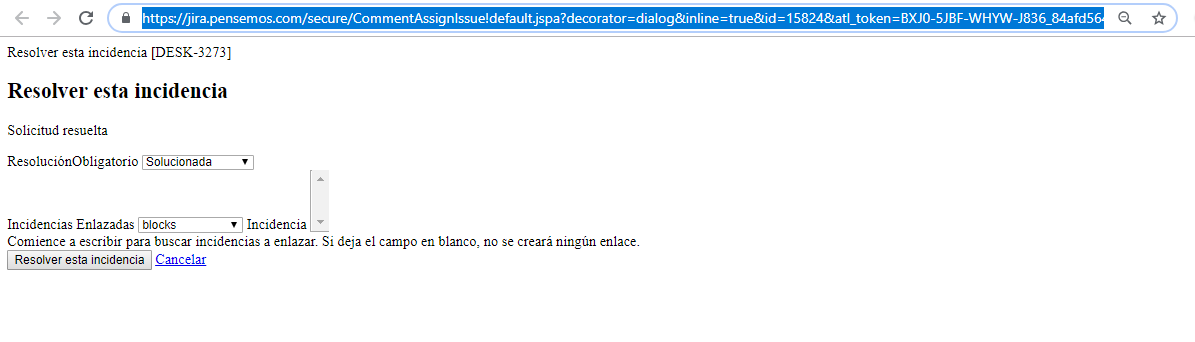
When inactivating the browser protection, it loads the HTTP request (XMLHttpRequest) but another error appears with the same request. If the URL is taken and loaded into another tab, this request is redirected to HTTPS and loads correctly.

I appreciate any comments
Best regard

