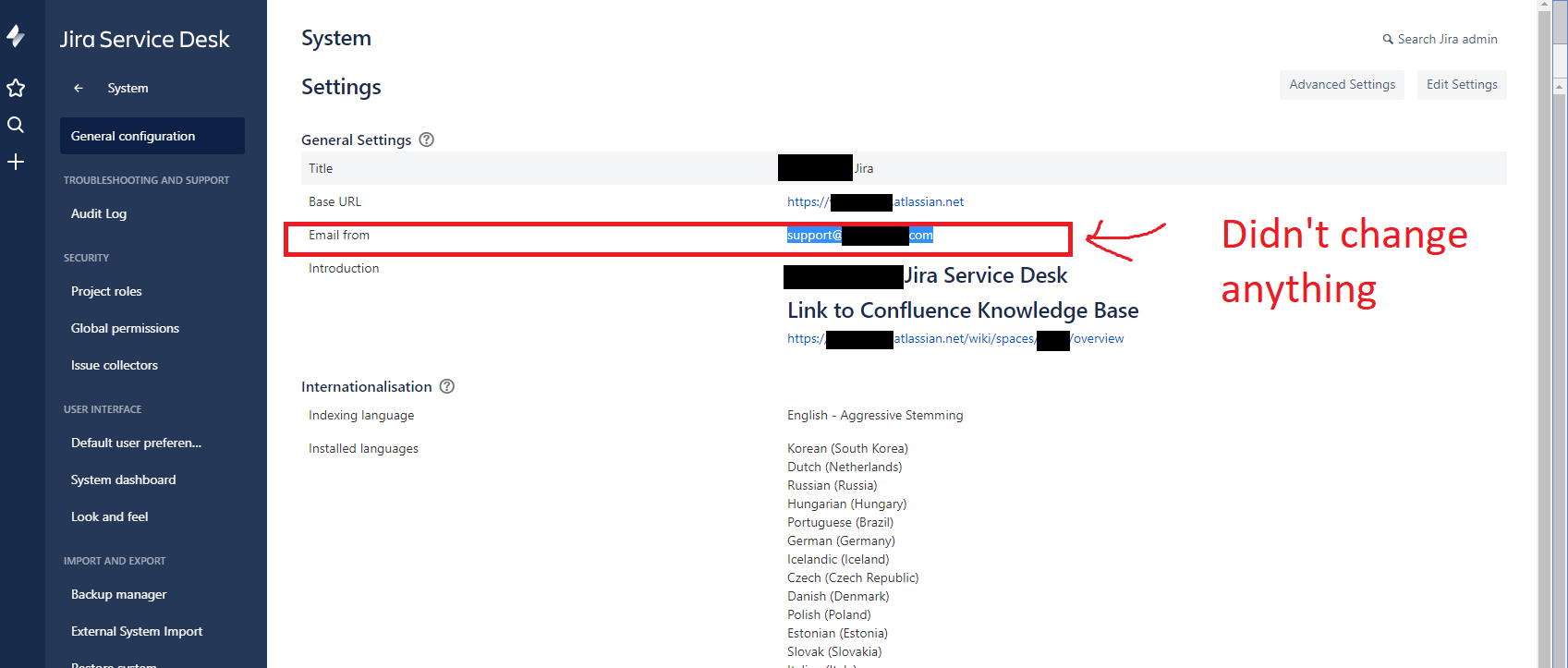
Using Jira Service Desk on the Cloud my team has set up many automated emails that get sent to the clients as they make requests and their requests change state (etc).
There is however one LARGE problem right now with the sending address, it's of a name that clients will most likely not recognize at all. This WILL cause confusion to some people.
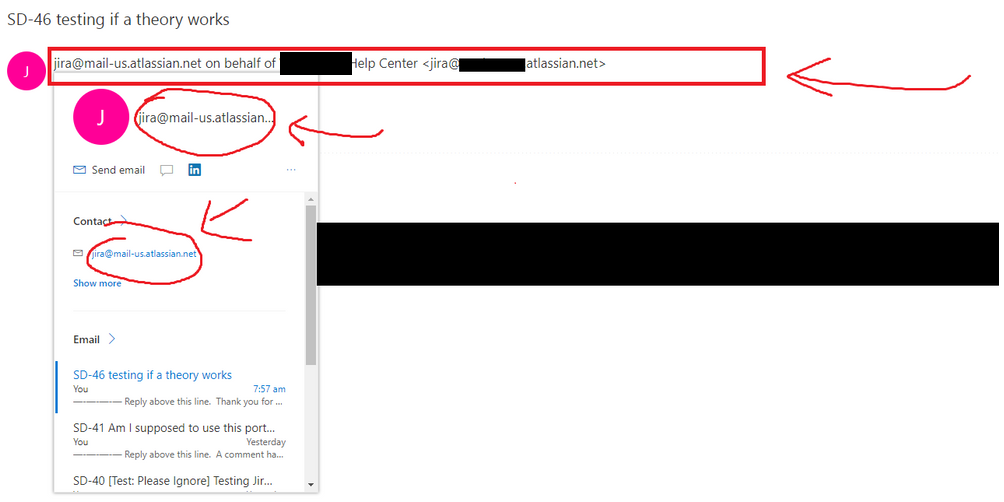
How can this be modified or changed so that the clients get an email sender that is more familiar to them? Such as our old "support email" address?
I haven't been able to find a way to do it myself yet... really hoping one of you wonderful people can help me out here!
Bless 
Edit: Other things that I have tried that unfortunately didn't work to solve this issue.
I tried following the steps of this article here to try and add the email server directly. Unfortunately it just seems that this makes the emails received be forwarded. Instead of changing the email address that is coming OUT of Jira Service Desk.
https://confluence.atlassian.com/servicedeskcloud/receiving-requests-by-email-747602718.html
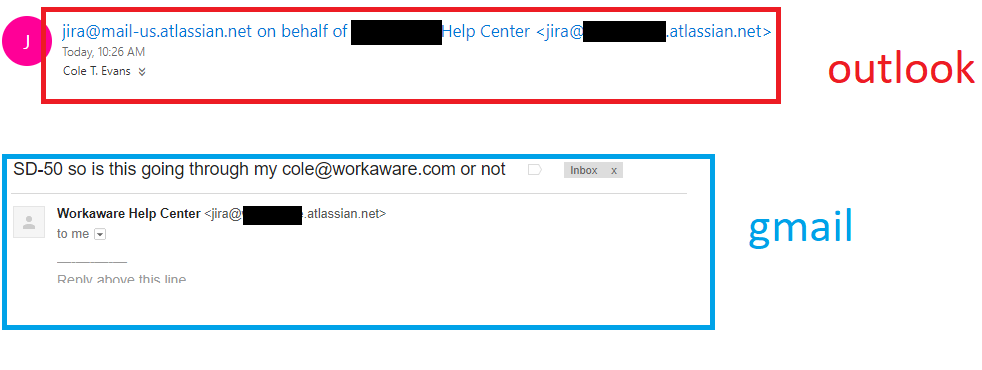
I want to be able to change it from jira@<companyname>.atlassian.net, because clients getting emails from this address may terribly confuse them. Especially because they are so used to our other email "support@<companyname>.com".
This is especially prominent using the Outlook email client.
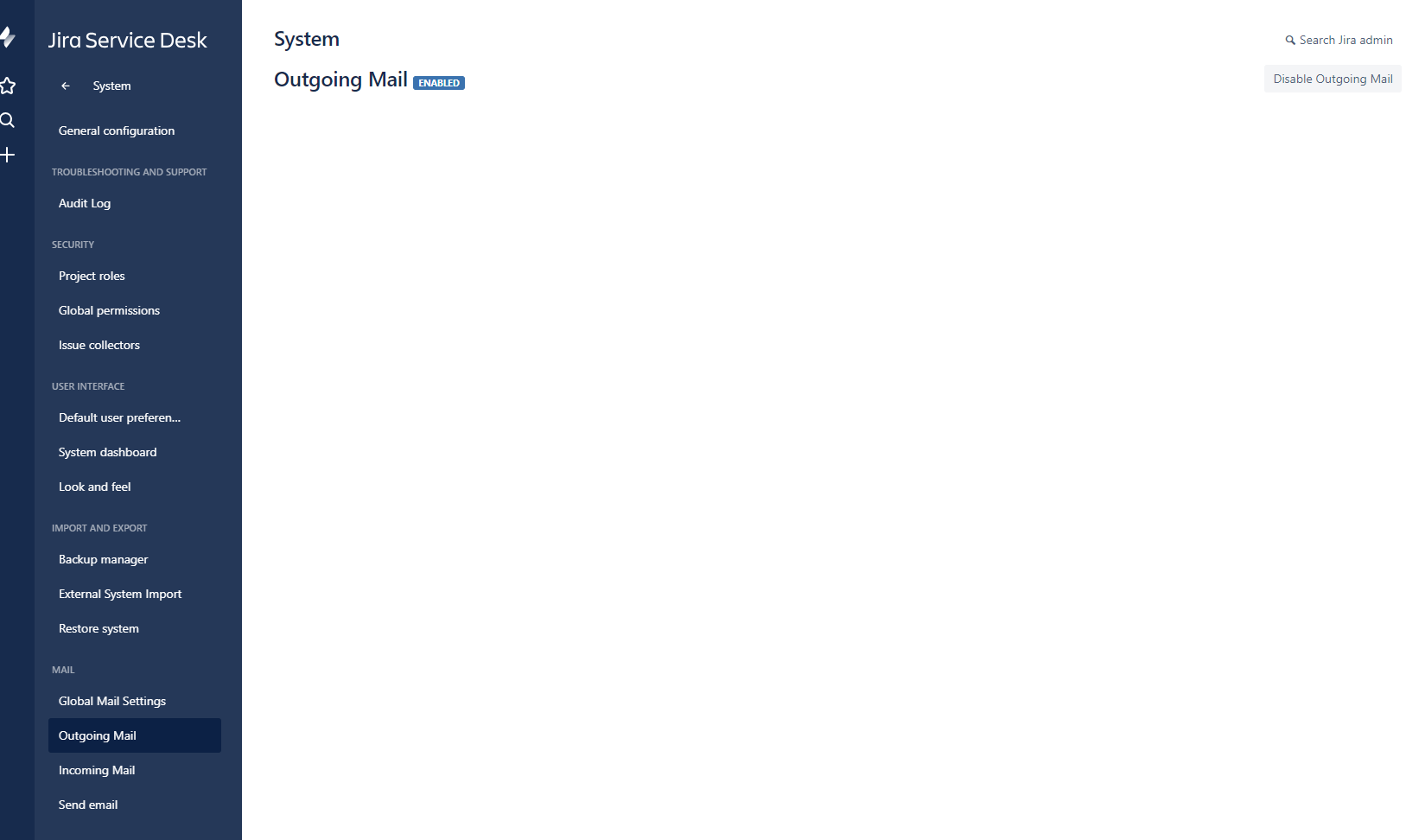
Other things I tried were checking outgoing mail settings... and that page doesn't give me any real options unfortunately. 
Also trying to change the outgoing email address