I am working with a C#/.Net solution that has 28 related projects. I have added a new project to the solution. The new project has its own project folder that sits at the same directory level as all other projects in the solution.
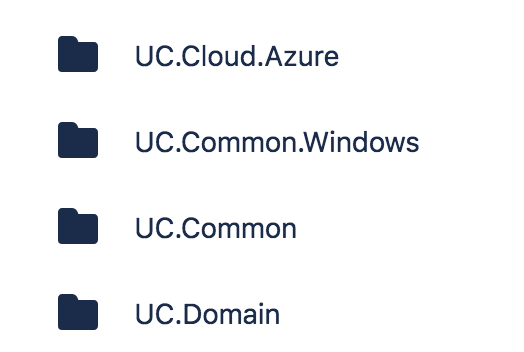
Successfully committed and pushed the project to my branch. But if I then go to the BitBucket website and look under the "Source" tab I don't see the project folder at all.
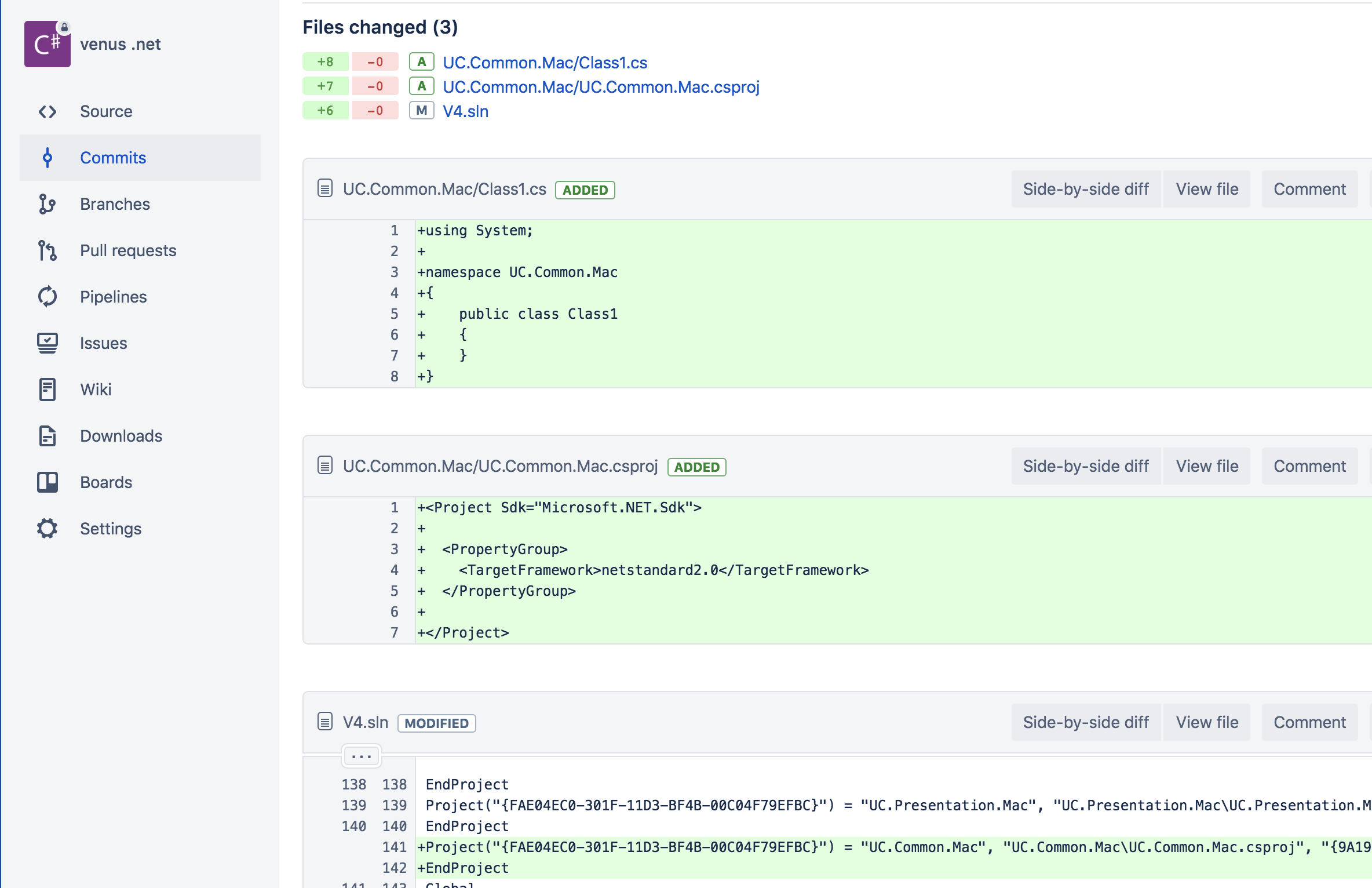
If I look under the "Commits" tab it shows the project files as being added and it shows where the solution file was modified with an entry for the new project. But again when you look under "Source" there is no project folder and no related code files for that project. If I make any arbitrary changes and commit them they always show under "Commits" but nothing under "Source".
Name of the project being added is UC.Common.Mac. On the Source tab it should appear between UC.Common and UC.Common.Windows but nothing is there. Any idea what's going on?