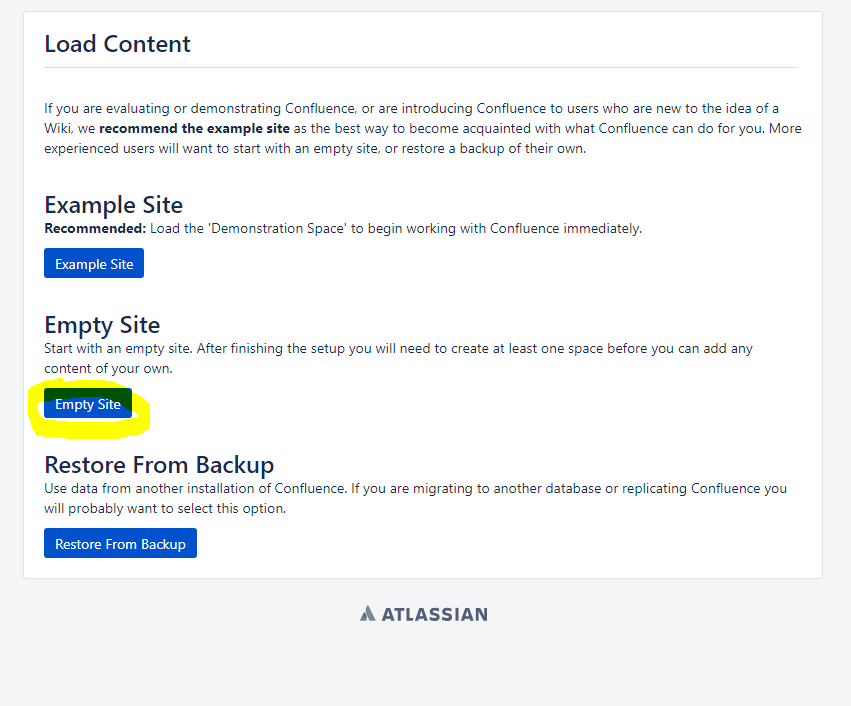
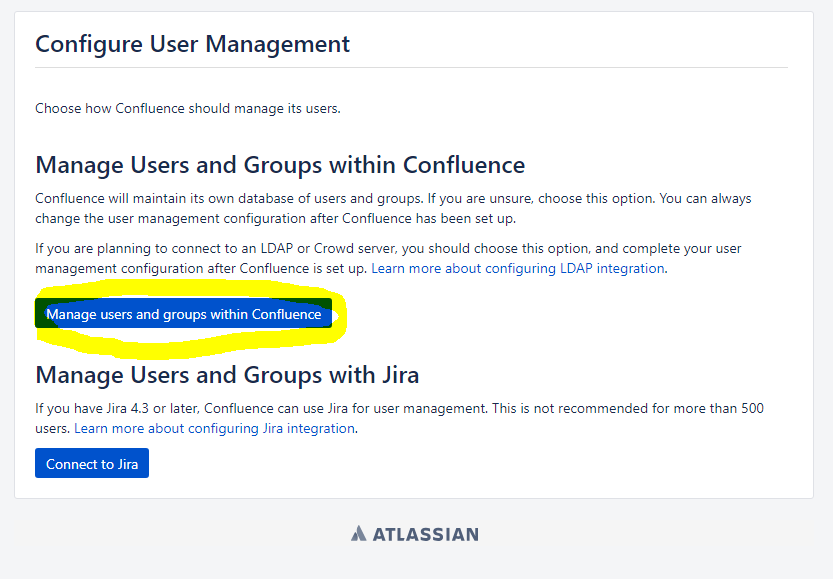
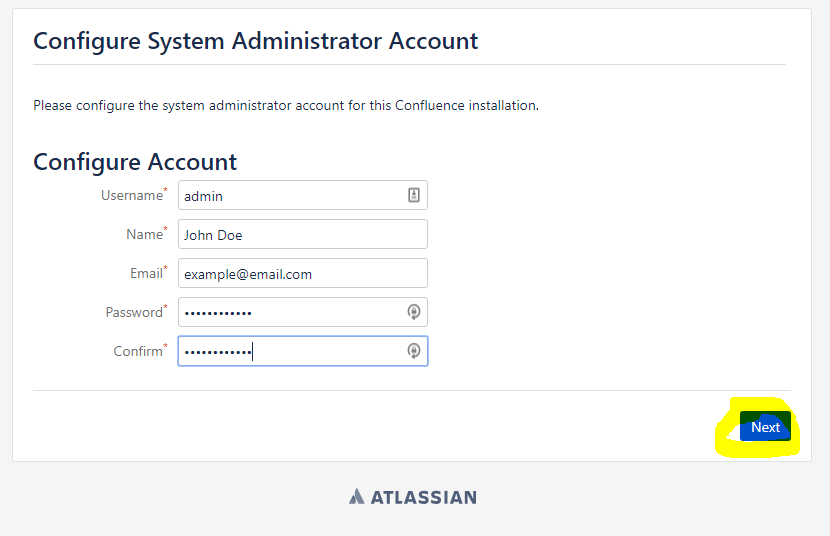
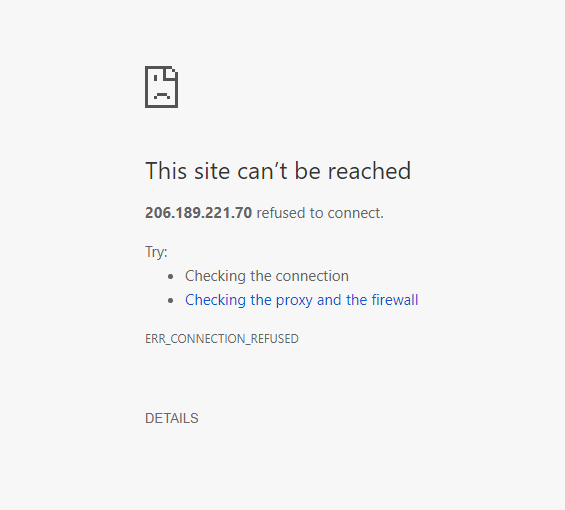
I am currently installing Confluence server on Ubuntu 18.04 LTS x64 hosted on DigitalOcean. I am using MySQL for the database. The setup process is successful all the way until I click on "Empty site." It asks me to create an administrative user, which I do, but when I click on create Confluence crashes. I have Confluence set up as a service with default settings for port, installation directory, etc. The code I used to install confluence and set up the database can be found here: https://github.com/mtnbikerjoshua/confluence-installer-ubuntu.
Note: I wrote that code myself because I was tired of repeatedly typing it as I re-installed.
Edit: Here is the contents of the atlassian-confluence.log file. https://textuploader.com/dzz3f
The last line seems like it might be relevant:
2018-07-17 16:20:47,620 WARN [Caesium-1-1] [impl.schedule.caesium.JobRunnerWrapper] runJob Scheduled job LaasPerformanceLoggingJob#LaasPerformanceLoggingJob completed unsuccessfully with response JobRunnerResponse[runOutcome=ABORTED,message='LaaS performance logging is turned off'] -- referer: http://myserverip:8090/setup/setupadministrator-start.action | url: /setup/finishsetup.action | traceId: 2d61a47bcc0c9cef | userName: anonymous | action: finishsetup
The catalina.out log ends in this error:
Java HotSpot(TM) 64-Bit Server VM warning: INFO: os::commit_memory(0x00007f1c21719000, 262144, 0) failed; error='Cannot allocate memory' (errno=12)
# There is insufficient memory for the Java Runtime Environment to continue.
# Native memory allocation (mmap) failed to map 262144 bytes for committing reserved memory.
# An error report file with more information is saved as:
# /tmp/hs_err_pid2689.log