Supported Platforms

To make using Sourcetree as simple yet powerful as possible we embed (bundle) dependencies such as Git, Git LFS, and Mercurial. We strive to keep these bundled releases as current as possible but there may be times when you'd like to use a different version than the embedded one.
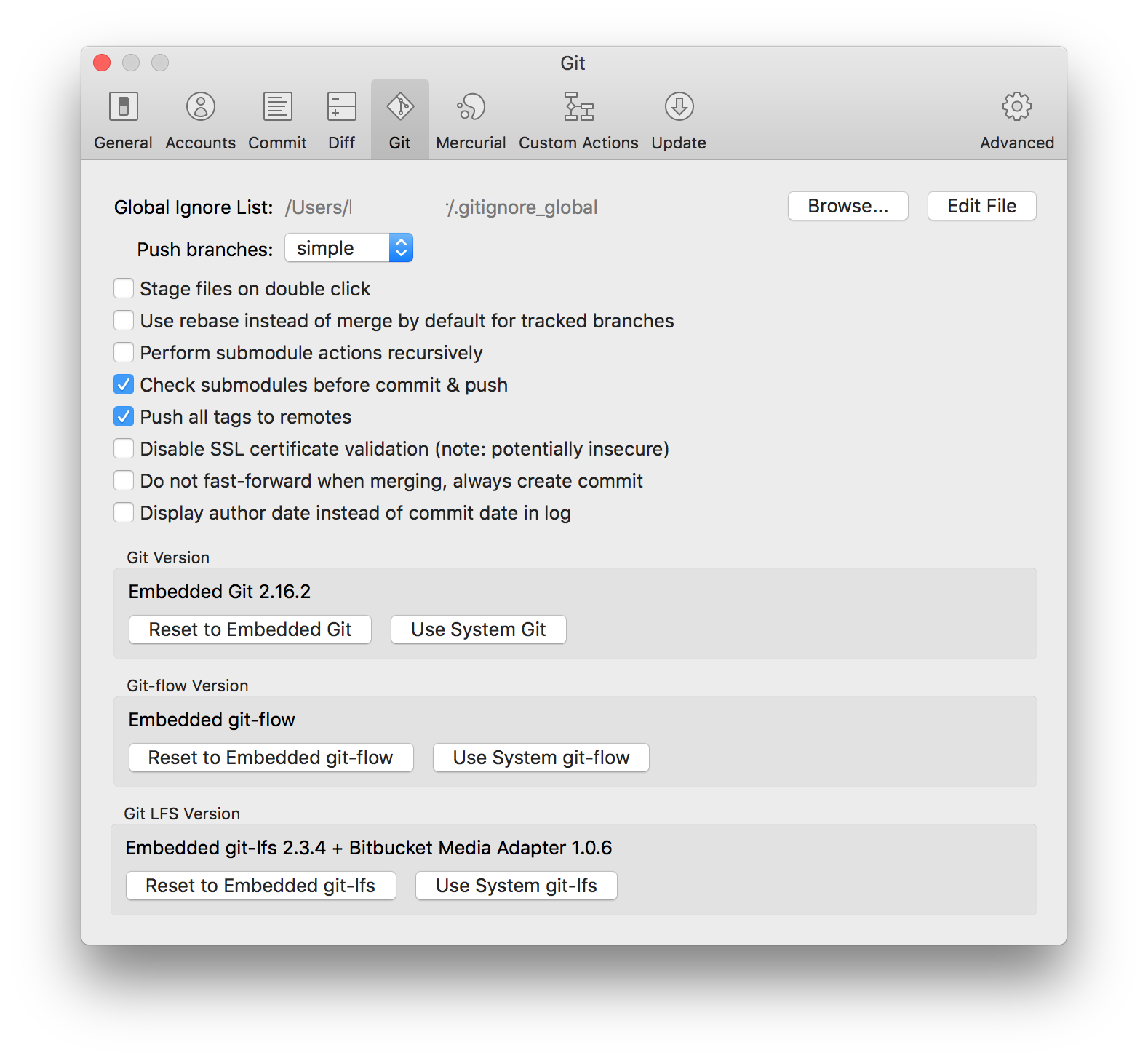
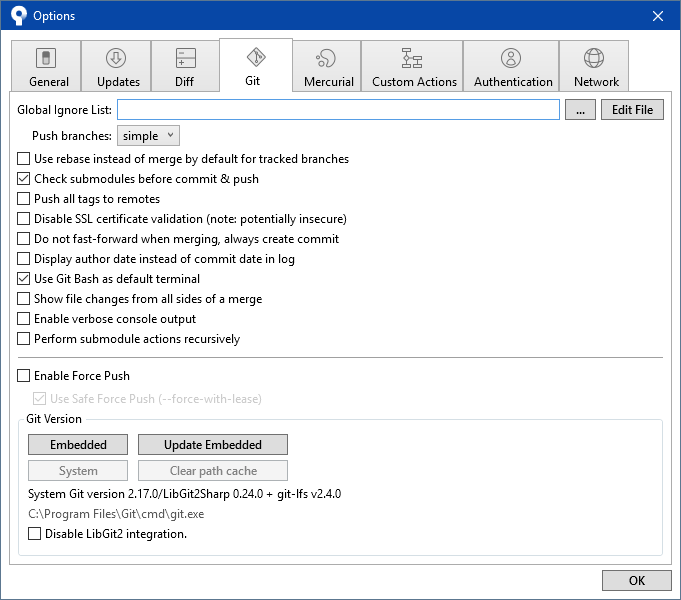
It's easy to switch dependencies on either platform, just:
- Download and install your preferred dependency (see Additional Resources, below)
- Open the Git or Mercurial settings in Sourcetree
- Switch to "System" by clicking the appropriate button
- Choose the dependency:
- On macOS, we'll automatically select the default location in a file chooser
- On Windows, we'll automatically detect default location and only show a file chooser if necessary
- Confirm the version information displayed is correct
These changes take effect immediately - you don't need to restart Sourcetree.
Because the embedded version of a dependency associated with an installed Sourcetree on Windows may not always be the latest preferred version of Git when updating, we recommend following the instructions on this page should the need arise.
Note: we strongly encourage switching back to Embedded Git or Mercurial once it's the same as or newer than your system installation
Additional Resources:


