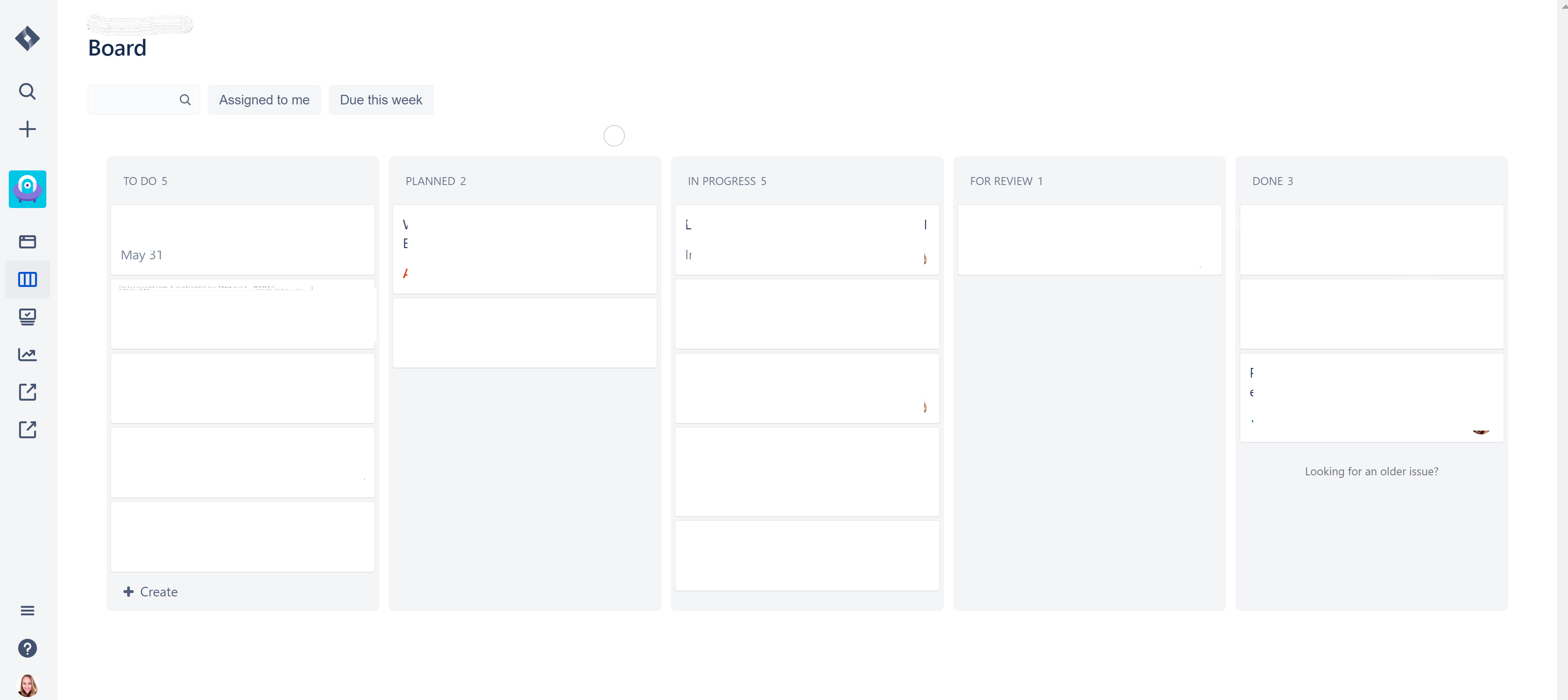
I have a project that, when I open the board, I cannot access a backlog. In digging around through documentations I assumed it was an agility board that did not have have a backlog enabled. It turns out, however, that it is a Kanban board that some reason it wasn't giving me the option to navigate to the backlog. For my projects, when I click on the name of a project to open a board, the view I have is the first image below, with no way to view the backlog.
I accidentally stumbled upon the backlog for this same project by opening a different project (for which the view was much the same view as this project, but for some reason which DID have an icon that allows me to view the backlog). From that 2nd project, I clicked on the administrator's picture, which allowed me to view all of their projects. From there, I clicked on the name of the same project as my original project.
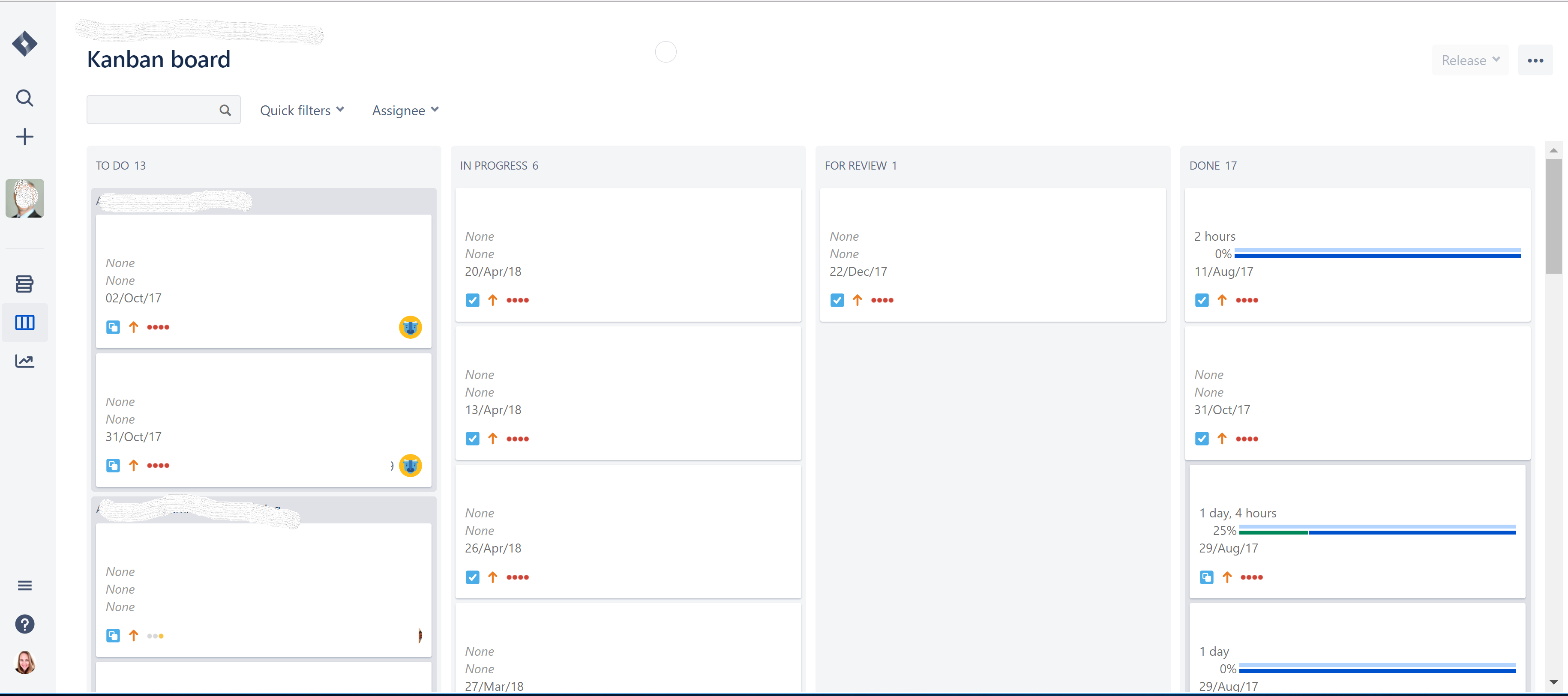
Now, I can see a "Kanban board" view (picture 2), which DOES allow me to see the backlog. These are two different views for the exact same project. The second view is much preferred, but I cannot get to it easily, only through this circuitous route of going through the administrator's profile. I'm not sure why I can't get to this "Kanban board" view when I click on the name of the project from my dashboard. For some reason it defaults to showing me this less useful view (picture 1). Can I change my default board view somehow so that I can see the Kanban board format for projects that are set up as Kanban boards (Picture 2)?