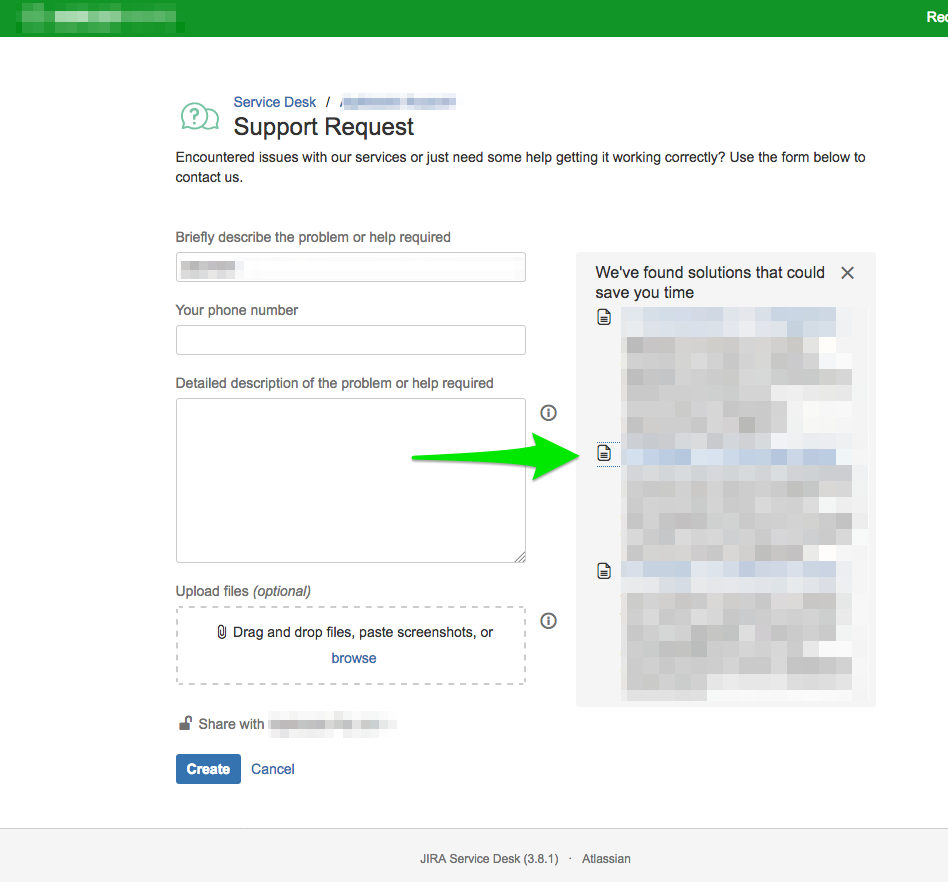
We use JIRA Service Desk and have created a linked Knowledge Base in Confluence.
The articles from Confluence are being displayed correctly in the JIRA Service Desk as they type their request keywords or when they perform a search. Article summaries are displayed with keyword highlights, great!
However, when the customer needs more information and clicks on the Article link. A pop-up window is display with a iFrame to Confluence and the Confluence Login prompt is displayed with the text:
You need to log in to Confluence to view Knowledge Base articles.
Select 'Remember me' to avoid seeing this message in the future.
How do I configure the JIRA Service Desk and Confluence integration such that customers are automatically logged into Confluence and never see the Confluence log in prompt.