Congratulations! You have installed Easy Agile Roadmaps for Jira.
So, where to from here? How do we create and manage a Roadmap?
Here's what we'll cover in this post:
- Adding an Epic to the Roadmap
- Sizing Epics
- Creating Themes
- Adding Version Markers
- Adding Date Markers
One Roadmap per Agile Board
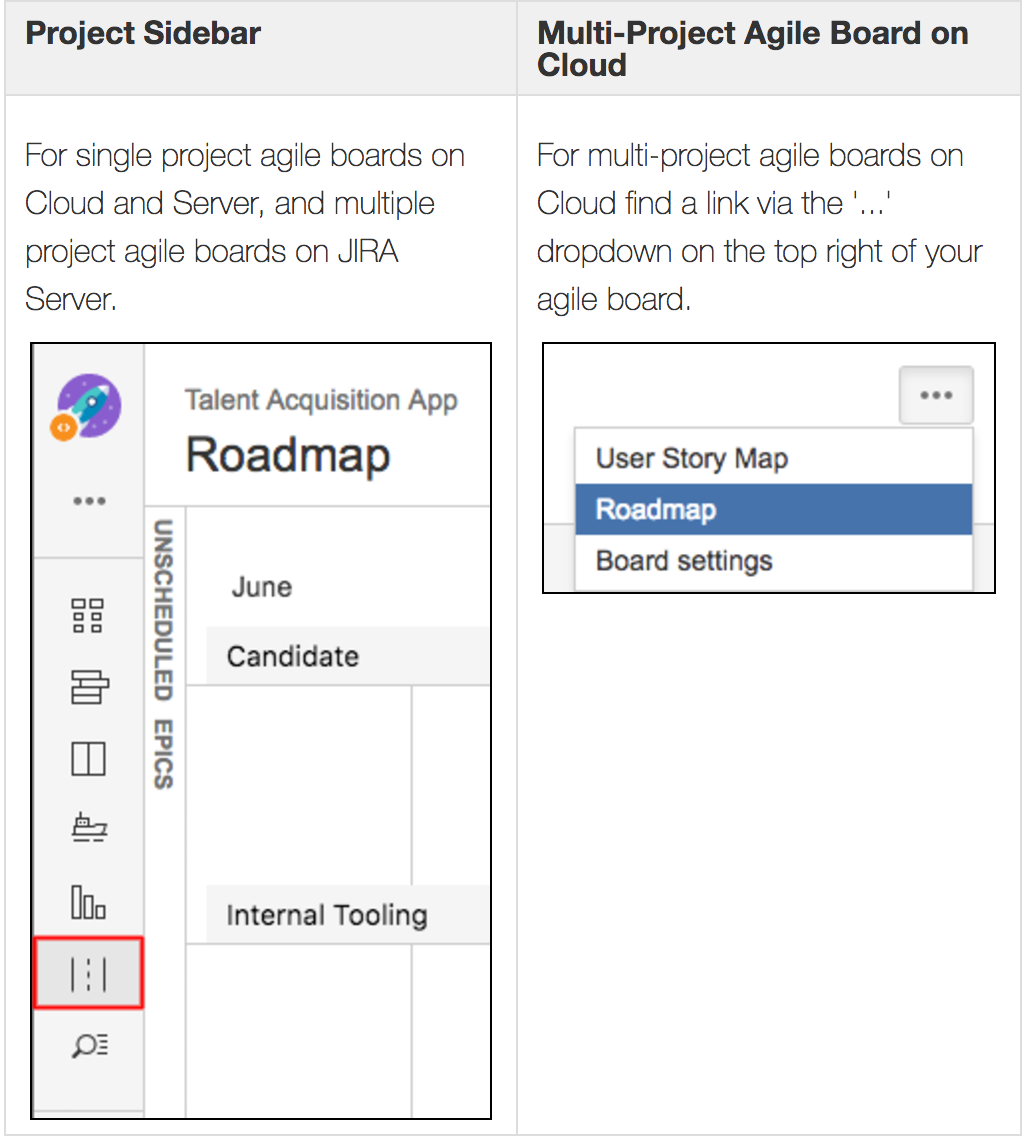
Once installed, each Scrum and Kanban board in Jira will have an associated Roadmap.
Access the Roadmap via:
Adding an Epic to the Roadmap
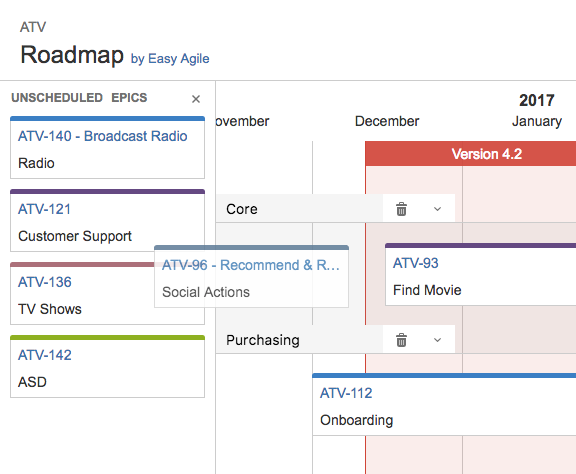
Epics are listed in rank order in the 'Unscheduled epics' pane on the left of the Roadmap.
Drag epics from the 'Unscheduled epics' pane on the left onto the Roadmap calendar to schedule them.
Sizing Epics
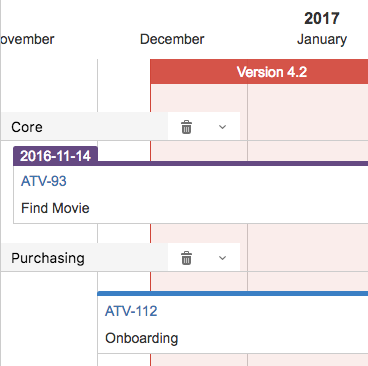
Drag on the left or right of an Epic to expand or contract it and show how much time it ios expected to take. This estimate shows stakeholders when an epic is estimated to start and be delivered.
As you drag one side of the epic to resize, or drag the whole epic, you will see dates appear above the epic so you know start and end dates.
Creating a Theme
A Roadmap can have multiple theme swimlanes. They are used to denote streams of work, or teams.
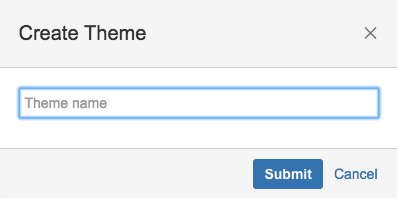
Create a theme and give it a name:
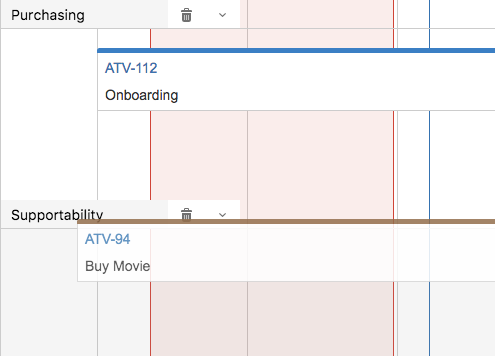
Epics can be dragged from one theme swimlane to another:
Adding a Version Marker
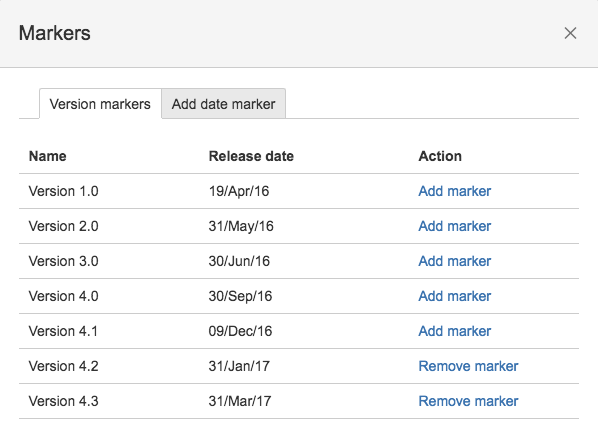
You can choose to add one or more version markers to the roadmap:
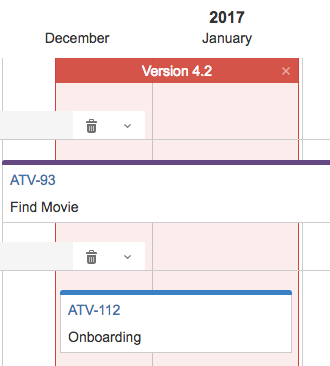
The version marker appears as a box between the start and release date of the version:
Colours:
- Green: fix version is released
- Blue: fix version is unreleased, and release date is in the future
- Red: fix version is unreleased and release date is in the past
Adding a Date Marker
These markers are for arbitrary dates such as a conference or a marketing release:
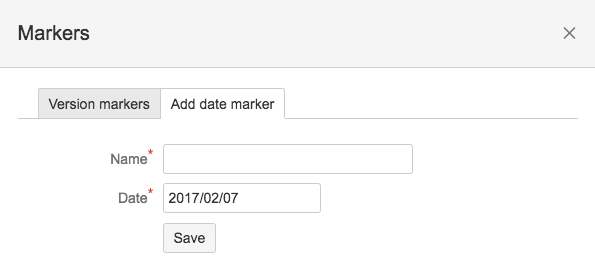
They will appear as a single vertical line through the roadmap.


