I have update our JIRA core recently and the JIRA Service Desk Application cannot be installed . I can see the button install as below :
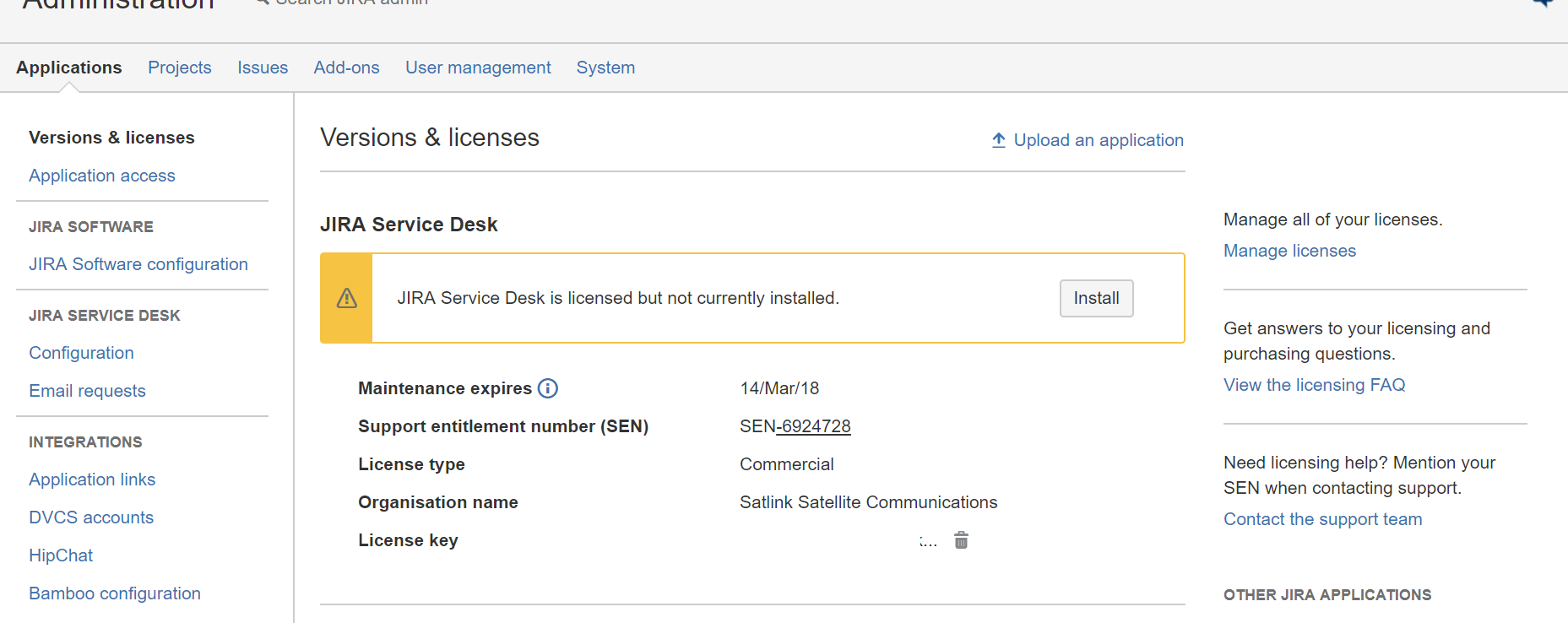
When i click install though i get "An unexpected error occurred. Refer to the logs for more information.". I have tried reinstalling jirs service desk using the linux installer . i have rebooted the server but nothing still the same thing .
Below are the logs:
2017-08-03 14:30:30,862 UpmAsynchronousTaskManager:thread-1 INFO kleanthis 1017x212x2 jpb7is 192.168.6.114 /rest/plugins/1.0/available/featured [c.a.plugin.loaders.ScanningPluginLoader] No plugins found to be installed
2017-08-03 14:30:30,907 UpmAsynchronousTaskManager:thread-1 INFO kleanthis 1017x212x2 jpb7is 192.168.6.114 /rest/plugins/1.0/available/featured [c.a.plugin.manager.DefaultPluginManager] Updating plugin 'com.atlassian.servicedesk.application' from version '3.6.2' to version '3.6.2'
2017-08-03 14:30:30,910 UpmAsynchronousTaskManager:thread-1 INFO kleanthis 1017x212x2 jpb7is 192.168.6.114 /rest/plugins/1.0/available/featured [c.a.plugin.loaders.ScanningPluginLoader] Removed plugin 'com.atlassian.servicedesk.application'
2017-08-03 14:30:33,409 UpmScheduler:thread-3 WARN kleanthis 1017x212x2 jpb7is 192.168.6.114 /rest/plugins/1.0/available/featured [c.a.upm.pac.PacClientImpl] Update check request may take longer because of the number of add-ons
Can anyone help with this?


