Hello,
I have been having this problem at least since yesterday, and I don't know what's going on. I have upgraded to the latest version (7.4.1) from 7.3.6 but the behavior is the same.
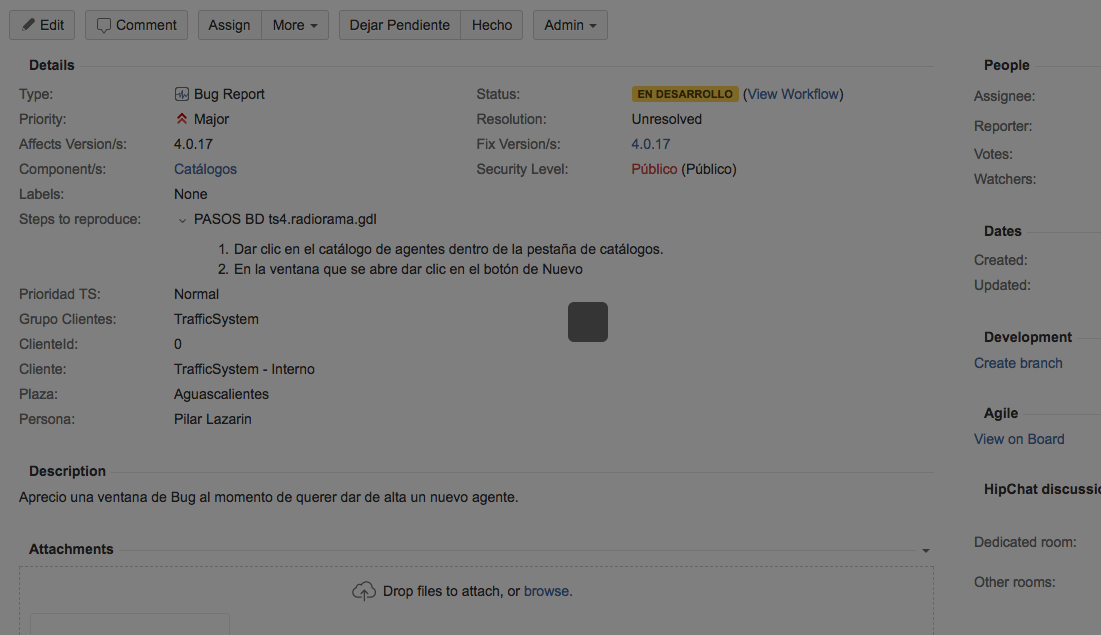
I'm on an issue (I have tried with 3 or 4 different ones, although all on the same project), then I click on the More button, then Link. The screen goes a shade darker, and a smaller rounded black square is displayed. This same transition is visible when doing some other actions, but the small square "grows" to the input screen. This doesn't happen on the Link action.
I have cleared Chrome cache, restarted the server, used another browser (Safari, I am on a Mac), upgraded Jira, reindexed, and nothing changes.
When the small black square is displayed, if I press "Esc" then the screen returns to normal, i.e., apparently there is some input screen displayed, but with no data visible.
Here is a screenshot of said square.
Any ideas on how to solve this?
- Edit -
I have checked the logs on the server and I don't see anything wrong there. Also, the health-check doesn't show anything wrong with the installation.
Working around some other issues, this same problem happens from time to time with some other actions, for instance, I just clicked on the "Start progress" button and it's displaying the same behavior (even when that transition doesn't have any input screen). Clicking on the View Workflow link makes this happen also.
I'm guessing there is something misconfigured (although this was working fine before and there was no change to anything on the installation, server nor anything like that) but I just can't see what.
The problem seems to be with the use of the ISAPI redirect method, using the Tomcat Connectors/Jakarta. Accessing Jira directly on the install port (8180, for instance) works fine. I have already updated the tomcat connector to the latest available version, 1.2.42 (I was on 1.2.40) but it is still failing.


