Support and engineering teams often work in different systems for good reasons. Support agents manage customer conversations in CRM or help desk platforms like Salesforce Service Cloud and Zendesk, while engineering teams rely on Jira to plan, prioritize, and resolve issues.
The challenge begins when customer escalations move between these platforms.
One enterprise organization recently set out to reduce the operational friction caused by disconnected workflows across Salesforce, Zendesk, and Jira. As support operations expanded across multiple business units, manual handoffs became increasingly difficult to manage consistently.
With Sinergify, teams can set up a flexible and secure Salesforce–Jira integration that adapts to existing workflows without adding unnecessary complexity.
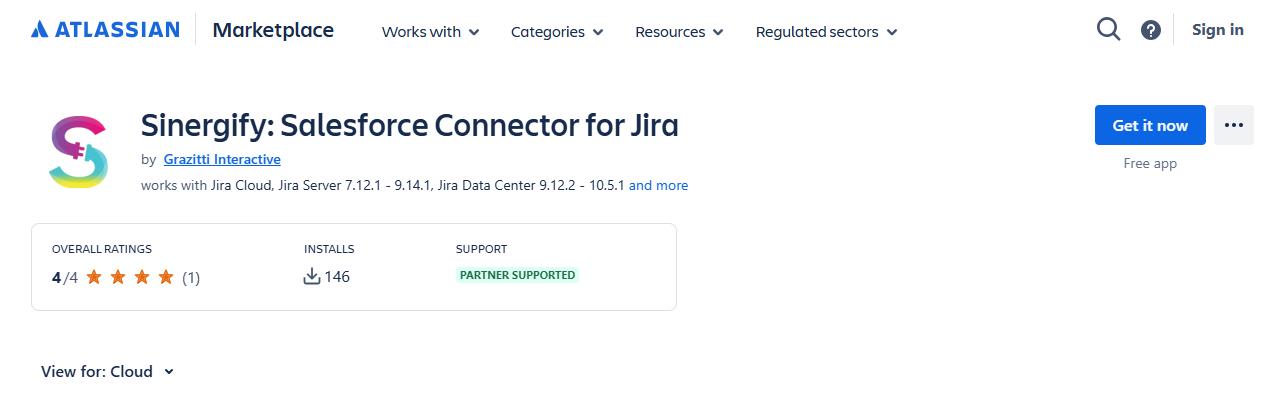
If you haven't installed the Sinergify app yet, you can find it on the Atlassian Marketplace.
Here's what the implementation taught us.
The Integration Challenges
The organization encountered several common issues that many Jira administrators will recognize:
- Support agents manually recreated customer issues in Jira, increasing the risk of errors and duplicate work.
- Engineering updates weren't visible to support teams unless someone manually communicated progress.
- SLA reporting became difficult because customer and engineering systems reflected different statuses.
- Leadership lacked a unified view of the customer issue lifecycle across platforms.
None of these challenges were caused by Jira itself. They were simply the result of business processes spanning multiple applications.
What the Integration Needed to Achieve
Rather than creating a one-time ticket transfer, the team focused on keeping information synchronized throughout the lifecycle of an issue.
Key requirements included:
- Automatically creating linked Jira issues from qualifying Salesforce cases or Zendesk tickets.
- Synchronizing comments, attachments, and status updates in both directions.
- Preserving existing workflows within each platform instead of forcing teams into a shared process.
- Supporting multiple Salesforce orgs, Zendesk instances, and Jira sites as additional business units came online.
Maintaining each team's existing way of working proved to be an important adoption factor.
Implementation Considerations
A few architectural decisions helped simplify rollout across multiple teams.
Keep workflows independent
Rather than trying to standardize processes across support and engineering, the integration focused on synchronizing relevant information while allowing each team to continue using its own workflows.
Define field mappings early
Aligning priority, severity, status values, and ownership fields before deployment reduced downstream maintenance and reporting inconsistencies.
Synchronize context
Not every field needs to be shared. Restricting synchronization to customer-relevant information helped reduce noise while ensuring engineers still had the context needed to investigate issues.
Plan for scale
The integration was designed to support multiple Jira sites and CRM environments without requiring separate implementations for every business unit.
Early Results
Following deployment, the organization observed several operational improvements:
- Manual ticket recreation between support and engineering was eliminated.
- Support teams gained real-time visibility into engineering progress directly from their existing tools.
- SLA reporting became more reliable because issue status remained synchronized across systems.
- The implementation approach could be reused as additional business units adopted the integration.
Takeaways for Jira Administrators
If your organization uses Jira alongside customer support platforms, it's worth evaluating whether your current handoff process depends on manual communication.
A successful integration isn't just about moving tickets between systems. It's about ensuring the right information reaches the right team at the right time, while allowing each group to continue working in the tools and workflows they're already familiar with.
Whether you're connecting Jira with Salesforce, Zendesk, or another service platform, focusing on synchronization, workflow independence, and scalable governance can significantly reduce operational overhead as your organization grows.
For more detailed guidance, refer to Sinergify's official documentation:
1. Salesforce-Jira
2. Zendesk-Jira
I'm Twinkle Dhawan, Product Marketing Lead at Sinergify, a Grazitti Interactive product.
