Hi everyone 👋
We're thrilled to announce that Case Management in Jira Service Management is now generally available for all JSM Cloud customers. Over the next week, you’ll see Case Management appear in your service spaces settings under Features.
What is Case Management?
Case Management gives HR and Legal teams a native, structured and secure way to handle sensitive cases directly inside Jira Service Management. Reduce the need for additional tools and minimize context switching and duplicate data entry.
Whether you're managing an employee misconduct investigation, a legal matter, a grievance or a complex employee case, Case Management brings purpose-built structure, granular access controls, and case note capabilities to the platform your team already uses for service requests.
Unlike solutions that require a separate product or a separate workspace for sensitive case work, Case Management is built directly into JSM. Your HR and Legal teams work alongside IT on the same platform, with the access controls they need - without the cost or complexity of a dedicated module.
Ready-to-use request types for teams running sensitive cases: HR, Legal, Finance and Facilities
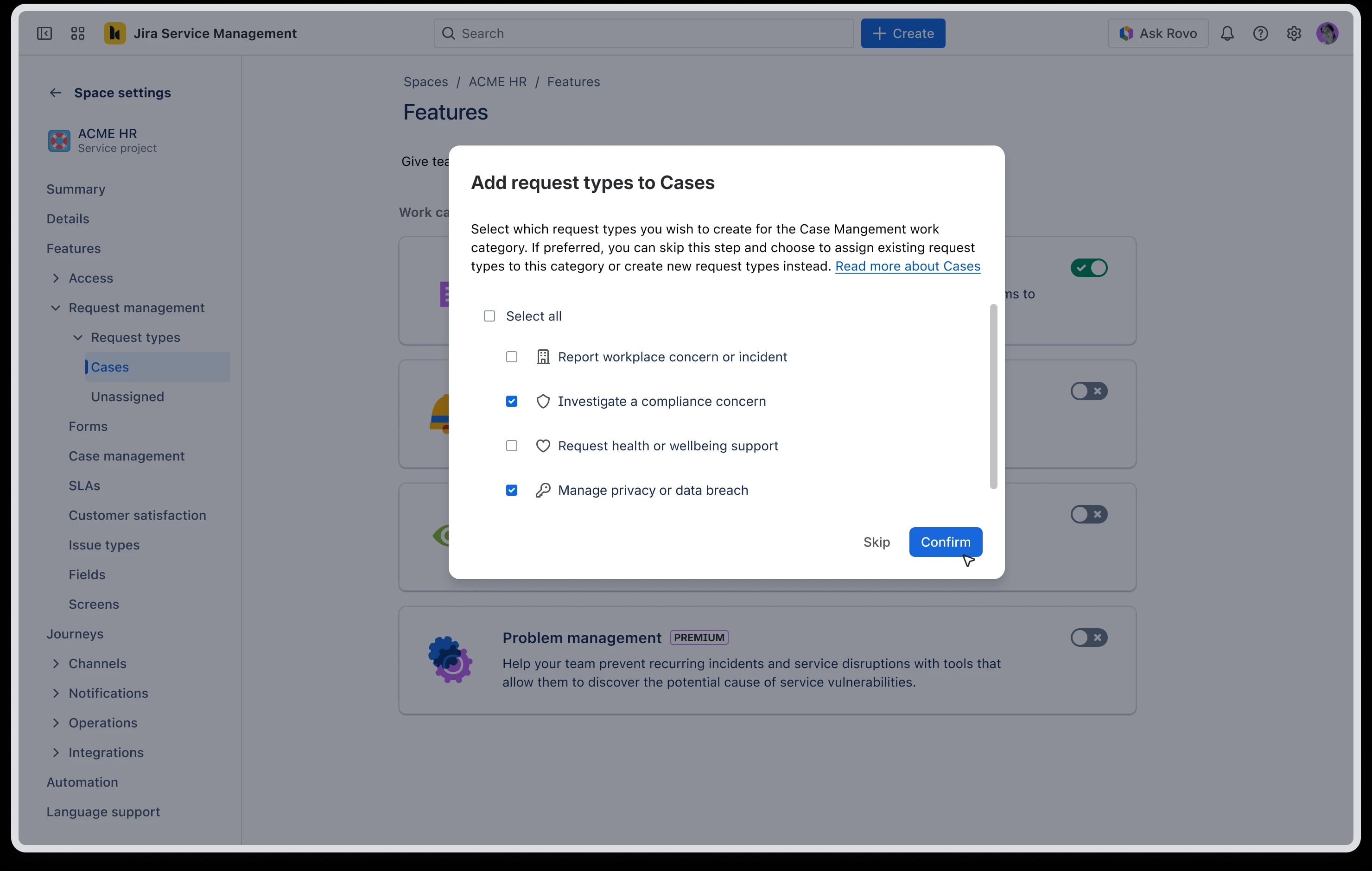
Case Management comes with pre-built request types for teams, covering common use cases like employee investigations, grievances, performance matters, contract disputes, and compliance cases. When you enable Case Management, you choose which of these request types to assign to the Case Management work category, so your teams start with the right structure from day one without having to build it from scratch.
Case Management uses your existing JSM security model so there are no separate permissions to configure. Cases are only visible to people in your service space who have access to the work item, controlled by your existing access settings. Your employees (help seekers) don't see the case component at all. To restrict who can see and work on specific cases, use your service space's issue security scheme, the same way you control access to any other sensitive work in the space.
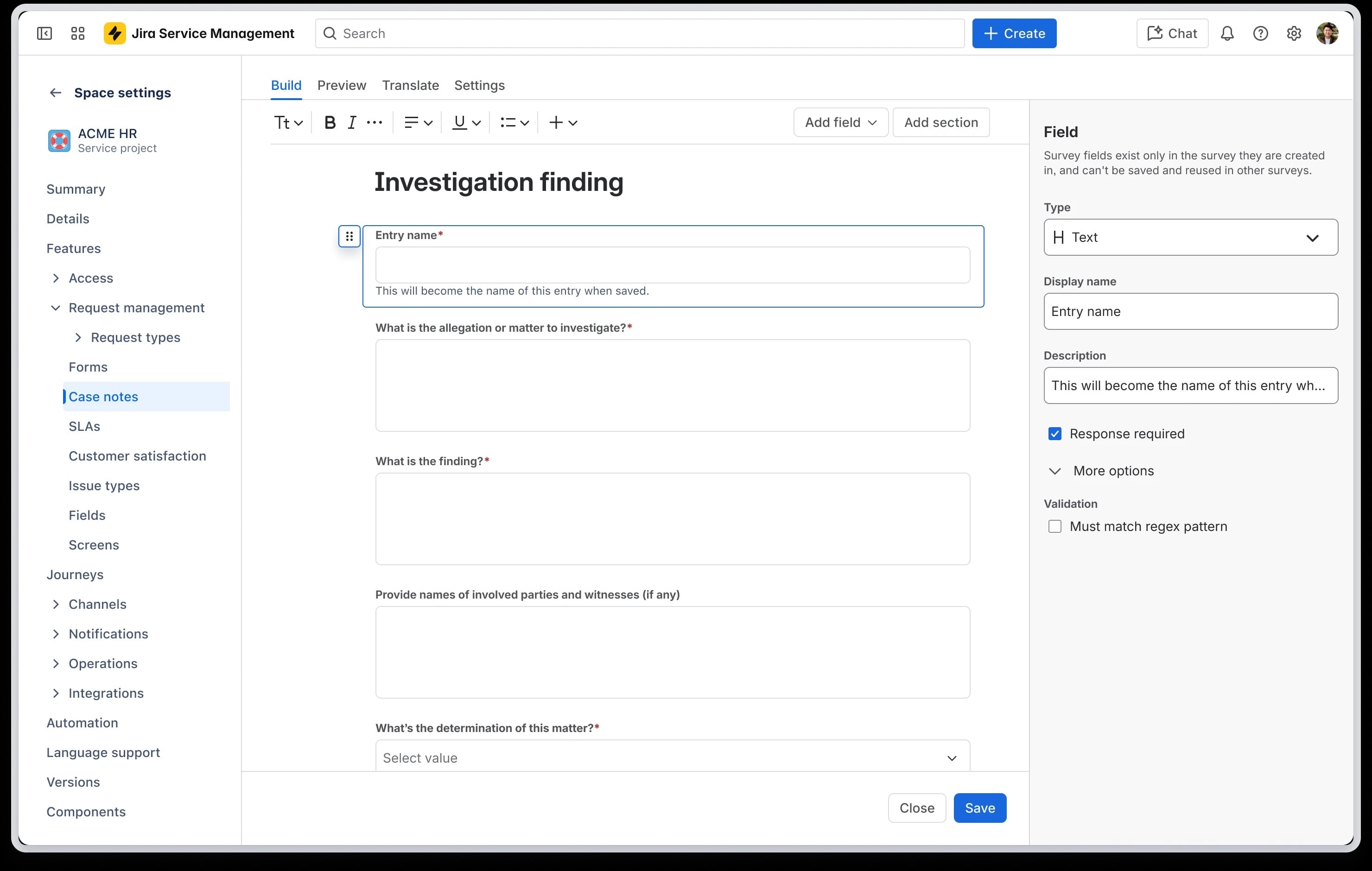
Case notes - use a template or create your own
Case notes give your team a dedicated, structured space to document findings, witness statements, corrective actions, and investigation outcomes - kept separate from general comments and visible only to the right people. You can:
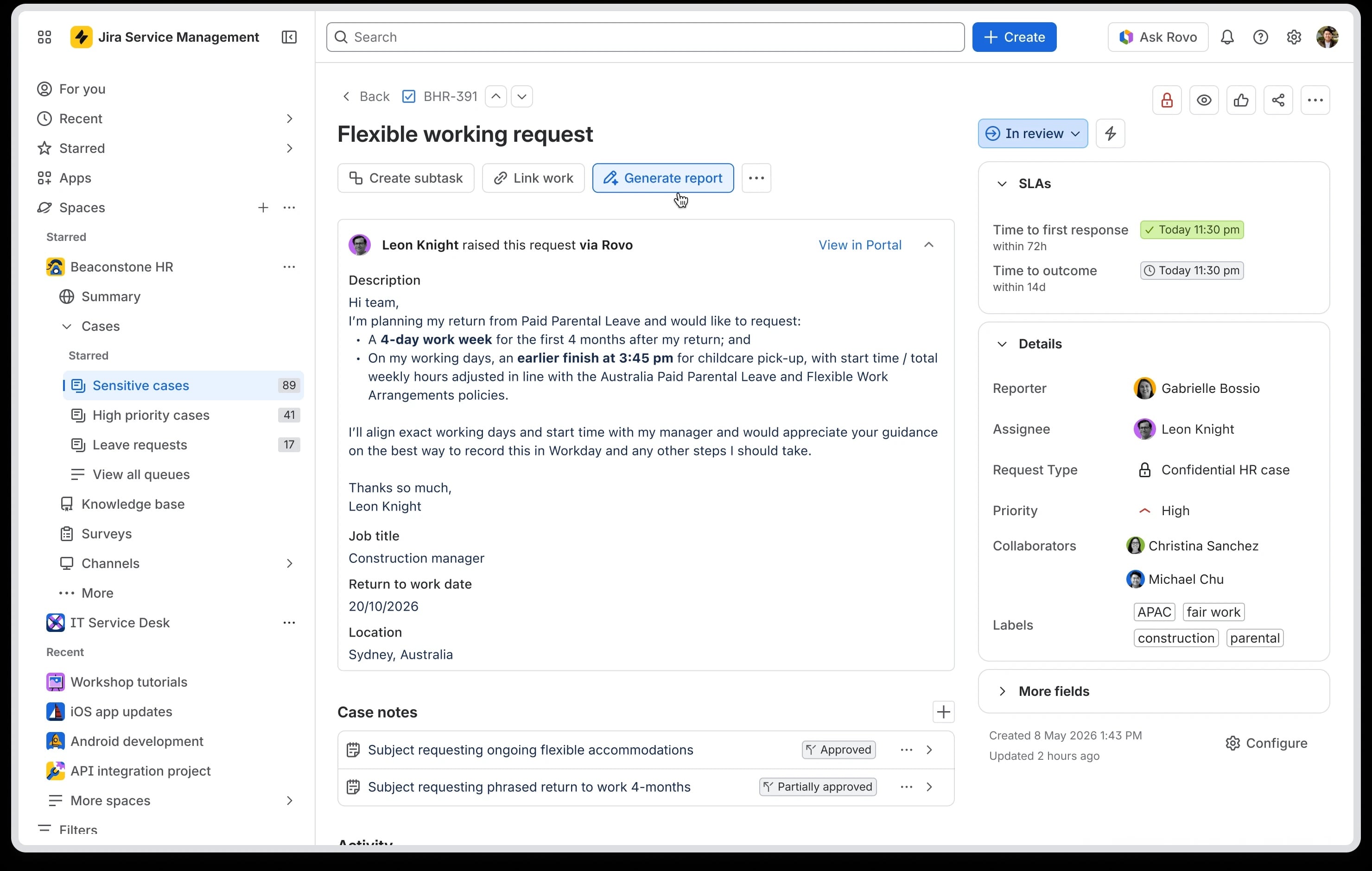
 Rovo-generated case reports
Case Management includes built-in Rovo case reports for paid JSM Cloud customers.
Select “Generate report” to invoke this purpose-built skill in Rovo Chat. Rovo then generates a structured case report using the case description and case notes. This means investigators can spend more time on the actual case work and less time on documentation and helps organizations maintain consistent, structured records
While we’ve designed the feature to use the information you provide, as with all AI features you should review the report output before using it. Learn more about how Rovo Skills uses your data
Who is this for?
- HR teams managing employee investigations, grievances, disciplinary processes, and employee relations cases
- Legal teams handling legal matters, contract disputes and compliance cases
- Any team who helps investigate or manage sensitive cases.
- JSM Admins looking to consolidate sensitive case workflows onto a single, secure platform
How to get started
- From your Jira Service Management space, navigate to Space settings → Features
- Enable Case Management under the work categories section
- Assign at least one request type to the Case Management work category
- Configure case note when a work item is raised, using a template or create your own
Visit here for further support.
We want to hear from you
We’d love to hear how you’re using Case Management in Jira Service Management. Share your examples and questions below. Your feedback will help shape how we evolve the capability.
Kind regards,
Gemma Aldrich
Product Manager, Jira Service Management


