CanvasBlocks: Turn Plain Confluence Pages Into Polished Documentation (No Design Skills Needed)
You already have the content.
The documentation is there.
The knowledge is there.
The processes are there.
But sometimes, opening a Confluence page feels like opening a very long document:
Heading. Text. Heading. Text. Heading. Text.
And somewhere down the page, your reader is thinking:
“Where am I supposed to look?”
That's where CanvasBlocks comes in.
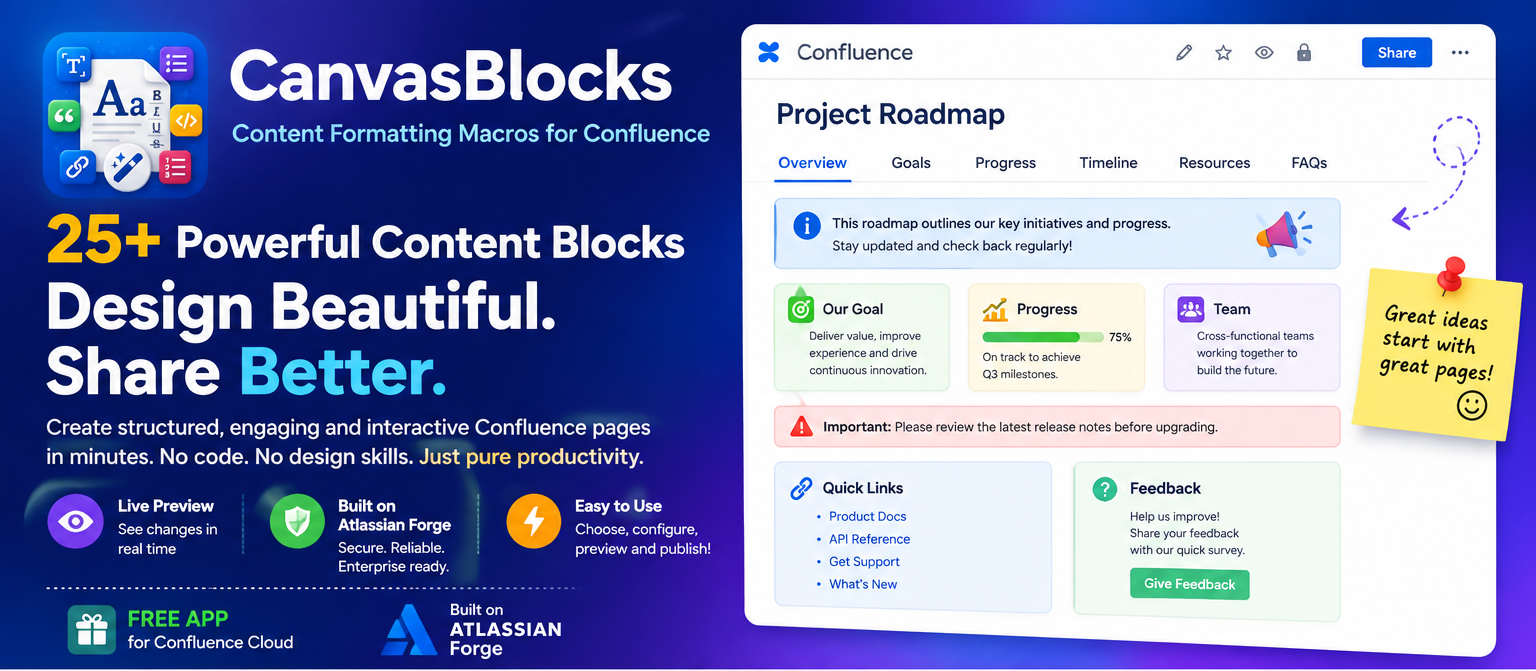
CanvasBlocks is a collection of 25 content formatting macros for Confluence Cloud designed to help teams turn ordinary Confluence pages into structured, visually engaging and interactive experiences — without requiring CSS, HTML or design skills.
🎨 What if Confluence pages were easier to scan?
Good documentation isn't only about what you write.
It's also about how quickly someone can understand it.
Imagine opening a project page and immediately seeing:
📌 Important information
📊 Current progress
🗂️ Related sections
🚀 Quick actions
❓ Frequently asked questions
📝 Team notes
Instead of making readers scroll through everything, CanvasBlocks lets you organize information into purpose-built content blocks.
🧱 25 Building Blocks. One Confluence App
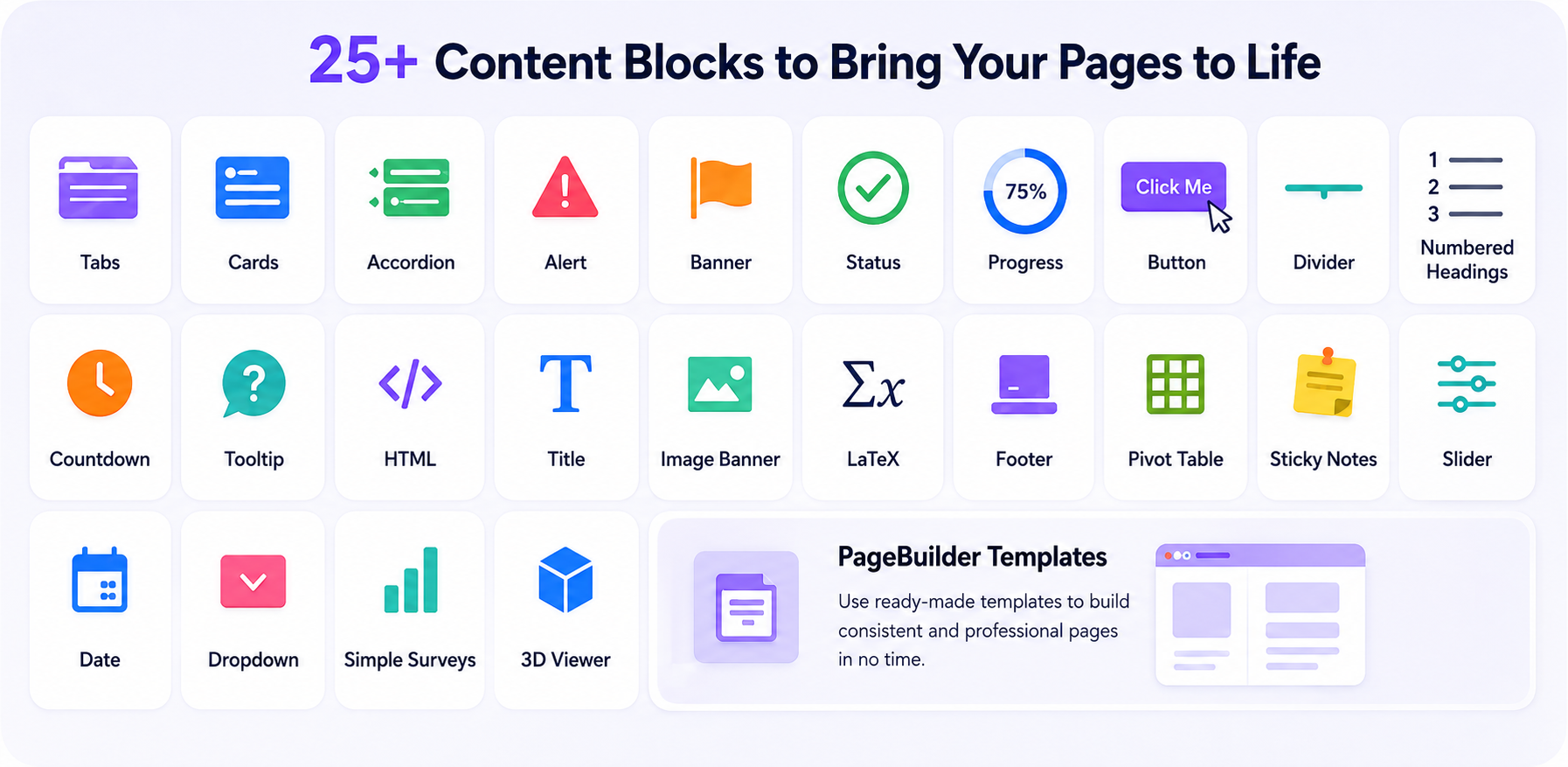
CanvasBlocks currently includes 25 blocks, covering everything from everyday formatting to interactive content.
Organize
Tabs · Cards · Accordion · Dropdown · Pivot Table
Keep related information together without turning your page into an endless scroll.
Highlight
Banner · Image Banner · Alert · Status · Sticky Notes
Make important information impossible to miss.
Guide
Numbered Headings · Tooltip · Button · Footer · Title
Help readers understand where to go and what to do next.
Visualize
Progress · Countdown · Slider · Date · 3D Viewer
Turn static information into something more engaging.
Create
HTML · LaTeX · Simple Surveys · PageBuilder Templates
Go beyond basic Confluence formatting and build richer experiences.
CanvasBlocks.
⚡ Live Preview While You Build
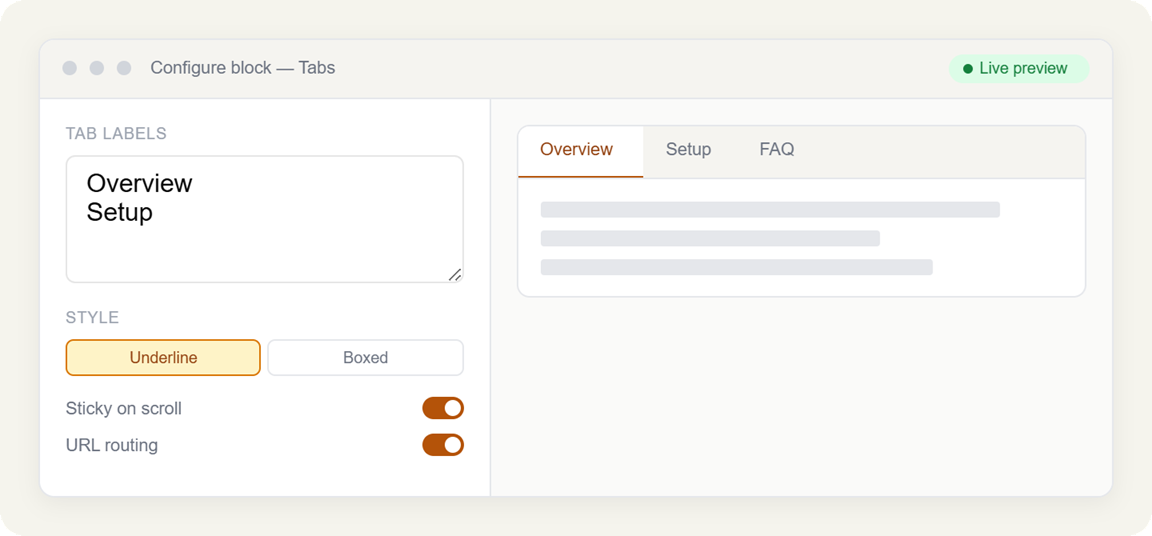
One of the frustrating parts of formatting content is making a change, publishing it, discovering that it doesn't look right, and going back to edit it again.
CanvasBlocks takes a different approach.
Its editor provides live preview, so you can adjust labels, colors and other options and see the result as you configure the block.
The workflow is simple:
Choose → Configure → Preview → Publish
No complicated page-building process.
🆕 New Blocks Make Confluence Even More Interactive
CanvasBlocks isn't limited to traditional formatting.
Recent additions include:
📝 Sticky Notes
Perfect for reminders, tips, ideas and important callouts.
🎚️ Slider
Add interactive slider-based content to your pages.
📅 Date
Present dates cleanly within your page content.
🔽 Dropdown
Keep additional choices and information neatly organized.
🗳️ Simple Surveys
Collect quick feedback directly from your Confluence pages.
🧊 3D Viewer
Bring 3D content directly into your documentation.
🧩 PageBuilder Templates
Create consistent page structures using reusable templates. The video below shows how easy it is to build your pages.
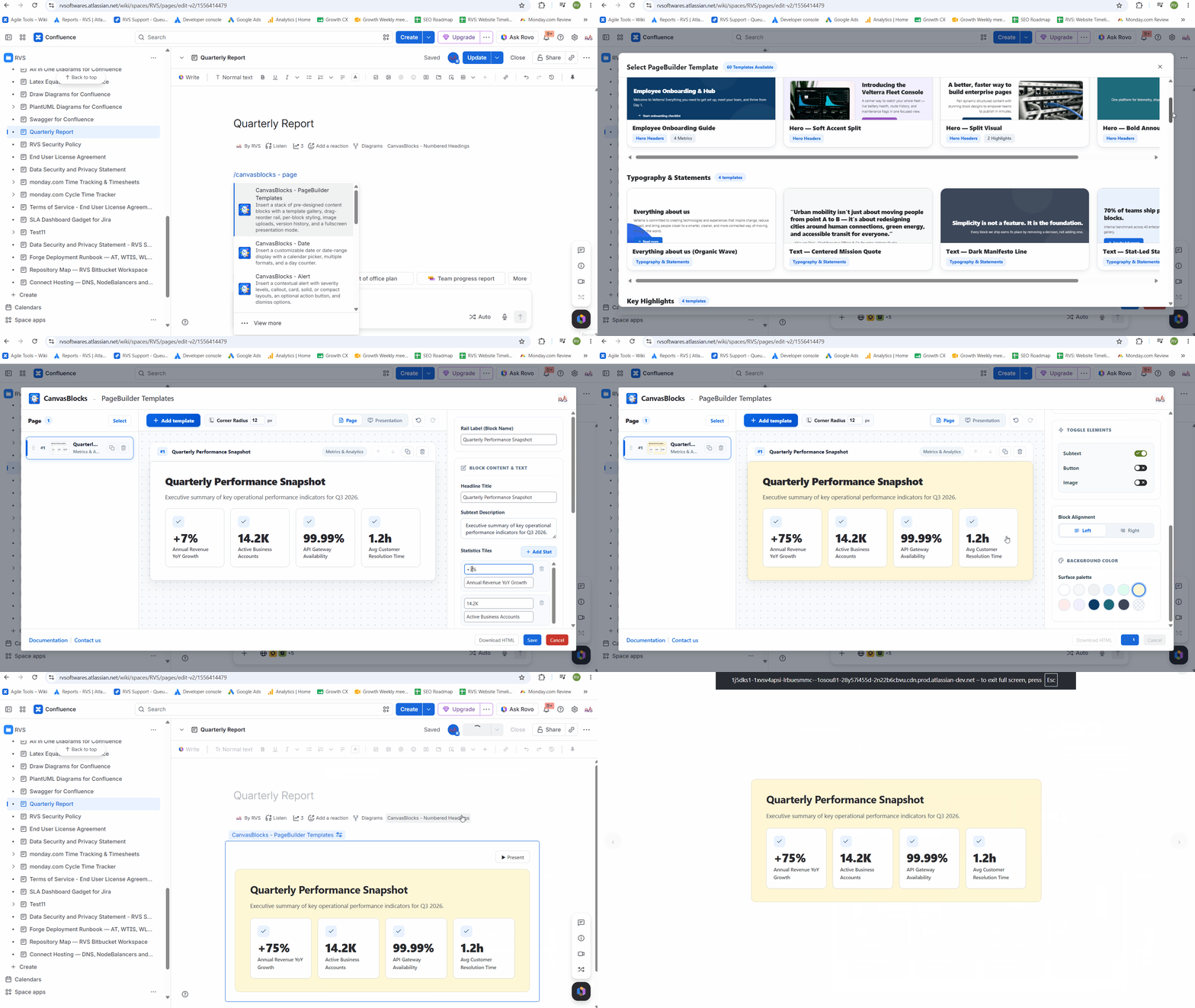
These newer blocks expand CanvasBlocks from a simple formatting toolkit into a broader content-building toolkit for Confluence.
💼 Where Can You Use It?
CanvasBlocks can be useful anywhere your team creates structured Confluence content.
📚 Product Documentation
Build documentation hubs with:
- Tabs for different topics
- Cards for navigation
- Accordions for FAQs
- Alerts for important information
- Buttons for key actions
👋 Employee Onboarding
Create onboarding experiences with:
- Progress indicators
- Important announcements
- Step-by-step sections
- Sticky notes
- Helpful links
🛠️ Technical Documentation
Combine:
Tabs + HTML + LaTeX + Tooltips + Alerts + Numbered Headings
to create more structured technical content.
📊 Project Pages
Use:
Progress + Status + Dates + Banners + Cards + Sticky Notes
to create project pages that communicate information at a glance.
🧠 Knowledge Bases
Instead of forcing users to read everything, give them a visual path through the information.
Start Here → Guides → FAQs → Troubleshooting → Reference
👀 It's Not Just About Making Pages "Pretty"
This is an important distinction.
CanvasBlocks isn't about adding decoration for the sake of decoration.
It's about information architecture.
A well-designed page can help readers:
- Find information faster
- Understand hierarchy
- Identify important information
- Navigate large amounts of content
- Focus on relevant sections
- Take action more easily
In other words:
Better formatting can make good documentation more useful.
🔐 Built on Atlassian Forge
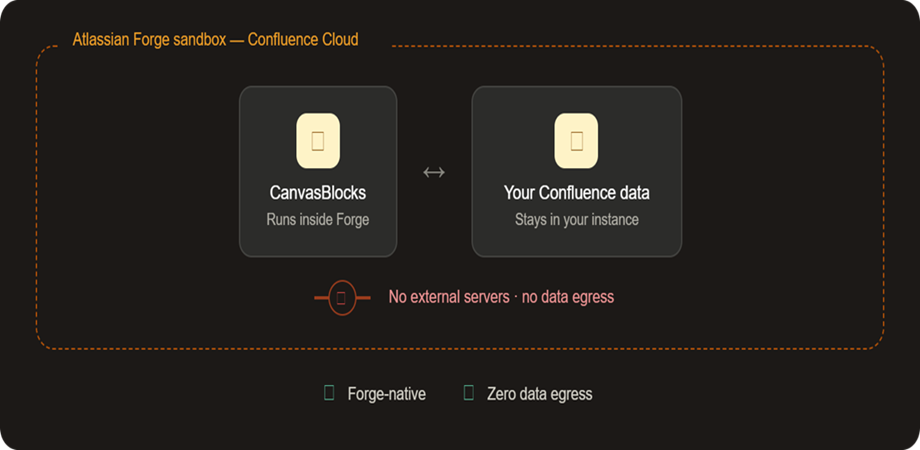
For Confluence administrators, the architecture matters too.
CanvasBlocks is built entirely on Atlassian Forge. The Marketplace listing states that the app runs without external servers and does not send content to external servers.
That gives teams a straightforward way to add content-formatting capabilities while staying within the Atlassian platform.
🪄 No Design Team Required
You don't need to be a designer.
You don't need to write CSS.
You don't need to build complicated layouts.
You simply choose the block that matches what you're trying to communicate.
Need navigation? → Tabs
Need emphasis? → Alert
Need visual grouping? → Cards
Need expandable information? → Accordion
Need progress? → Progress
Need a call to action? → Button
Need quick feedback? → Simple Survey
Need a reusable page structure? → PageBuilder Templates
🚀 Get Started with CanvasBlocks
CanvasBlocks is available as a free Confluence Cloud app on the Atlassian Marketplace.
👉 Get CanvasBlocks for Confluence
📖 Explore the CanvasBlocks documentation
Install it, open a Confluence page and start experimenting with the blocks.
You may be surprised by how much better an ordinary page can look with just a few small changes.
