Any time I try to git pull or git push or almost anything else that isn't git status, I get the Atlassian Log in to your account that asks to either sign in with browser or use your bitbucket username and a token or password, as pictured.
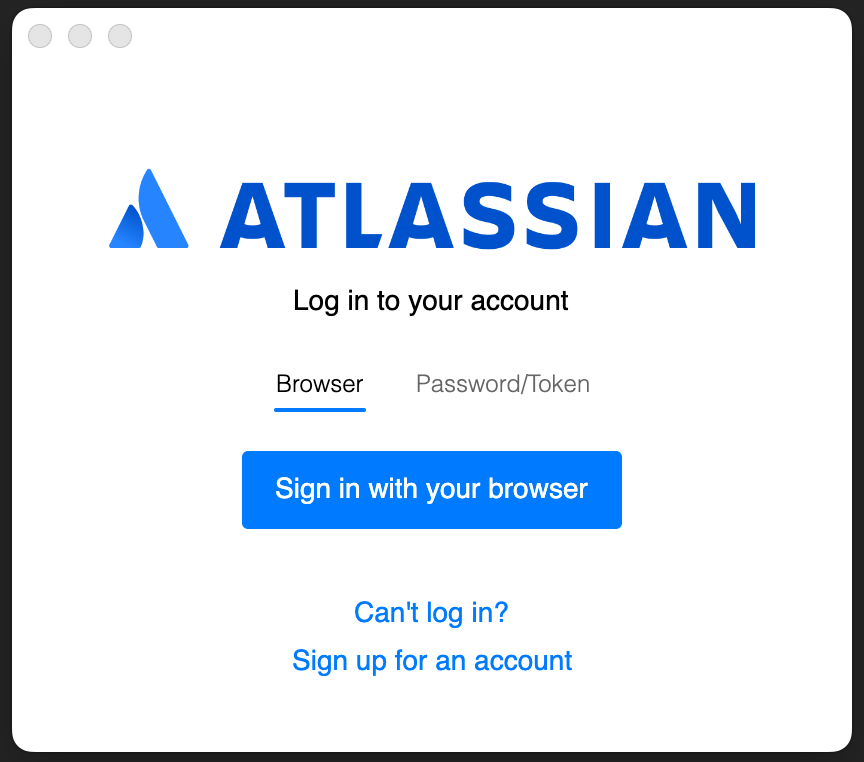
If I choose to sign in with my browser, it authenticates, but it only lasts for that command. Any future command, it'll ask to sign in again with my browser. This is infuriating enough to try and use the other password/token issue.
So I try to set that up and build an API Token, which I'm told is the future-proof way of doing things, so I set that up, create an API Token which I plug in with my bitbucket username (not email address) and my new API Token. So I go and run git pull, and what greets me: The log in to your account pop up yet again.
I can see that my API Token is being hit, last accessed shows that it's being hit when I run git pull.
I'm on an intel imac, using VSCode 1.120.0 (Universal), the default zsh terminal option, but this also happens on the MacOS terminal too.
Is there any solution for this? Or is this just more about the living hell that is MacOS?

