If you’ve ever tried exporting a Confluence page with LaTeX formulas to PDF and got something like “formula rendering error,” you’re not alone.
This is a common issue many teams run into: formulas look perfectly fine on the Confluence page but break during export.
Here’s why it happens:
The reason usually lies in how the LaTeX app handles PDF export. Since Confluence Cloud doesn’t simply export your page as a snapshot, formulas won’t be interpreted correctly unless the app supports this process. Many LaTeX apps aren’t designed for this process, so formulas that appear correctly on-page can fail in the exported document.
How to avoid these issues:
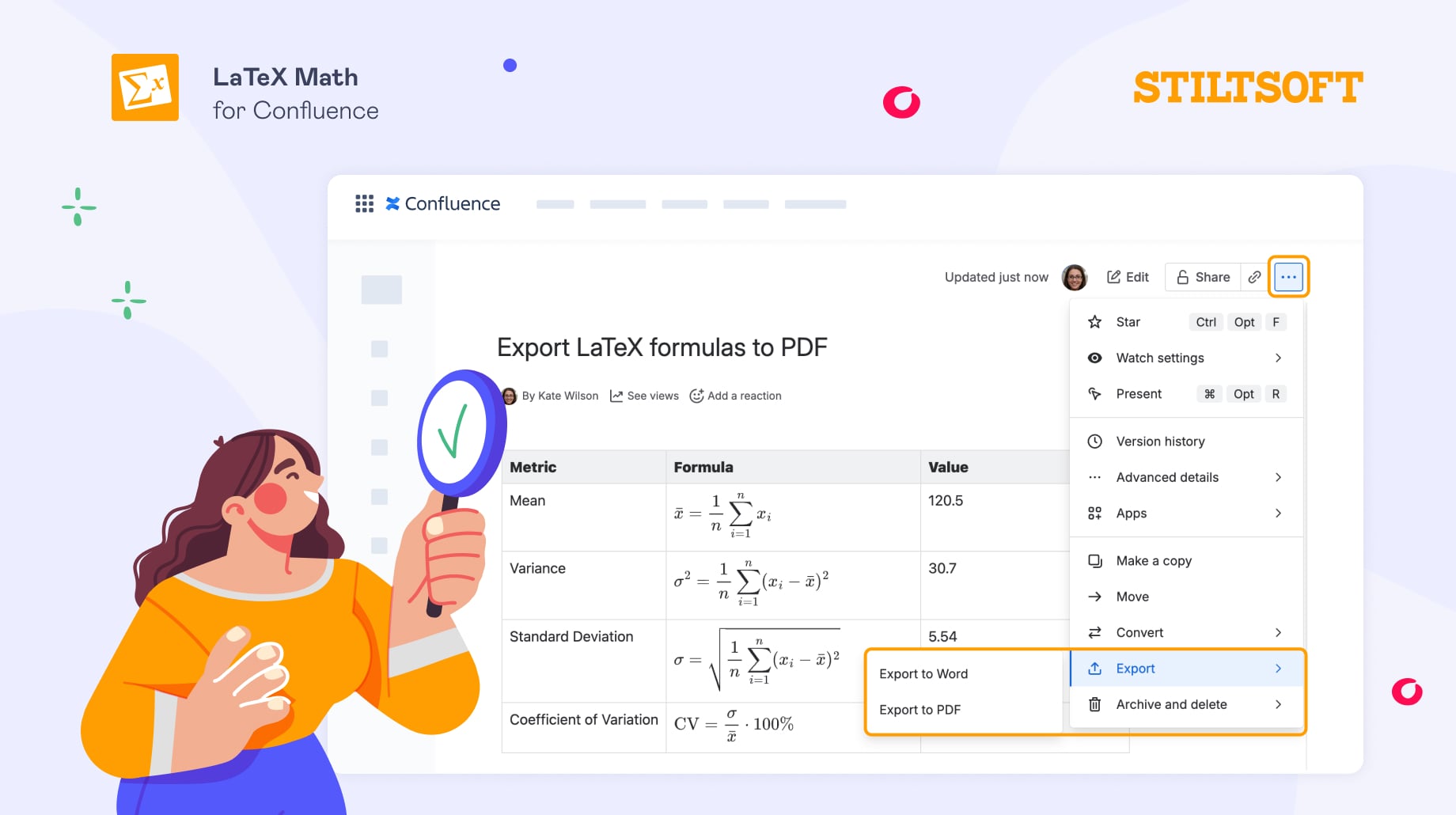
- Choose a Cloud-native LaTeX app that supports the built-in Confluence PDF export feature. Once the page is ready, you just need to use the standard option: … → Export → Export to PDF
Or
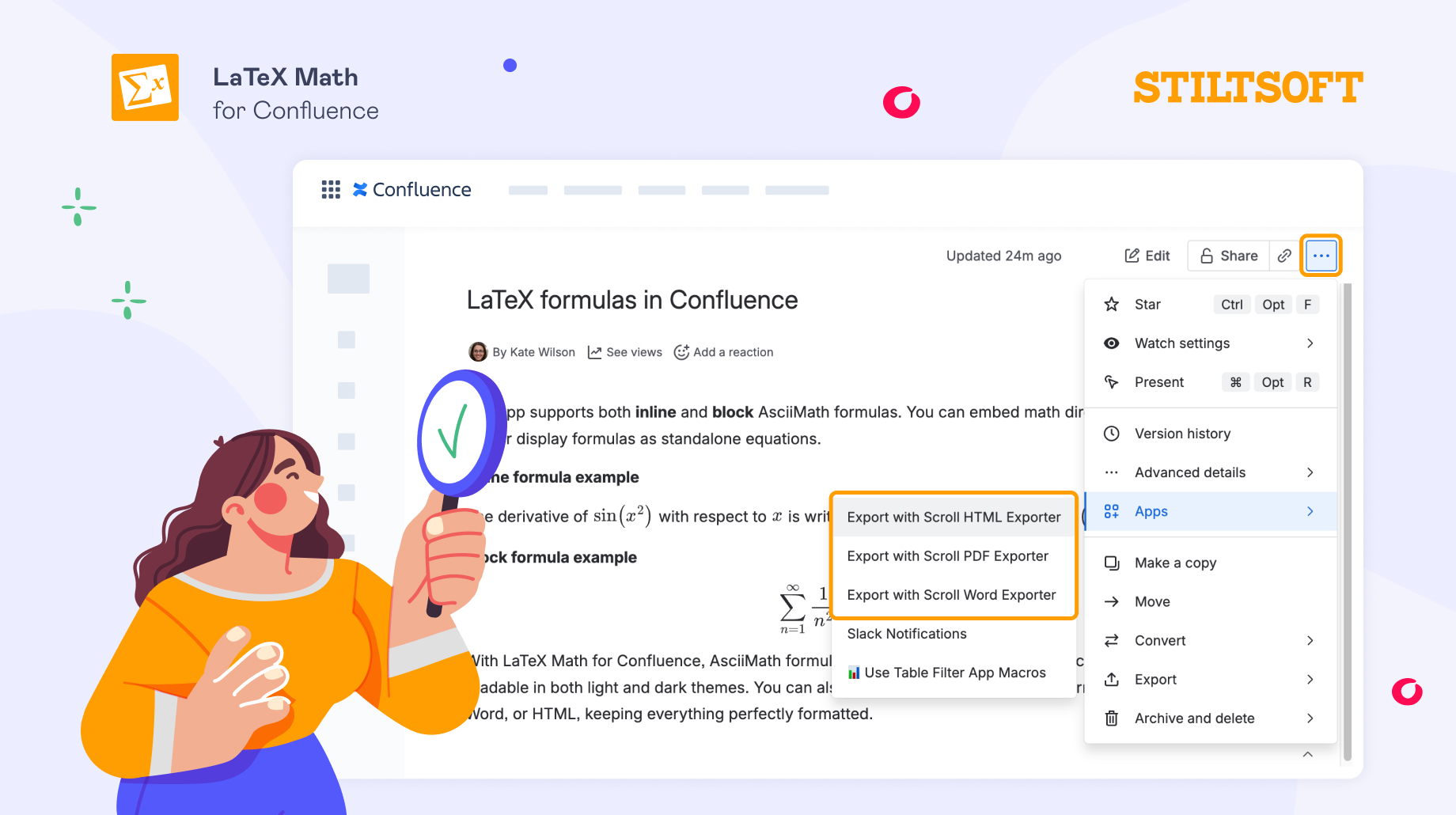
- Check if the LaTeX app integrates with Scroll PDF, Word, or HTML Exporters, so you can easily export your Confluence page without broken formulas via these apps.
(Disclosure: our team develops the LaTeX Math for Confluence app, so we naturally spend a lot of time working with LaTeX and PDF export scenarios.)
Have you ever had trouble with LaTeX formulas when exporting to PDF? How do you handle it in your team? Share your experience! 🙌


