Does Confluence have version control?
Yes! But for many teams, native Confluence versioning doesn’t go far enough.
While Confluence tracks page history automatically, it doesn’t always provide the same level of structured version management, like distinguishing between draft, approved, or officially released content, throughout the lifetime of a page.
How, then do we add real Confluence document version control?
Where Native Confluence Version Control Falls Short
Out of the box, version control in Confluence is passive:
- Every edit creates a new version
- There’s no concept of approval or “official” versions
- All changes are treated equally
For teams managing policies, documentation, or controlled content, that quickly becomes limiting.
Out of the box, Confluence does not support:
- ❌ Major vs minor versions (e.g. 1.0 → 1.1 → 2.0)
- ❌ “Official” or approved versions
- ❌ Release-style versioning tied to workflows
- ❌ Grouping multiple edits into a single version
Structured Confluence Versioning with Workflows
With the help of marketplace apps like Workflows for Confluence, teams have long been able to introduce:
- Major and minor versioning
- Official version creation
- Approval-driven version control
The difference now? It’s much easier to implement.
What’s New: A More Intuitive Way to Get Started
Recent updates focus on usability and ease of use, not reinventing the feature:
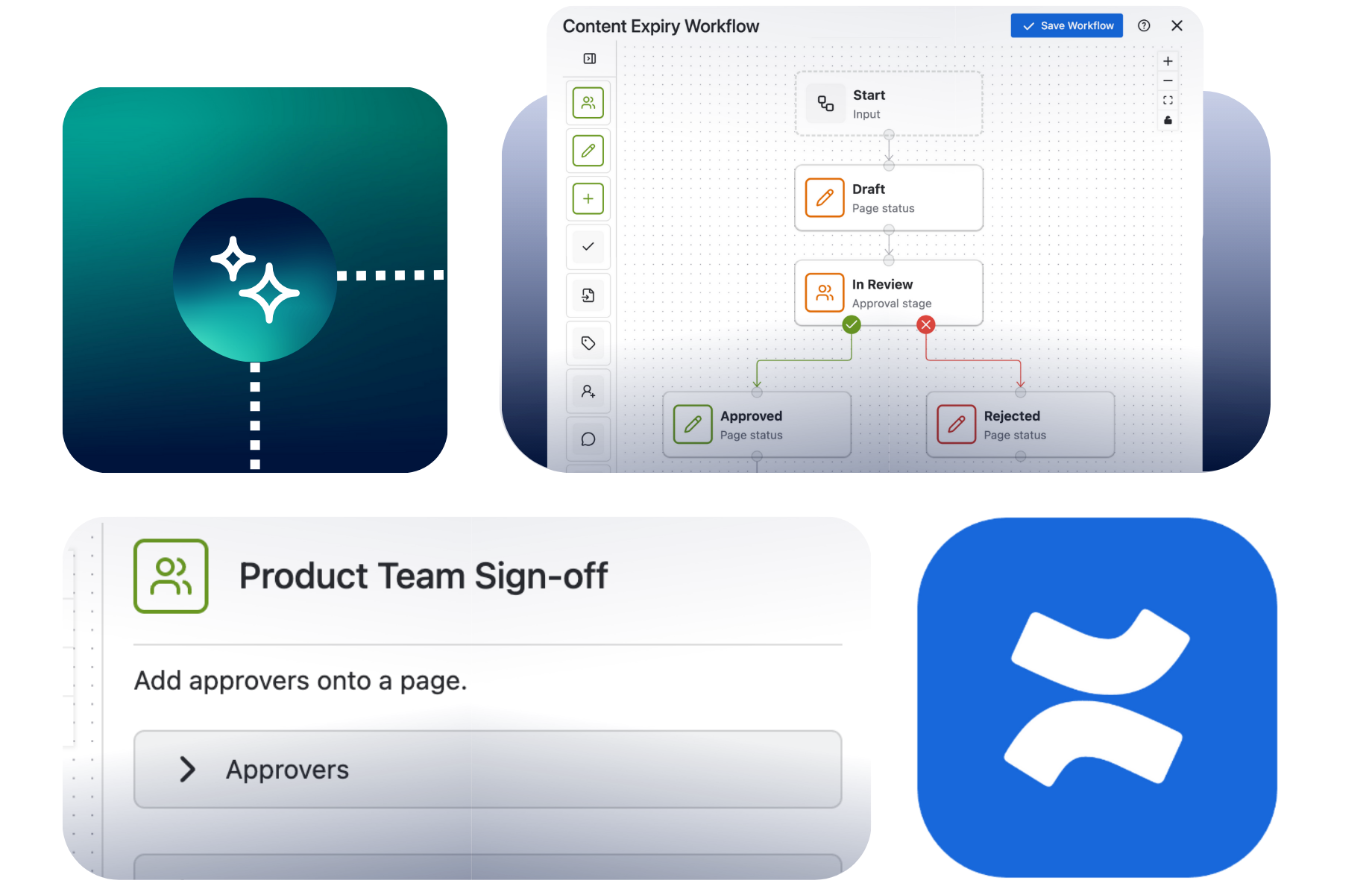
A simpler workflow builder
The improved UI lowers the barrier to entry, making it easier to:
- Define when versions are created
- Connect versioning to approvals
- Build workflows tailored to you, without added complexity
Ready-to-use templates
A new out-of-the-box template gives teams a starting point for version control, including:
- Approval steps
- Publishing stages
- Official version creation
This is especially useful if you’ve been unsure how to structure Confluence version management in your space.
What This Looks Like in Practice
With the template as a base, a typical flow might include:
- Draft → iterate with minor versions
- Review → gather feedback
- Approval → trigger a major version
- Official Version → mark the approved source of truth
Instead of relying on automatic history, your Confluence version control becomes intentional, repeatable and reliable.
Why This Matters
Teams that need structured Confluence versioning - like documentation teams, HR teams, or teams in charge of compliance for ISO 9001 - benefit from:
- Clear “approved” versions
- Controlled publishing
- Better visibility into meaningful changes
And now, with a more intuitive builder and pre-built templates, getting there takes far less effort.
The Bottom Line
Confluence already tracks versions in the softest of senses, but with Workflows for Confluence, you can actually manage them comprehensively.
And with the latest improvements, adding structured version control in Confluence is no longer a complex setup - it’s something teams can start using right away, no matter their knowledge of coding.
Explore how structured Confluence version control can work for your team
Check out Workflows for Confluence on the Atlassian Marketplace and get started with ready-to-use versioning templates as part of your 30-day free trial.
