Managing work across multiple spaces in Jira Service Management just got much simpler.
You can now configure Multi-space work directly from the Multi-space work page using a new Space filter—no JQL required!
What’s new
-
On the Multi-space work toolbar, you’ll now see a Space filter that lets you:
-
Quickly include or exclude spaces:
-
Space = – show work only from the spaces you pick
-
Space != – show work from all other spaces, excluding the ones you pick
-
See matching work instantly in List views
-
Adjust your selection at any time, without opening the filter editor
You can go from a single-space view to a tailored multi-space view in just a few clicks.
How it works
-
Open Multi-space work
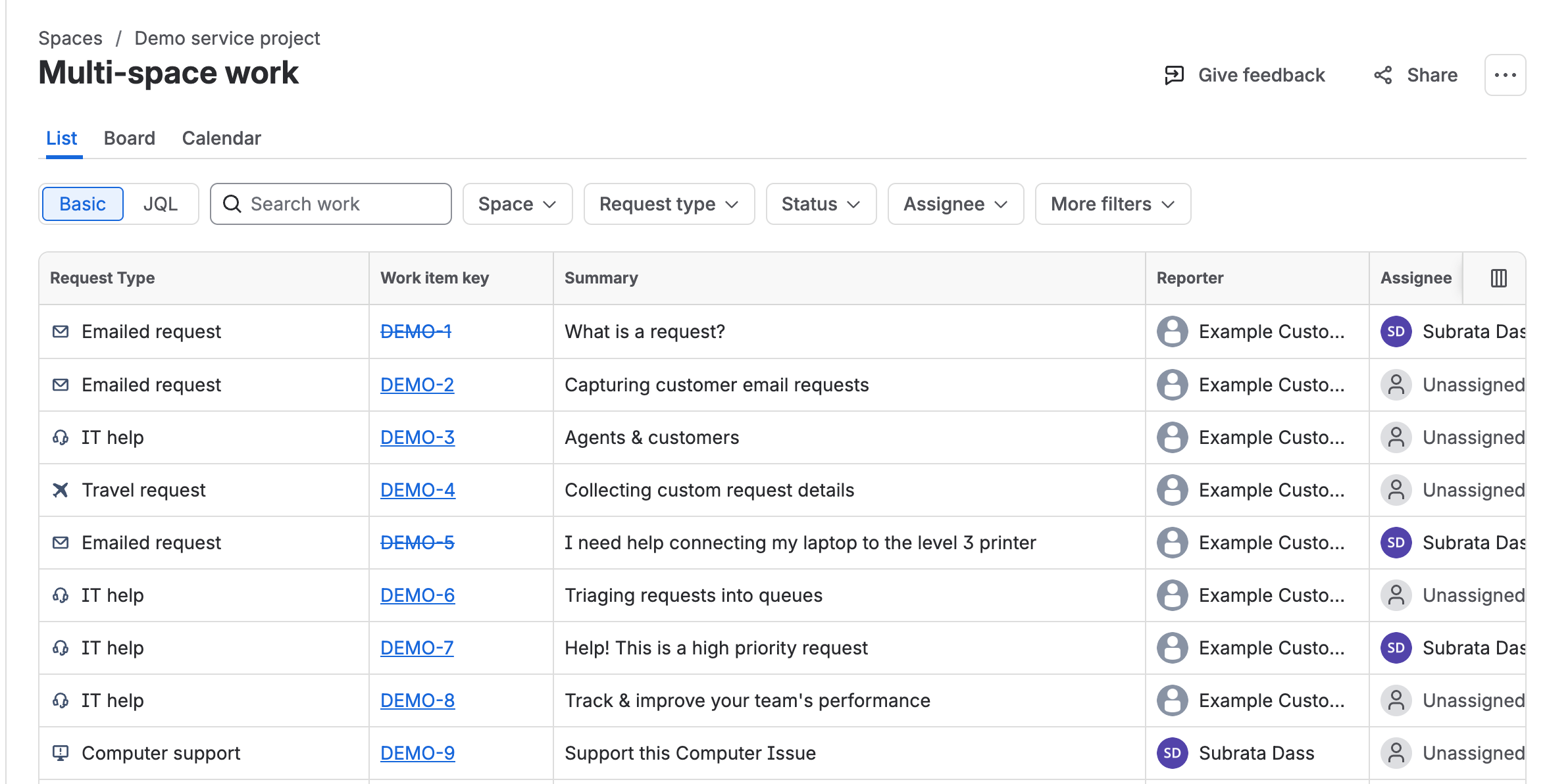
-
Use the Space filter
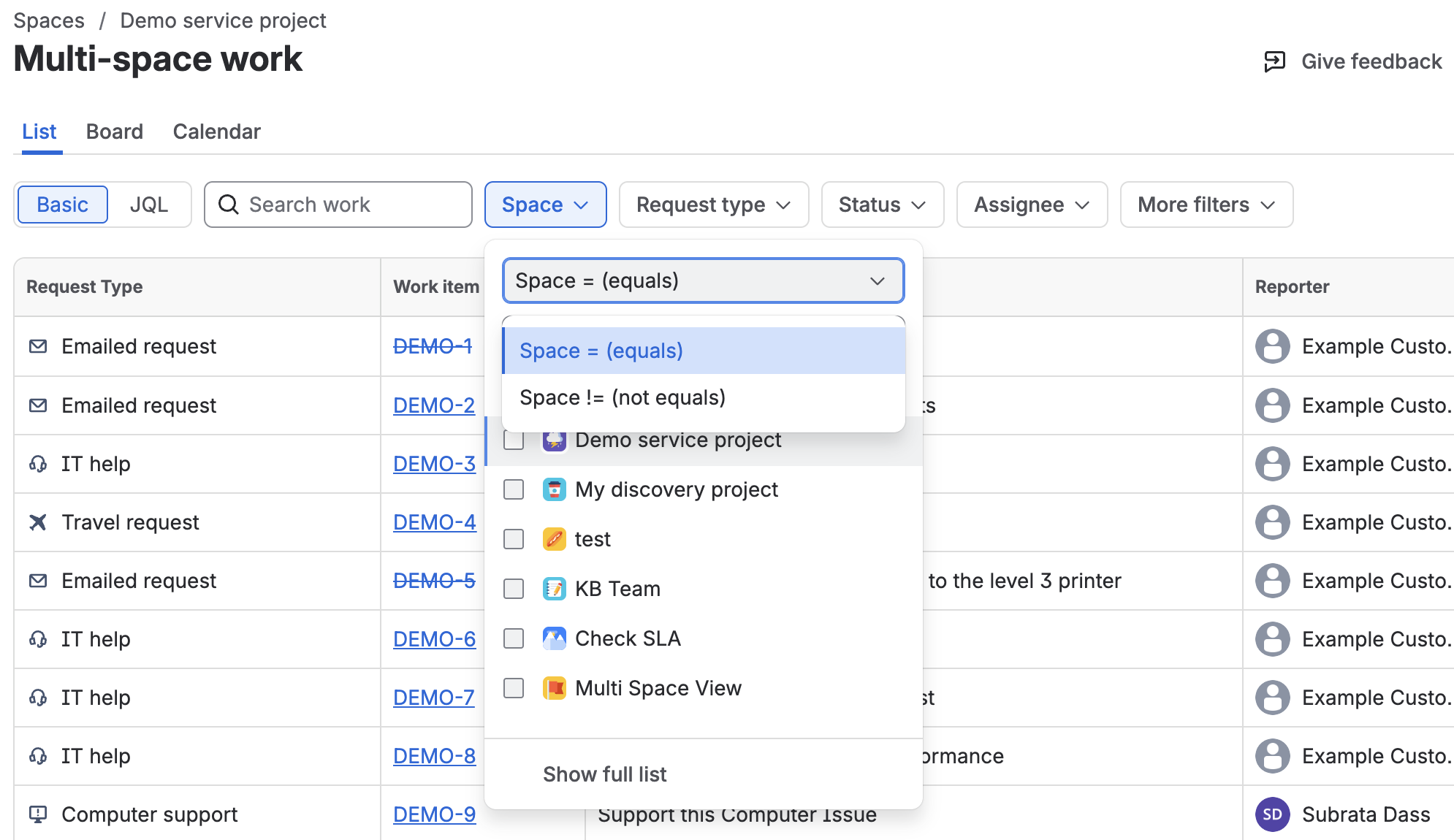
-
Refine with other filters (optional)
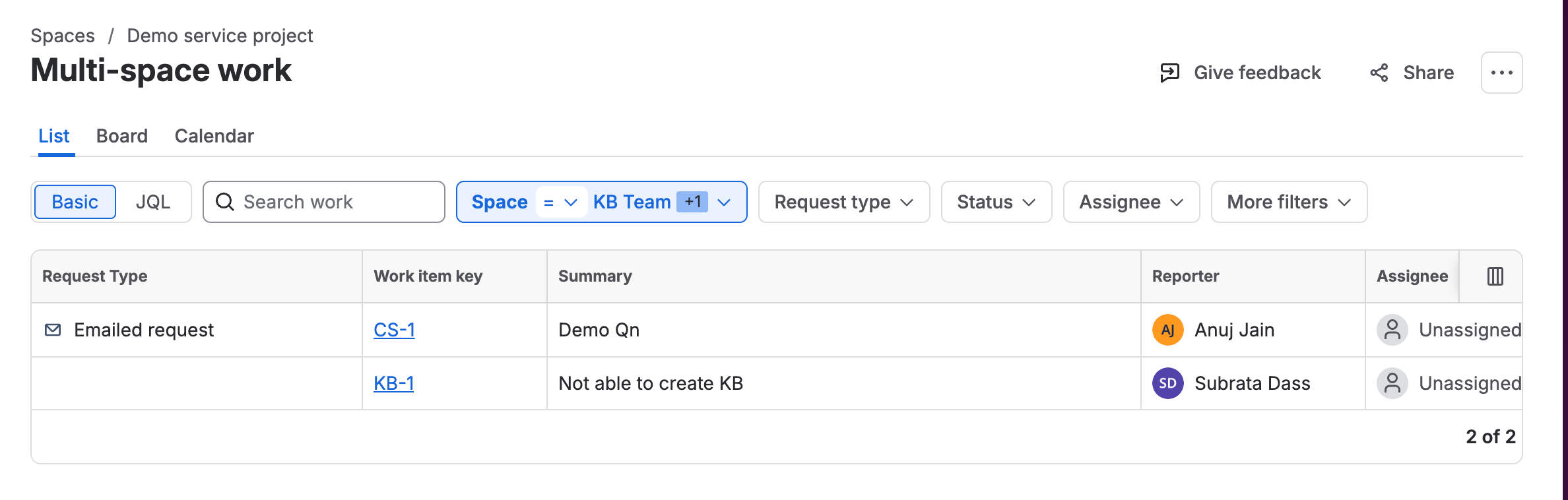
When it’s especially useful
-
Leads overseeing multiple teams – Track everything in one place.
-
Shared operations or support groups – Create cross-space views for squads handling requests across teams.
-
Temporary initiatives or incidents – Pull together work from a few spaces while a project or incident is active, then remove them when you’re done.
Things to know
We’d love your feedback
Try the new Space filter on your Multi-space work page and tell us:
-
What workflows does this make easier?
-
What other filter options would help?
-
Is anything still confusing about setting up Multi-space views?
Share your feedback in the comments—your input will help shape the next improvements to Multi-space work in Jira Service Management.


