💸 Want to know how much your Jira projects really cost — in both time and money? Managers, team leads, and stakeholders often ask this question. If you face it regularly, it’s time to choose the right plugin for tracking both hours and expenses. Since Jira doesn’t have built-in cost tracking, let’s review the top apps that make it easy.
What is Cost & Time Tracking in Jira?
These plugins help teams monitor financial and time performance across projects. You can:
- Track hours worked and link them to costs
- Set employee hourly rates
- Log direct expenses
- Create cost and time reports
- Forecast budgets for upcoming tasks or projects
With this info, project planning in Jira becomes smarter — you’ll spot tasks that drain resources and optimize future workflows.
Apps for Time & Cost Tracking in Jira
Here’s a quick overview of the top Jira apps for tracking project time and costs, along with a comparison table below.
🟡 Tempo Timesheets + Cost Tracker
Tempo Timesheets is one of the most detailed time tracking tools in Jira, ideal for enterprise teams and complex workflows.
- Track time with issue-level granularity, covering multi-level projects and complex workflows.
- Integrate with billing systems to link logged hours to revenue.
- Generate detailed reports on time, performance, and project billing.
- Supports hourly rates; limited historical rate tracking.
- Expense tracking requires external integrations.
- Budgeting is tied to project finances; forecasting is limited.
Price: ~$2 per user/month
No free version for up to 10 users
Hosting: Cloud
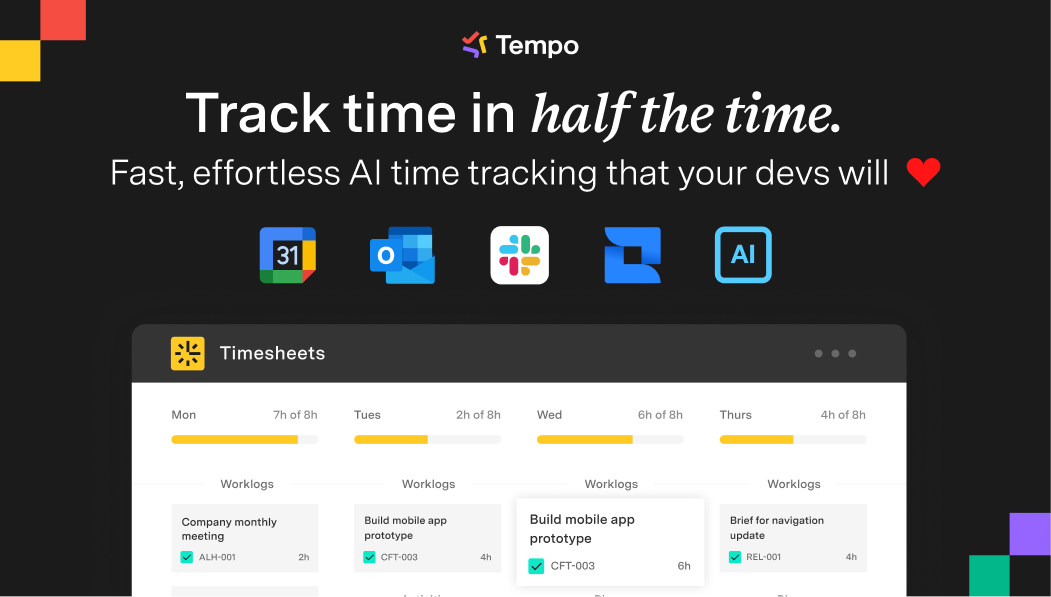
Note: Tempo is excellent for detailed time tracking, but cost tracking is limited unless paired with additional integrations. Historical rate management is not as robust, and small teams may find the pricing high for multiple users.
⚪ JetTime — Time Tracking & Timesheets, Cost Tracking, Timers by JetHeads
JetTime is a full-featured time and cost tracking app developed by JetHeads.
- Track time using timers and manual entries.
- Manage expenses with configurable hourly rates.
- Create custom time categories, e.g., "Billable Time," "Overtime," etc.
- Generate reports exportable to PDF and Excel.
- Data privacy: all data stays within the Atlassian ecosystem.
Price: Free basic version; paid plans for advanced features
Free for teams up to 10 users
Hosting: Cloud
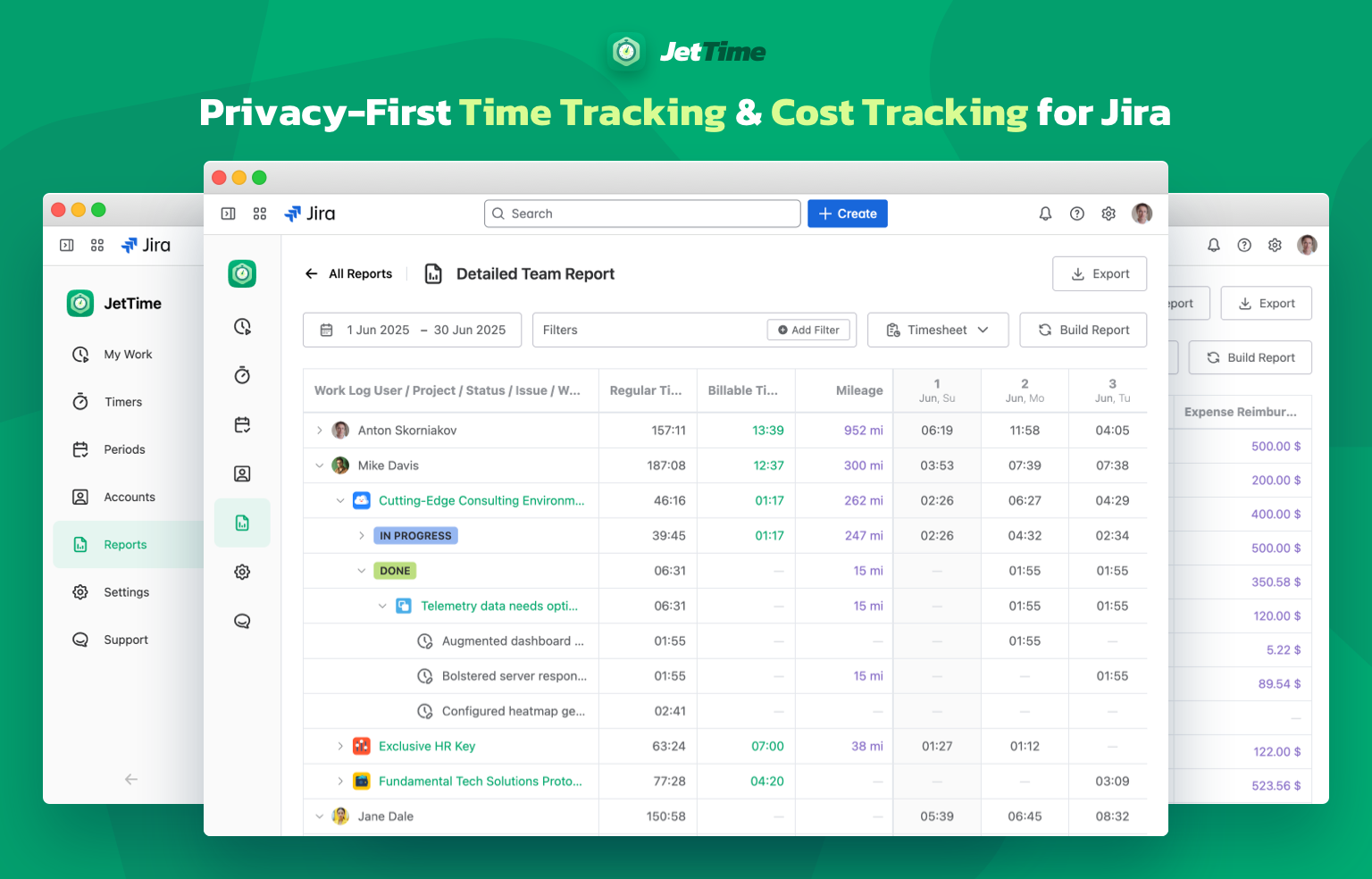
Note: JetTime is a flexible tool with strong built-in cost and time tracking. Some advanced budgeting or multi-level portfolio management features may be limited compared to enterprise-focused apps. Best suited for small to medium teams.
🟢 Time & Cost Tracker (SaaSJet)
Time & Cost Tracker combines time and cost tracking in one app, providing teams with full financial control over Jira projects.
- Track work hours and calculate project costs in real time based on configurable hourly rates, including historical rate changes.
- Monitor and manage direct expenses, recurring costs, and project-specific budgets alongside time tracking.
- Forecast future budgets dynamically, using real-time data to keep projects financially on track.
- Generates reports combining time and cost data for comprehensive project financial oversight.

Price: ~$1.5 per user/month
Free for teams up to 10 users
Hosting: Cloud
Note: Time & Cost Tracker (SaaSJet) is strong at linking time spent to project costs, but smaller teams may not need all features. Some users might find advanced configuration options slightly complex initially, though it offers a highly balanced solution overall.
📊Comparison Table of Jira Apps for Time & Cost Tracking
|
Feature
|
Tempo Timesheets + Cost Tracker
|
JetTime — Time Tracking & Timesheets, Cost Tracking, Timers
|
Time & Cost Tracker (SaaSJet)
|
|
Set hourly rate
|
✅
|
✅
|
✅
|
|
History of hourly rate
|
✅
|
❌
|
✅
|
|
Managing expenses
|
❌
|
✅
|
✅
|
|
Recurring expenses
|
❌
|
❌
|
✅
|
|
Get reports
|
✅
|
✅
|
✅
|
|
Free trial
|
✅
|
✅
|
✅
|
|
Free up to 10 users
|
❌
|
✅
|
✅
|
|
Price per user (average)
|
$2
|
$ 0.20
|
$1.5
|
|
Hosting options
|
Cloud
|
Cloud
|
Cloud
|
💡 Key Takeaways
- Tempo Timesheets + Cost Tracker: Ideal for enterprise teams that require detailed time tracking and seamless billing integration.
- JetTime: Best for small to medium teams who want a flexible, privacy-focused, all-in-one time & cost tracker.
- Time & Cost Tracker (SaaSJet): Best for teams requiring full integration of time, costs, budgeting, and forecasting.
💡Pro Tip: If your team wants accurate tracking of both time and costs without juggling multiple apps, Time & Cost Tracker by SaaSJet is the ideal all-in-one solution. It allows you to monitor work hours, set hourly rates, track direct and recurring expenses, and forecast budgets — all within a single Jira app. This means you don’t need to install separate plugins for time, cost, or budgeting, simplifying administration, reducing costs, and keeping your project finances fully transparent in one place.


