Generally I am not a Shortcut-Person. I navigate mostly using my cursor and can’t seem to remember most shortcuts even if they were of use to me a frequently. There are however a few shortcuts that I use ALL the time.
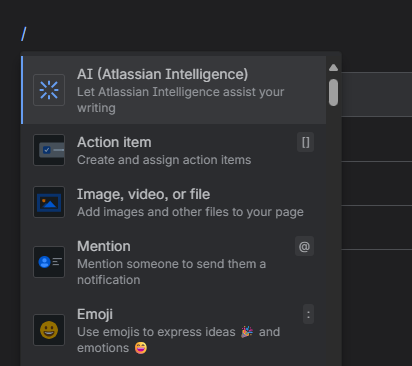
/ for inserting Macros
Rather than clicking the + and adding macros from the Toolbar, I only type / to access the same menu. You can simply type in text after for a quick search through the list. Atlassian calls this “quick insert”. SOOO excited that this shortcut made it to Data Center as well with the recent updates.
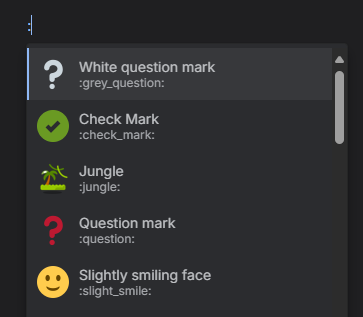
: for inserting Emojis
Emojis can be helpful to emphazise, visualize or just to make it fun. Adding them by simply typing : is such a time saver. I got used to that shortcut in Slack and am always annoyed with MS Teams as it doesn’t work there.
strg + alt + ↓ for adding table rows
Let’s be honest: navigating a table is not the easiest thing in the world. Adding table rows with this shortcut (or columns if you use →) saves so much time. Note: Your cursor needs to be at the end of a cell’s text in order for this to work.
strg + alt + 1 for formatting to heading
This one I wish I’d used more often. You can use strg + alt + 0 to change headings back to normal text and 1, 2, 3 and so on for the respective heading. Such a time saver when structuring your pages.
I do not really use shortcuts for other Formatting as they differ between English & German and also between Apps. I decided not to reserve brain capacity to remember 5 different short cuts for printing something bold
Lookup all Shortcuts
In theory, Strg + / shows you all available short cuts in the Cloud Editor. However, that doesn’t work on German keyboards or at least not on mine. I have to use the small help-icon in the bottom left corner to navigate there.

