Non-bodied Table Enhancer. The table had to be referenced by its index and two tables (the original one and the enhanced) would be rendered.
The introduction of bodied macros by Atlassian presented an opportunity for Table Enhancer Cloud to overcome its existing limitations. By having the table to be enhanced in the macro body, error-prone configuration by table indices is no longer necessary. This change allows users to update the table in the same location as the macro configuration, streamlining the process. Additionally, it enables us to render only one table in view mode, enhancing the overall user experience. This change also aligns the experience of the app with the Data Center version and allows for a more automatic migration, as the tables can be kept in the macro body when migrating.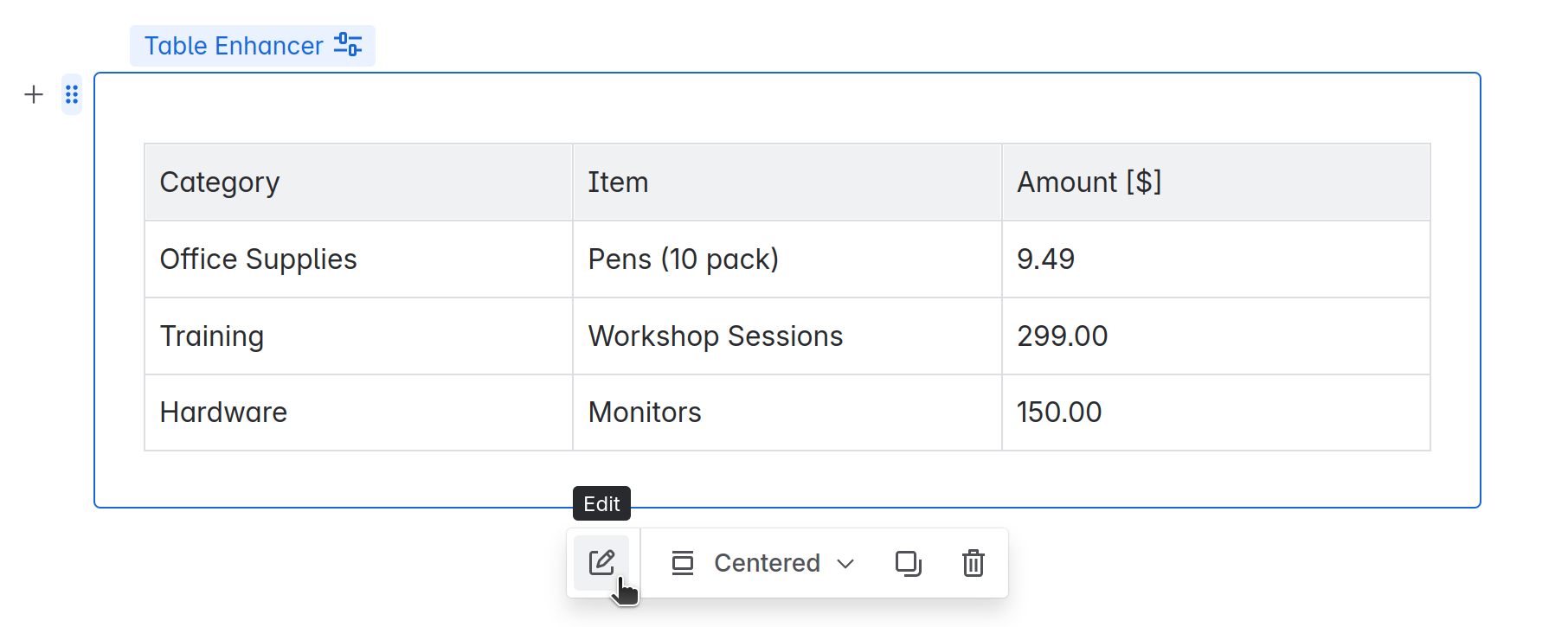
 Bodied Table Enhancer. The table is placed in the body of the macro. Only the enhanced table will be rendered.
Deep Dive: Migrating non-bodied macros to bodied macros
We decided to migrate non-bodied macros to bodied macros to ensure a consistent user experience and reduce maintenance costs. To achieve this, we considered several options: migrating when a page or draft is viewed, providing a trigger to initiate migration, or migrating all pages. We chose to migrate all pages.
To find the macros, we used CQL search to query pages containing "Table Enhancer" and then searched the ADF of these pages for extension nodes that are Table Enhancer nodes. However, we found that a more direct way to search for macros using CQL would be beneficial. Currently, the lack of a straightforward method to search for macros using CQL adds complexity to the migration process.
Another challenge we faced was the inability to use an update task to trigger the migration, as the app update did not have any changes that would make Atlassian classify it as a new major version. The ability to manually designate a version as a major version would have given us more control over the update process, allowing for better migration management.
To work around these limitations, we used an hourly trigger to initiate the migration until all pages were migrated. We also set a page property after a page was processed to exclude pages from future CQL searches, which helped to prevent unnecessary re-processing of already migrated pages. During the migration, we set the macro to be bodied and moved the configured table into its body.
When updating the page, Atlassian rebases the content of the draft to the page, which can cause issues if the content in the draft has been reordered. To avoid this, we retrieved both the ADF of the page and its draft, performed the update process for both, and then updated the page and draft sequentially.
By sharing our migration experience, we hope to provide valuable insights for other app vendors who may face similar challenges. Our approach can serve as a reference point, and we're open to suggestions and feedback from others who have undergone similar migrations.
![Photo of Lina Kuhn [TNG]](https://us.v-cdn.net/6038660/uploads/avatars/20/5a/n205a9cf3e8ba31fab480d5404dbe9189.png)


