Hi everyone! 👋
Last time, we shared how LaTeX helps with writing math equations in Confluence. This week marks the start of our practical LaTeX syntax series. In our first post, we’d like to focus on the fundamentals: superscripts, subscripts, fractions, and roots.
We’re the team behind LaTeX Math for Confluence (Cloud), an app that helps you seamlessly add math formulas and equations to your Confluence pages.
Superscripts and Subscripts
To write superscripts and subscripts, you can use:
-
^ for superscripts (e.g., exponents)
-
_ for subscripts (e.g., variable indices)
Examples:
x_i       → x with subscript i
x^{n+1}   → superscript with multiple characters
x^{n+1}_i → combination of superscript and subscriptx^2       → x squared
💡 Tip: Always use curly braces {} to group multiple characters in superscripts or subscripts. Otherwise, LaTeX will only apply the modifier to the first character.
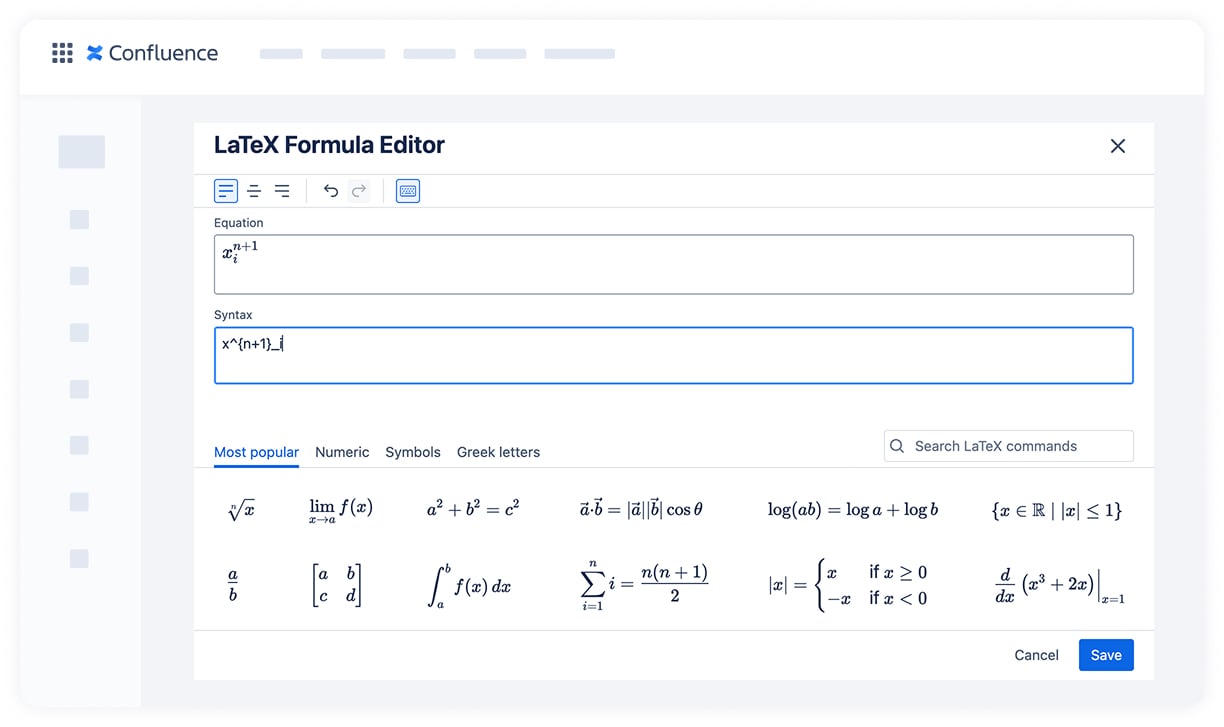
Fractions in LaTeX
To represent division or rational expressions, use: \frac{numerator}{denominator}.
Example:
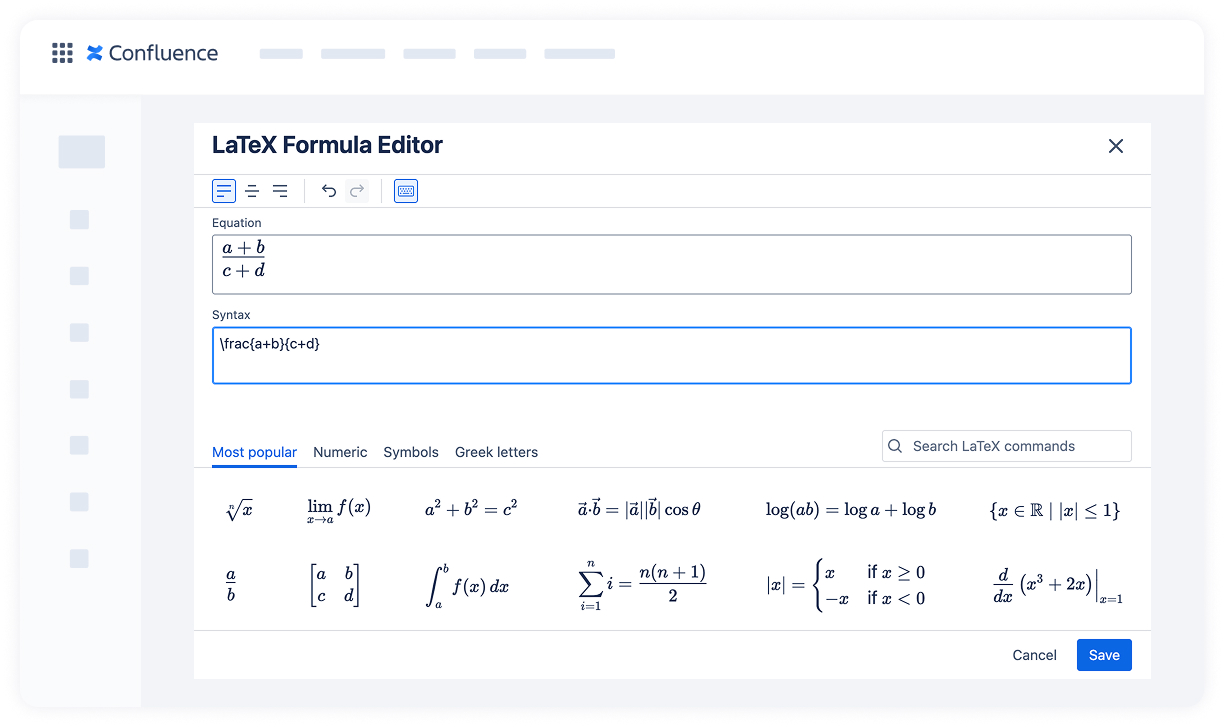
Square Roots and n-th Roots
The \sqrt command is your go-to for radicals:
\sqrt[n]{x}          → n-th root
\sqrt[n]{x^2 + y^2}  → n-th root of a sum of squares\sqrt{x}             → basic square root
The optional argument [n] lets you specify the degree of the root.

Need to combine them?
Example 1: Fraction with square root in denominator
\frac{a}{\sqrt{b^2 + c^2}}
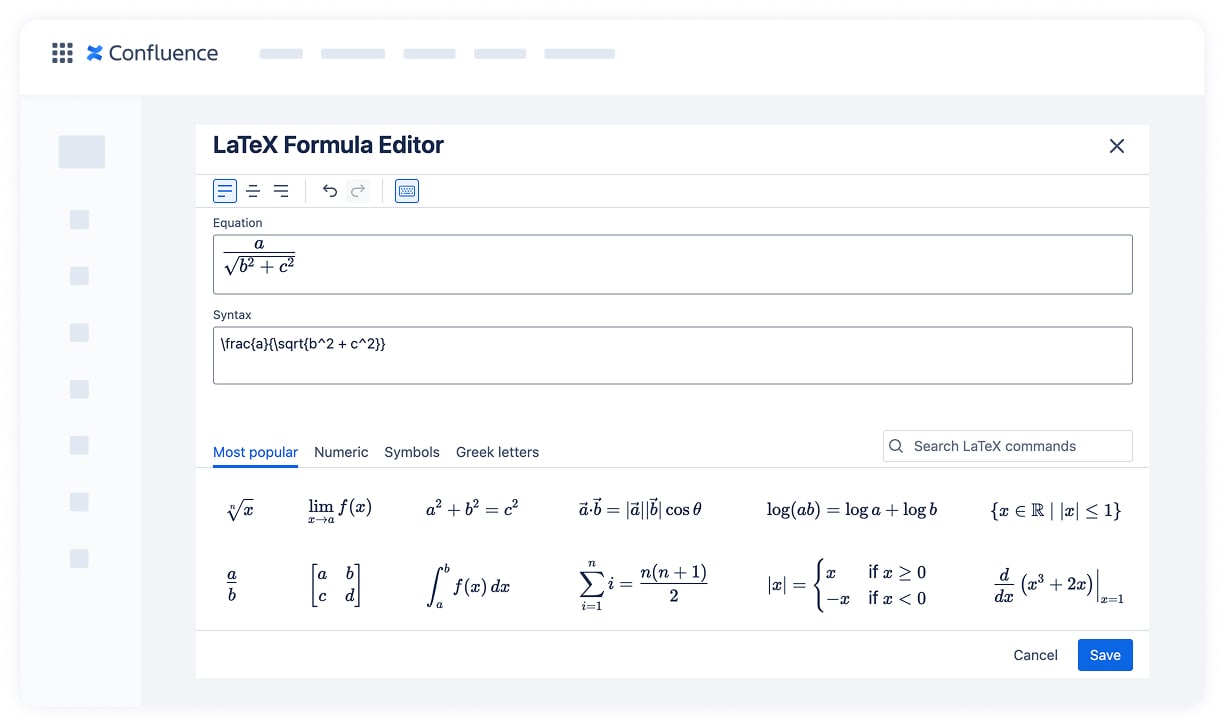
Example 2: Cube root with subscripts and powers
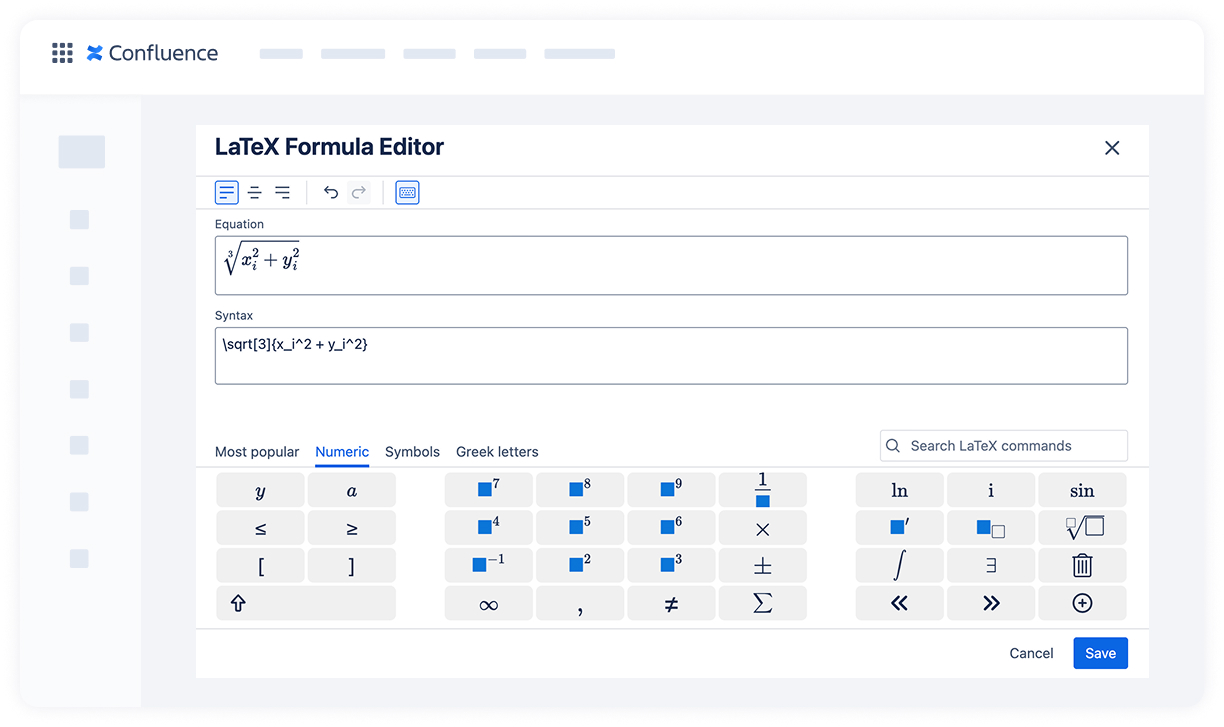
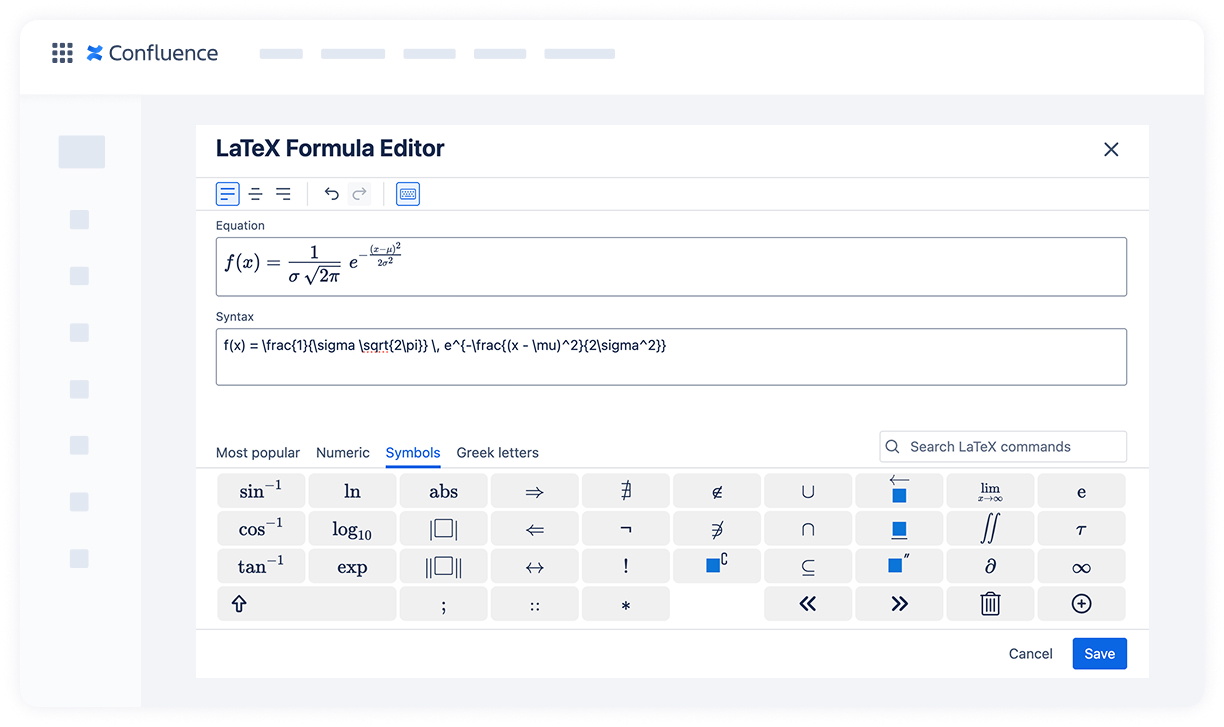
Example 3: Gaussian (normal) distribution function
f(x) = \frac{1}{\sigma \sqrt{2\pi}} \, e^{-\frac{(x - \mu)^2}{2\sigma^2}}
Getting comfortable with superscripts, subscripts, fractions, and roots will make your formulas look clean and professional in Confluence.
📌 Stay tuned for our next post, where we’ll explore summations, integrals, and math functions.
