I have integrated Opsgenie/JSM with our Microsoft Teams tenant, granted admin consent to the permissions, installed ChatOps in Teams and can action (acknowledge/close/assign etc) alerts from a specific Teams Channel.
The problem is, if other team members try to do the same, it comes up with a notification saying "You aren't signed in. Sign in to your Atlassian account to manage your alerts, on-call, and incidents from Microsoft Teams".
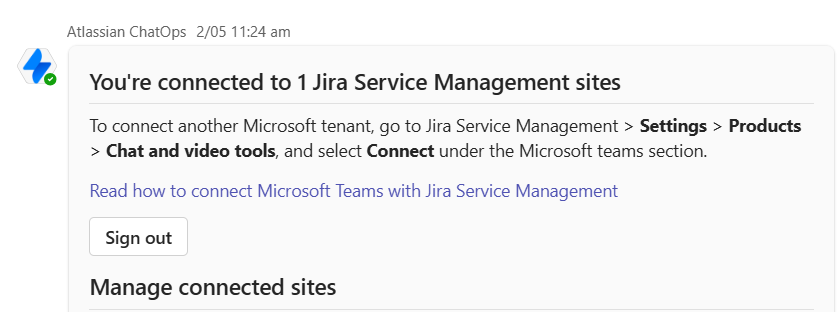
It appears to be an authentication issue, but they have followed the same steps I have taken (install ChatOps and login - attached is the chat which says they are already logged in).
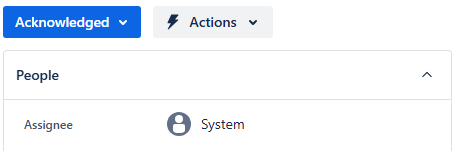
Note: Interestingly, even though they get the sign-in message, it still acknowledges/assigns/closes the alert under a default Systems account. Screenshot attached.
I am not sure why my teammates get the "You aren't signed in." message even though ChatOps says they are logged in. Any help will be much appreciated. Thanks in advance.


