A quick one on the topic of adding and viewing page labels in the new Confluence UI. Questions were asked, users got confused.
Previously
- Regular pages
In the View more, hit L on the keyboard for pages
- Home/Root pages of a space
Use the ... menu in the edit mode for home pages.
Now
Use the keyboard shortcut CTRL-OPTION-A in the EDIT mode (pages, home pages, live pages).
To display and add labels without entering the EDIT mode the shortuct is SHIFT-CTRL-I - this brings out page infor panel. You can also click the little i at the bottom right corner of a page.
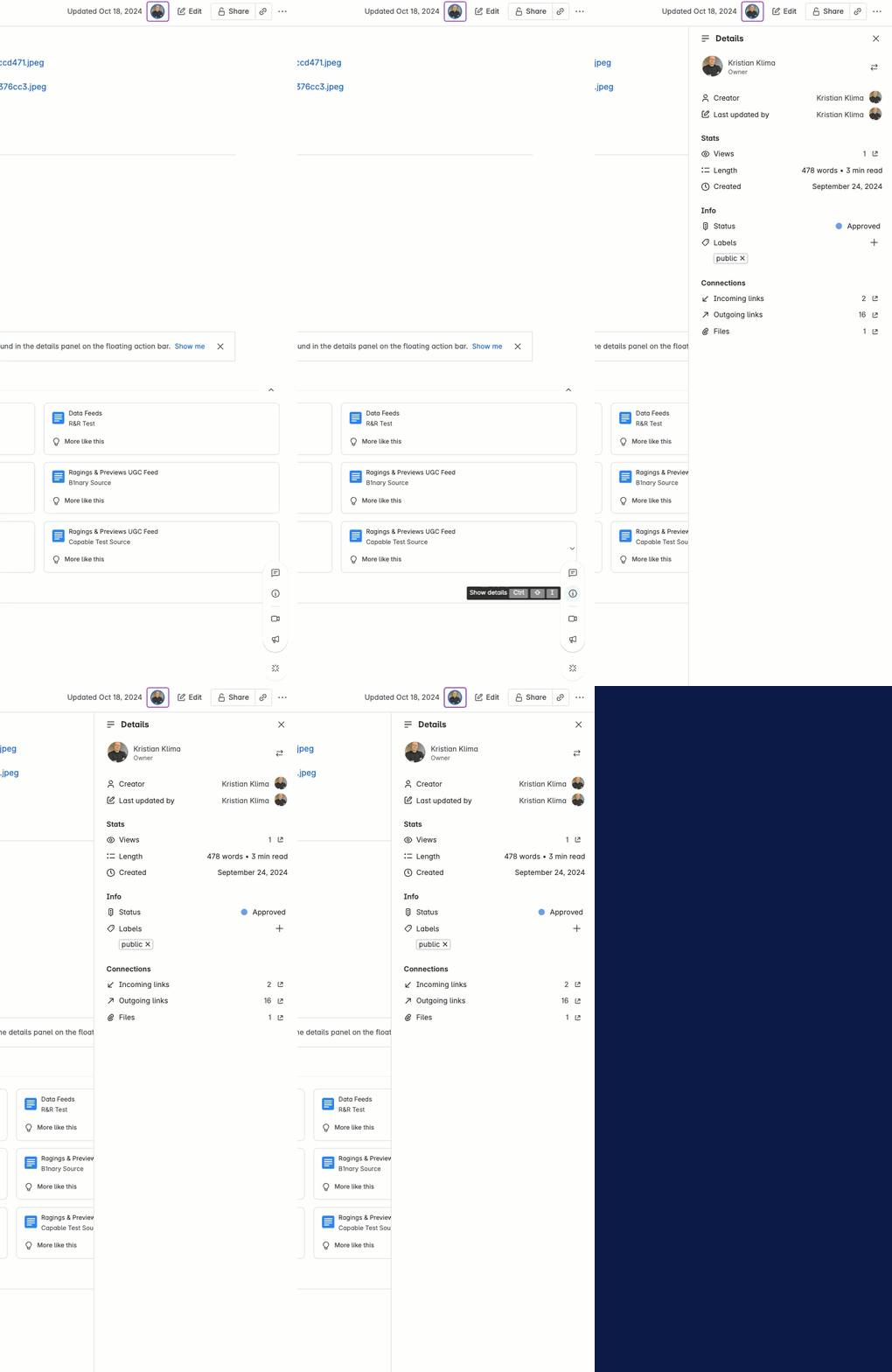
However, at the time of writing, this does not display labels for the home page - so you can't use this method to add labels.
More info:
https://support.atlassian.com/confluence-cloud/docs/keyboard-shortcuts-markdown-and-autocomplete/


