As an administrator, you're responsible for ensuring the smooth operation of your Atlassian tenant. To achieve this, it's essential to establish a workflow that is both sustainable and scalable across the organization. Without this, efforts may become inefficient or fragmented over time.
As your organization grows—whether through additional departments or a diverse customer base—it's crucial to properly assign users or customers to the right groups within your tenant. This helps prevent permission issues and operational conflicts.
To maintain operational efficiency, structuring your user and group memberships is key. While a spreadsheet can help you keep track, applying these changes manually across your Atlassian environment can be time-consuming and error-prone.
That’s where our app (BulkOps Pro) comes in. It offers a robust solution for easily adding or removing users from groups—whether individually or in bulk. Designed for organizations of all sizes, our app scales effortlessly to meet your needs, no matter how many users or groups you manage. Easily manage your users and groups in three easy steps
Step 1
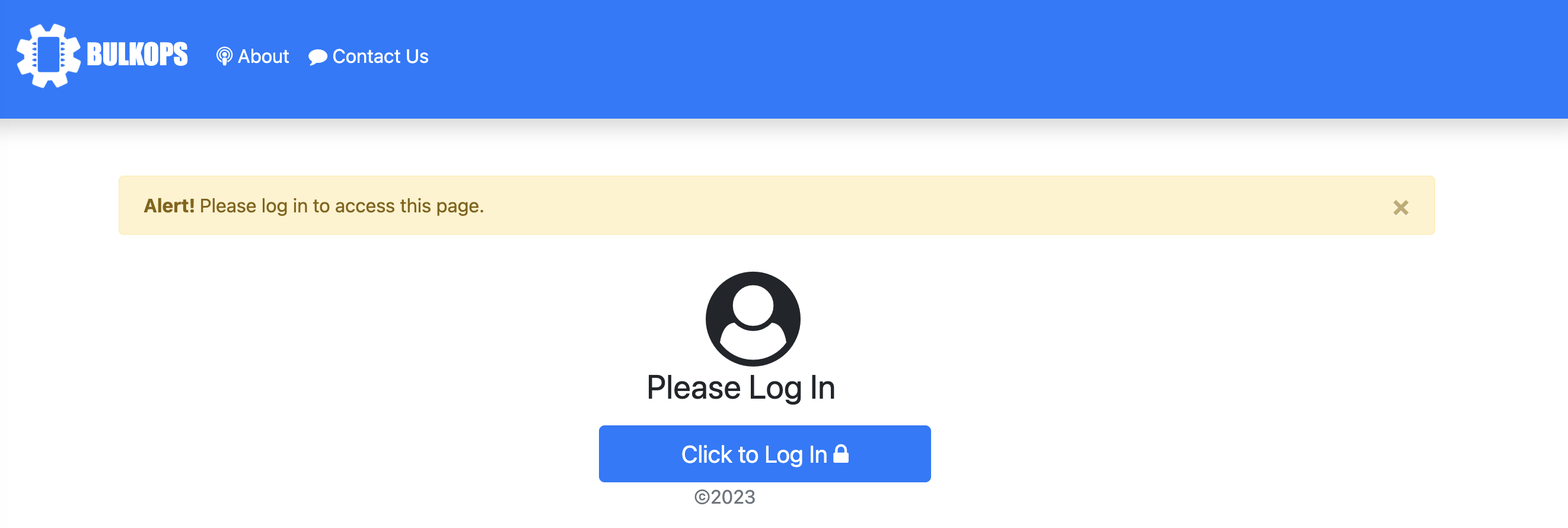
- Navigate to the BulkOps Pro on your Jira instance and Click to Log in
- Ensure you've configured the app to your requirements.
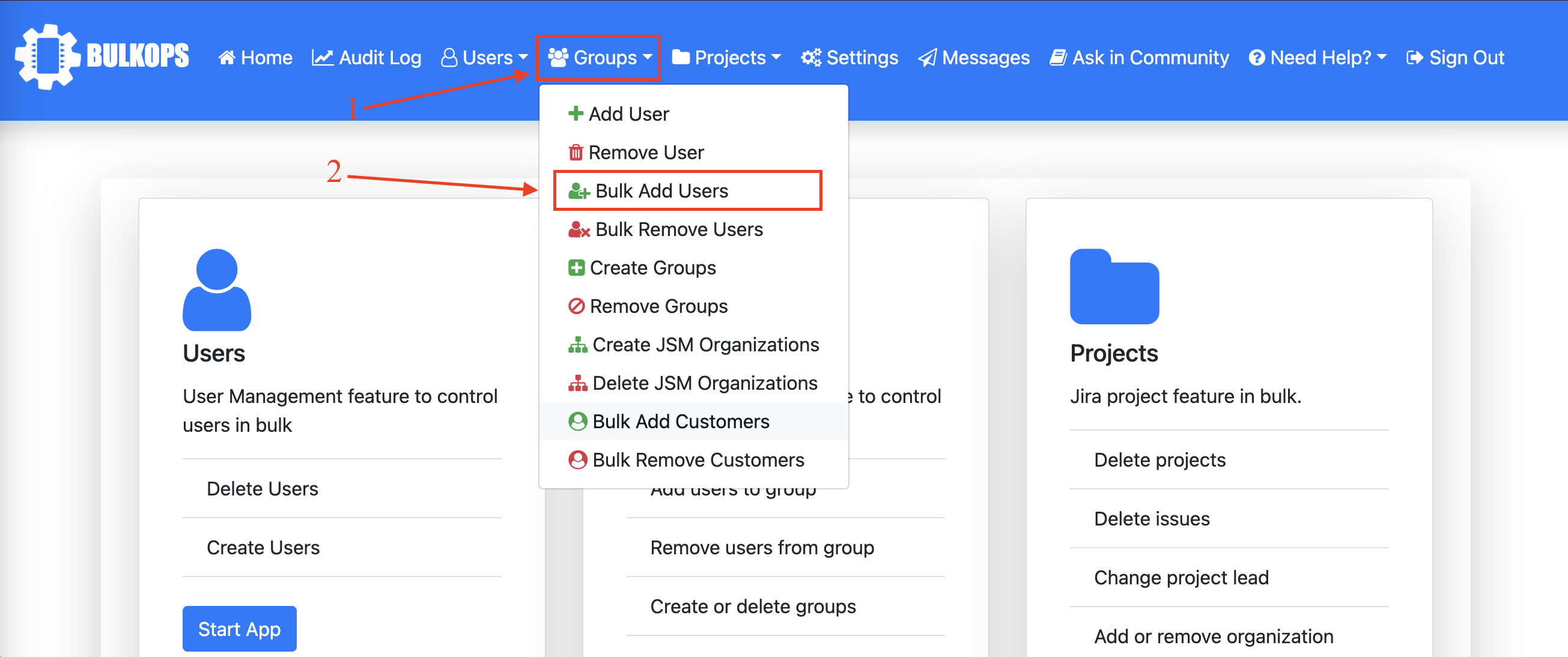
Step 2
Step 3
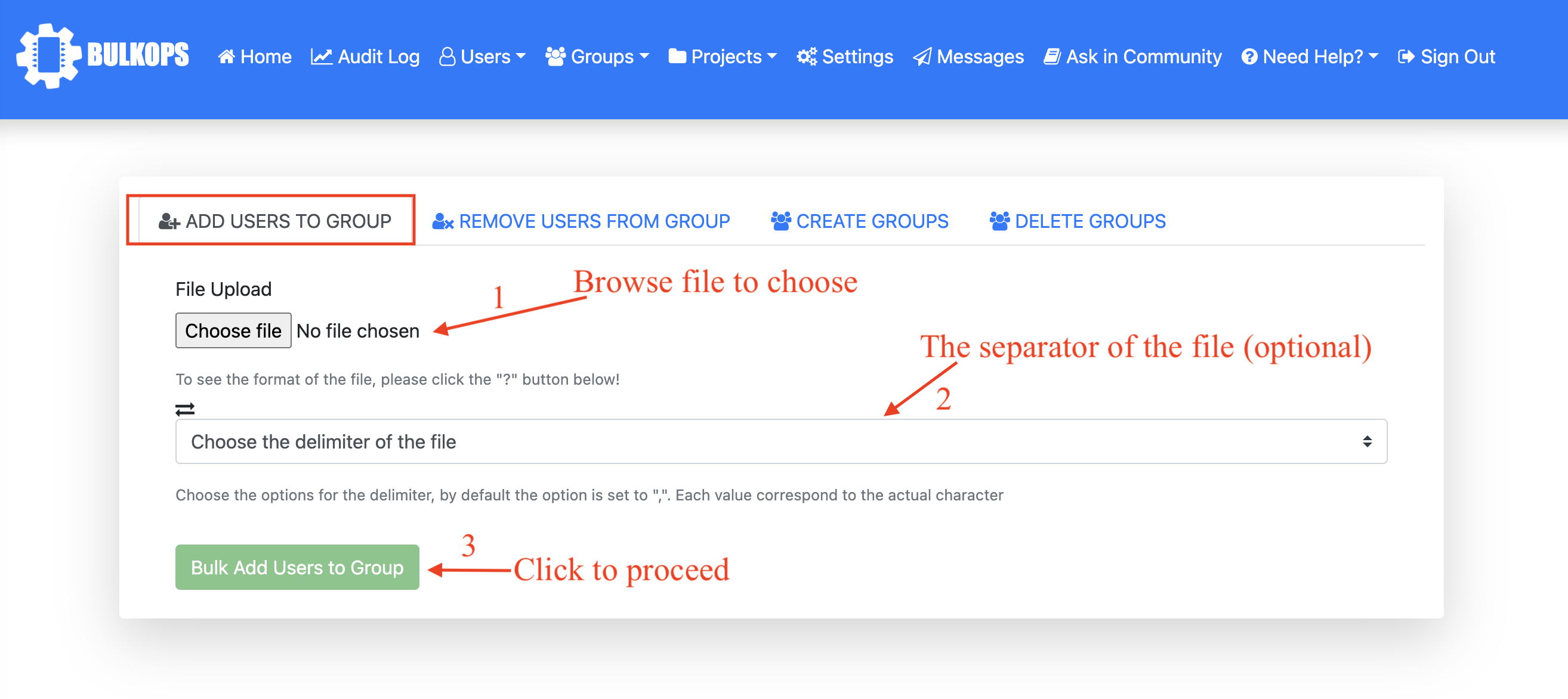
- Click the bulk add users to group button to proceed
These and many more features are available in our app to help you easily perform migrations, test runs, demos for clients, sandbox configuration etc
Try out our app (free for 30 days or completely free if your user base is under 10 users). Visit our documentation to get started and if in doubt, our expert support team on Jira and Confluence would be able to answer any questions or use cases you may have.
