In many of my previous articles, I’ve tried to show ways you can structure your content in a way that makes sense, is more efficient or just simplified. Like in this article, where I talk about structuring the perfect page tree.
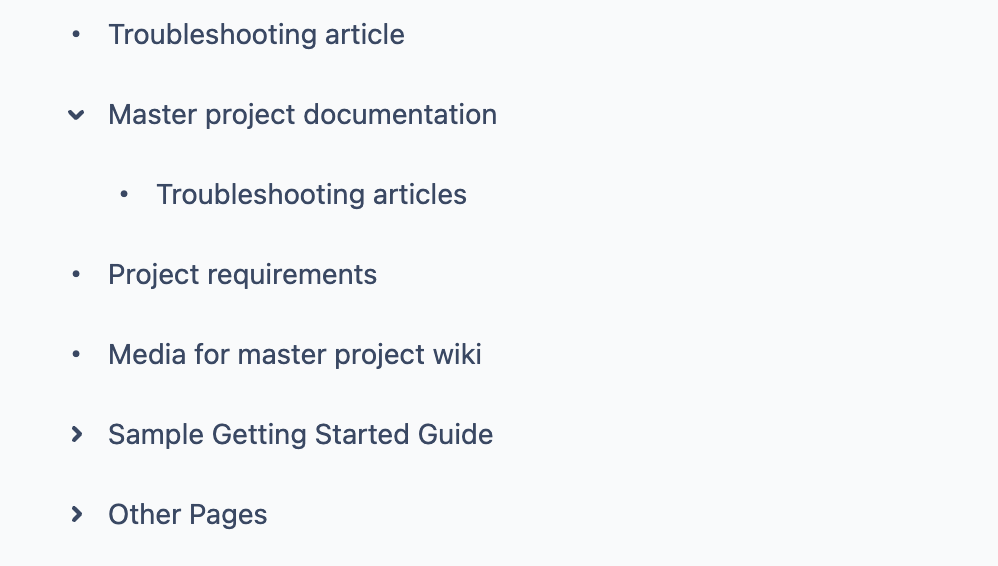
However, a big part of structuring spaces and pages is being clear about the purpose of this page. But you know what? Sometimes, we make pages so we can host pages underneath. Like this example:
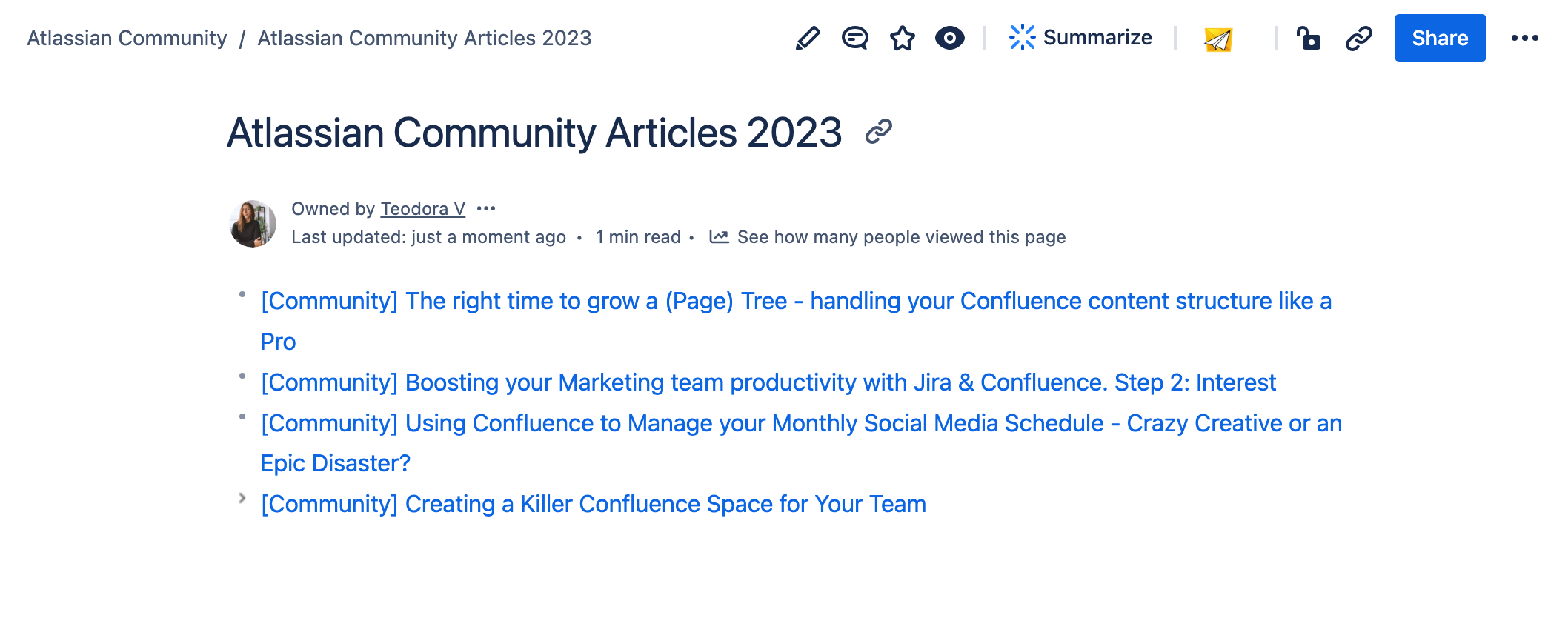
To avoid having a weird blank page that is only created to host child pages, I render the page tree as the page's content. Of course, I can add some information and make it beautiful, but why waste time and effort when my goal was REALLY to have this only as a parent page?
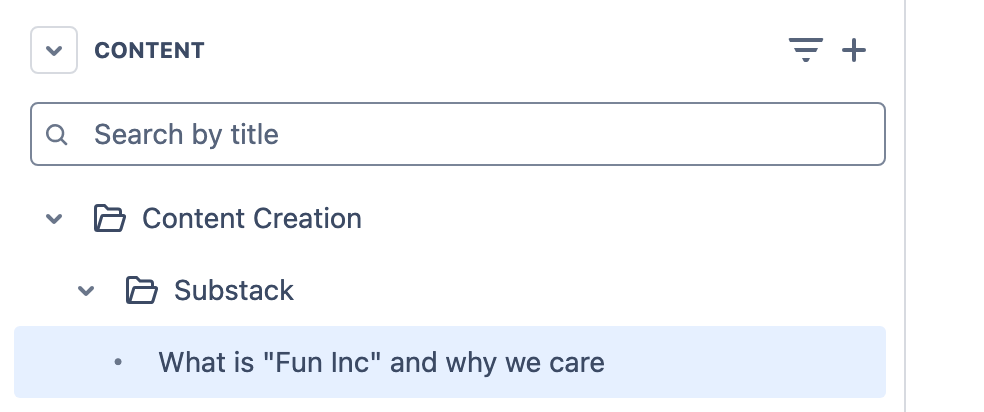
That’s why I am beyond satisfied to finally have the most anticipated feature of Confluence: Folders.
Confluence Folders is the absolute game changer for anyone passionate about neatly ordering and crafting their internal content.
-
You can use folders to separate content by status (e.g., drafts, in review, published) and improve your content lifecycle management.
-
Folders can be used to create structured onboarding guides, grouping documentation, training materials, and checklists in one place.
And more and more.
No need for ‘only supposed to be a parent’ pages or time invested in making a content-rich home page for the sake of grouping a category.
If you haven’t tried it out yet - you must!

Also, you may see this lovely banner showing you how to quickly convert the parent page into a folder without losing content because it’s safely archived.
Learn more about the Folders feature here.
Enjoy making your Space shine brighter 💙


