Hi everybody!
As many of you know, we tested out a new space creation experience over the past few months. This new experience drastically simplifies the space creation experience by focusing on Confluence's core use-cases.
Instead of presenting a long list of templates, most of which are highly similar, you are now presented with just three options: Collaboration, Knowledge base, and Custom:
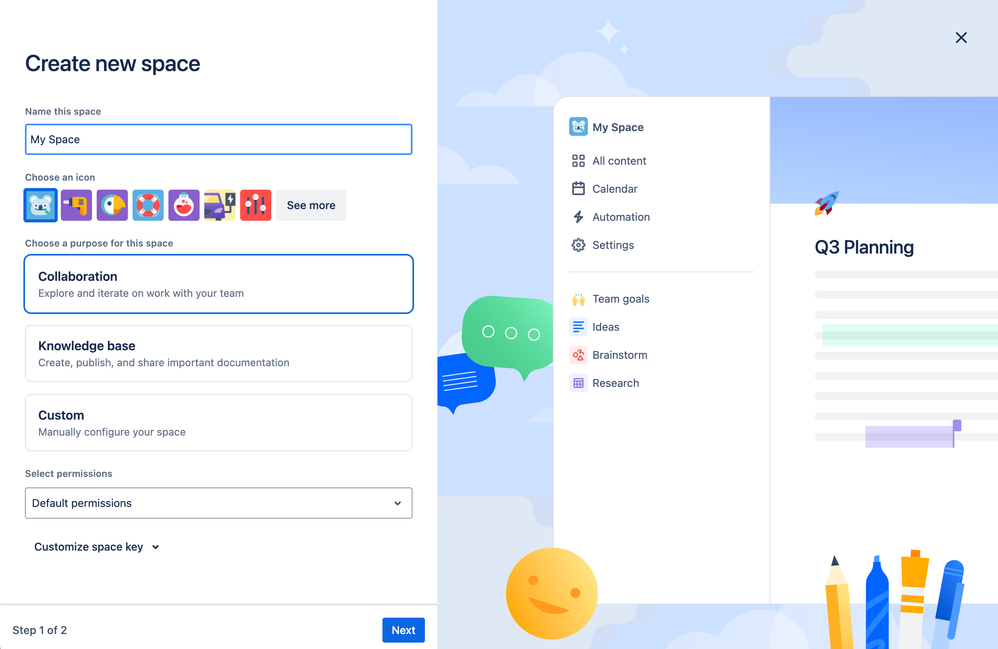
To date, space templates in Confluence have been primarily differentiated by their default sample content. However, the majority of space templates were rarely ever selected, and much of their default content ended up getting deleted.
With this redesign, we've shifted toward a space creation experience defined by the default feature configurations that best support Confluence's two core use-cases.
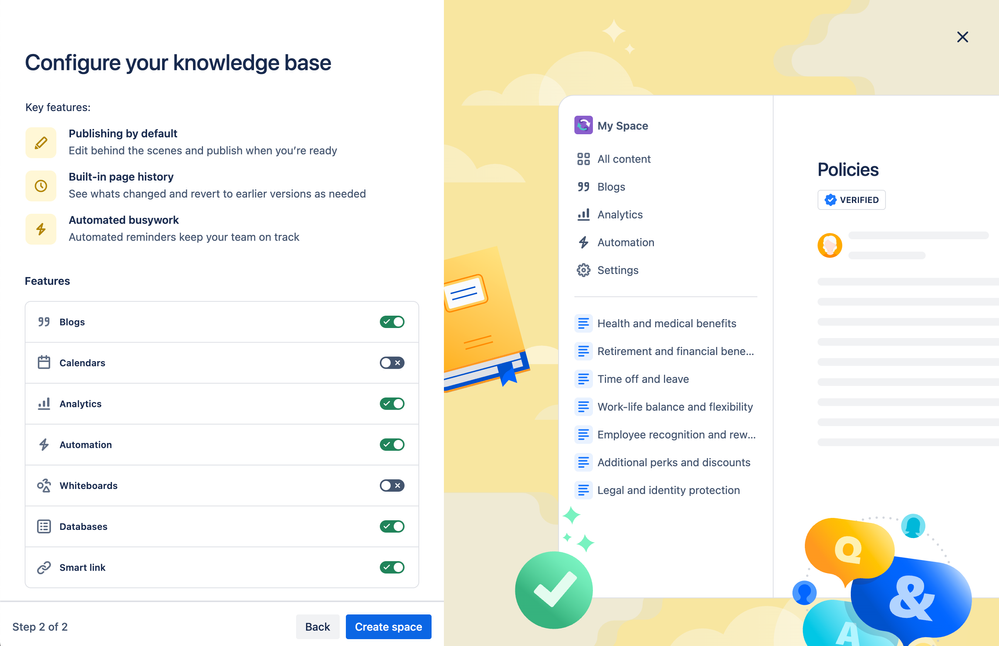
For example, if you're creating a knowledge base, you may be less likely to use whiteboards, so we've disabled them by default.
If you’re not sure this is the right choice for your team, changing them back is as simple as clicking a toggle:
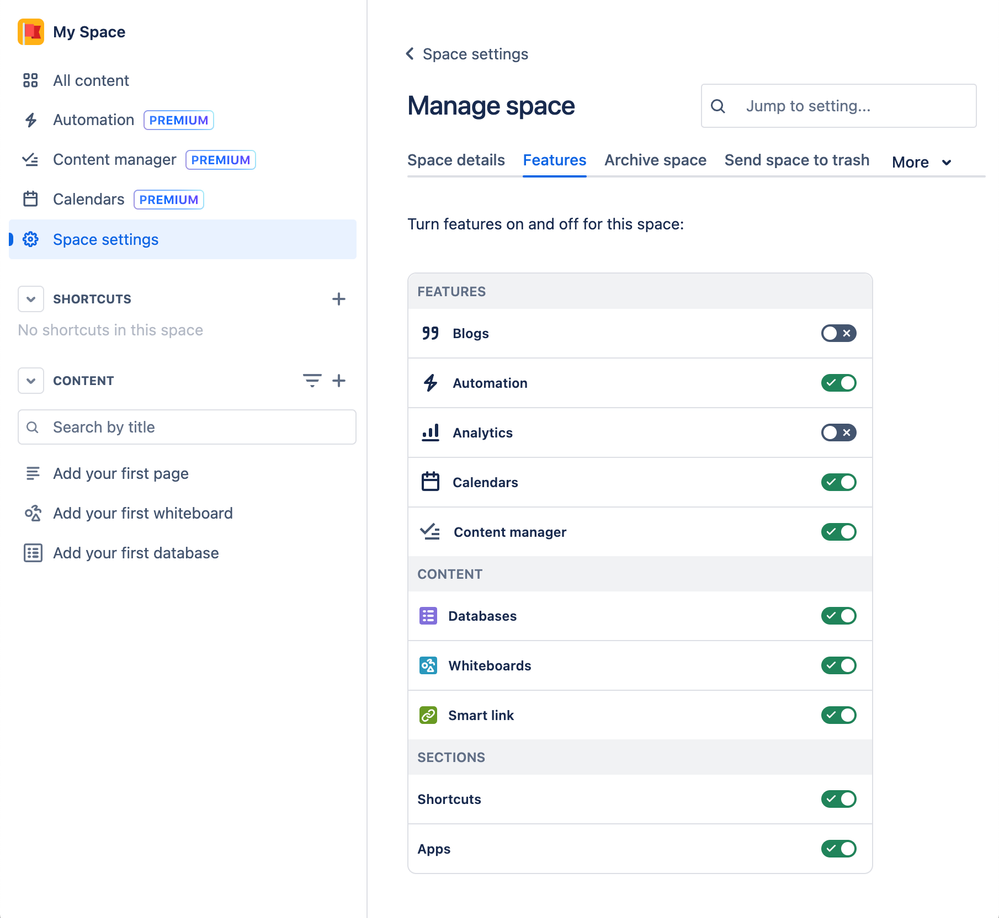
There’s no need to worry about making mistakes, either — you can always edit these features in the new and improved Space settings > Features later:
But wait, what happened to the page templates I’m used to?
We’ve included the most-used page templates for each use case by default:
Collaboration
-
Project plan
-
Decisions page
-
Meeting notes
Knowledge base
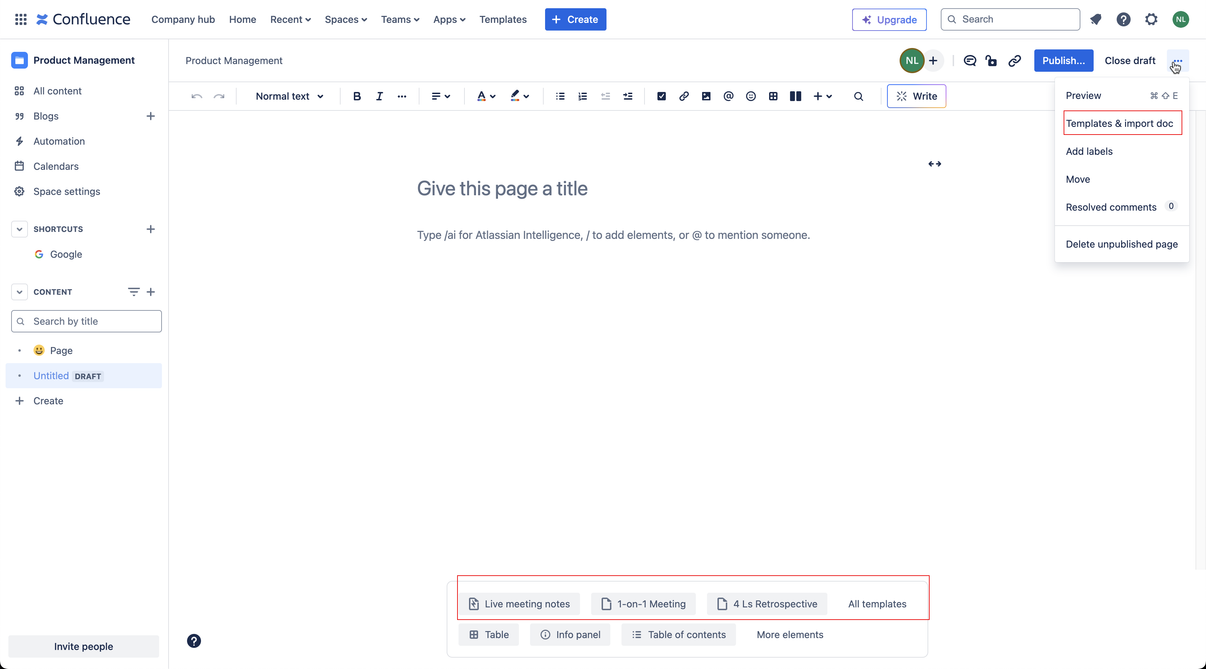
In order to find the rest of the templates, you can click on either of the following after creating a new page:
A few other tweaks
Besides the changes to the space creation flow, you may notice a number of other changes that make it easier to create and get started using a space:
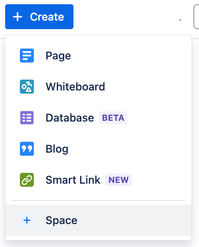
You will be able to create a space directly from the global create button:
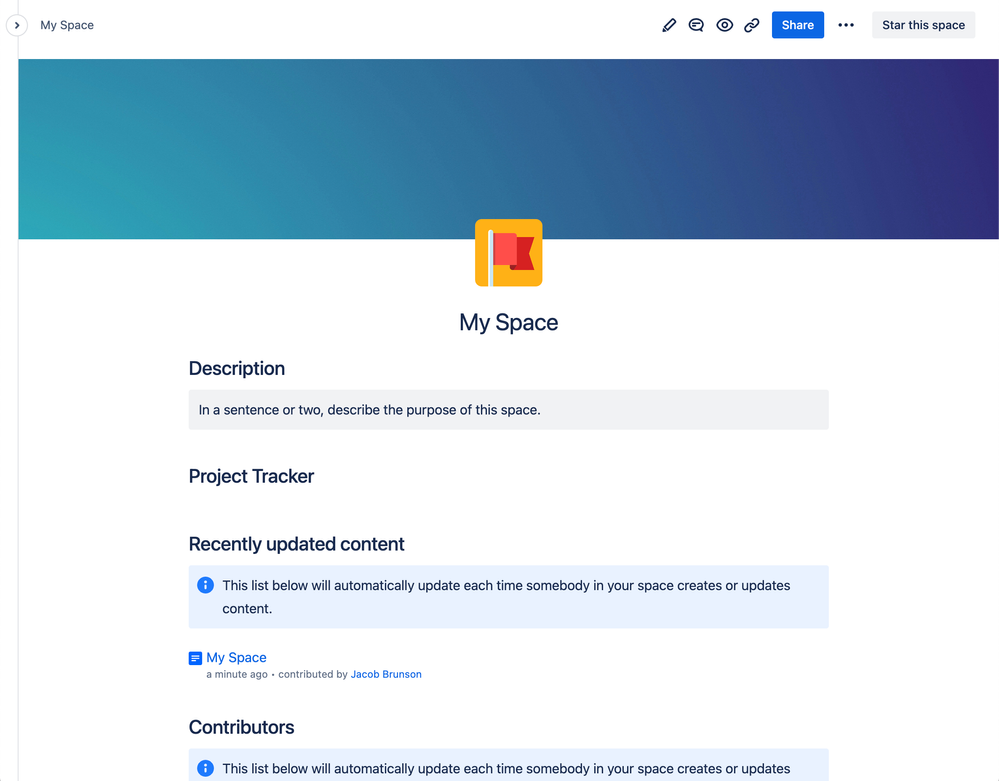
We’ve also updated the default space overview pages by adding a few of our most popular macros:
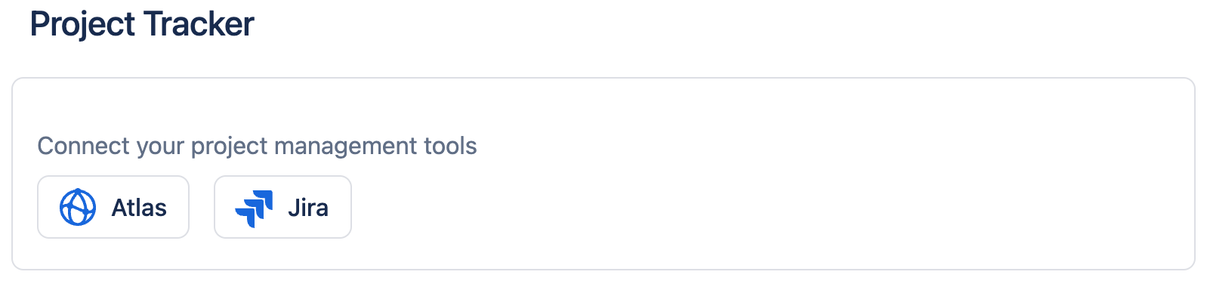
And finally, we built a custom “Project Tracker” connector to Atlas and Jira so your team can stay on top of project progress:
These changes will be rolling out over the next few weeks; we hope you enjoy them!
- Ned, on behalf of the Confluence team


