Hi Community 👋
We’re putting you in control of how often you receive notifications for the same issue. You can now choose the frequency to better suit your workflow.
Select a longer time to avoid feeling overwhelmed by email notifications, or a shorter one for immediate updates.
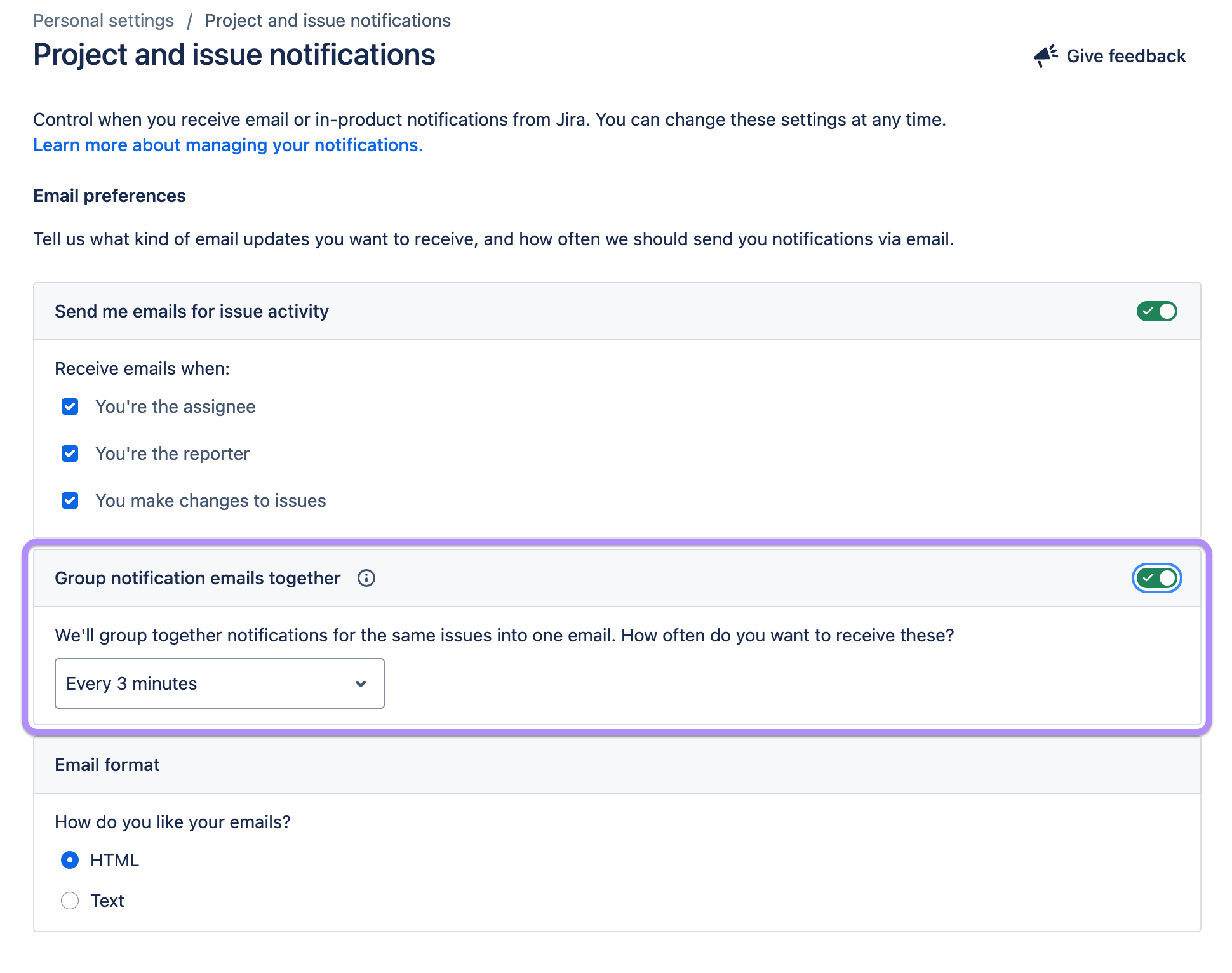
Old experience
Previously, we batch several updates into a single email and did not give you the option to change the frequency.
After any change to a Jira issue, there will be a 3-minute pause. The intent is to give your teammates time to reply to the change.
If there was no reply, you’d be notified of the change.
If there was a reply, there would be another 3-minute pause. This would be repeated until either there were no further changes or a maximum time limit was reached—10 minutes.
New experience
You can now turn on Group notification emails together in Project and issue notifications. Once done, you can select one of four options:
-
Every 3 minutes
-
Every 10 minutes
-
Every 30 minutes
-
Once per day at…
We’ll send you notifications for the same issue, using the frequency you choose.
Thanks,
The Jira Team.


